The browser has gradually become a serious workspace for creative software. Image editors, design tools, audio workstations, and even development environments can now run without a traditional desktop installation.
Video editing is a more demanding test. Large files, multiple media tracks, preview rendering, and export all place pressure on memory and processing power. That is what makes Editing.video an interesting browser tool to examine.
It offers a familiar timeline-based editor, but removes two steps that are common in online creative software: account registration and mandatory media uploads.

A timeline editor rather than a one-task utility
Many web-based video tools solve one narrow problem. They trim a clip, resize a video, or convert one file format into another. That can be useful, but it often forces users to move the same media through several websites before a project is finished.
Editing.video brings the common tasks together in a multitrack workspace. Its current editing options include:
- arranging video, images, audio, and text on a timeline;
- splitting, trimming, moving, and combining clips;
- adding titles, captions, shapes, stickers, and masks;
- adjusting audio levels and synchronizing sound with visuals;
- previewing the result before export;
- creating landscape, square, and vertical projects.
The feature set covers the kind of work that appears frequently in developer workflows: cleaning up a screen recording, preparing a product demo, assembling a short tutorial, or turning a few clips into a social post.
The workflow starts with a local file, not an upload queue
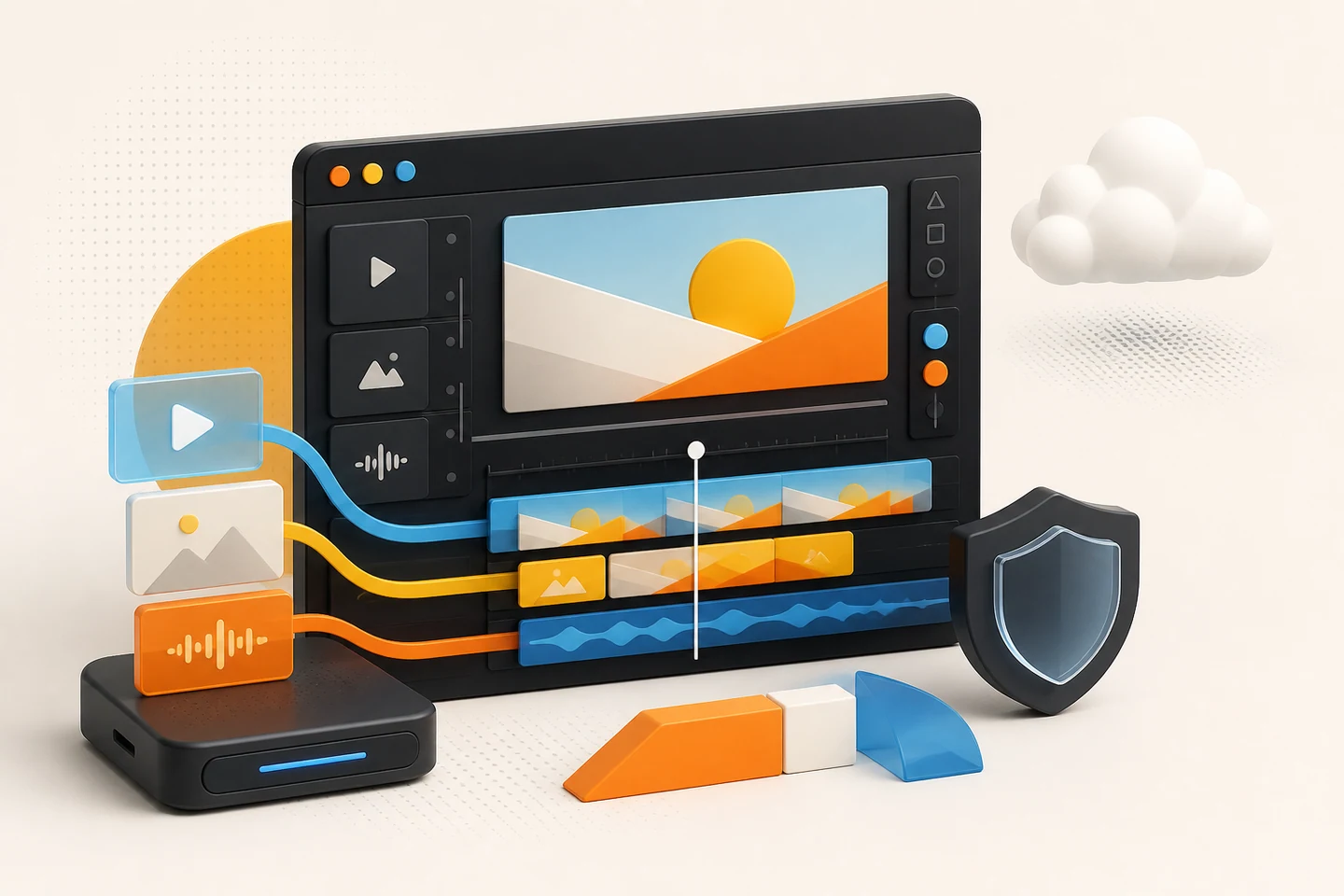
The most notable choice is how Editing.video handles imported media. Files are read and processed on the user's device instead of first being uploaded to the product's project servers.
That changes the experience in several ways.
Editing can begin sooner
A large recording does not have to travel over an internet connection before it appears in the editor. This matters when the upload connection is slow or the source video is several gigabytes in size.
Developers regularly record unreleased interfaces, internal dashboards, client projects, and test environments. Keeping those files on the current device reduces unnecessary transfer and storage of source material.
Local processing is not a complete privacy guarantee—the application still runs in a browser and should be evaluated like any other web tool—but it is a useful reduction in exposure.
Occasional tasks stay lightweight
There is no need to create and maintain another account just to remove a few seconds from a recording. The editor can be opened and used without registration.
| Cloud-first editor | Local-first browser workflow |
|---|
| Upload before editing | Select a file and begin locally |
| Account often required | No registration required |
| Start time depends on upload bandwidth | Performance mainly depends on the device |
| Source media is stored remotely | Source media remains on the current device |
Why this matters to web developers
Editing.video is useful as a product, but it also reflects a broader change in web application design.
For years, “online software” often meant that the browser was only a frontend for work performed on a remote server. Modern browser capabilities make another model possible: the interface and much of the processing can live together on the client.
That model can offer a few advantages:
- less server-side storage for user files;
- lower dependence on upload bandwidth;
- faster time to the first useful action;
- a clearer privacy story for sensitive media;
- fewer onboarding steps for users with a one-time task.
Not every application should move its workload to the client. Still, media tools are a useful example of how local-first design can make a web product feel less like a remote service and more like installed software.
The browser still has limits
Moving work to the device also moves responsibility for performance to the device. A complex timeline may consume significant memory and CPU resources. Codec support can differ between browsers and operating systems, and clearing local browser data may affect projects that have not been backed up.
Long-form, high-resolution, or professional production work may therefore remain better suited to a desktop editor. Editing.video is most compelling for quick, lightweight tasks where convenience and local media handling matter more than a large professional toolset.
A practical browser-first option
Editing.video does not try to make the editing process begin with an account dashboard or an upload form. It begins with the user's media and a timeline.
That makes it a practical option for screen recordings, product walkthroughs, gaming clips, short tutorials, and everyday video tasks. It also makes the product a useful example of where browser-based creative software is heading.
The editor can be explored at https://editing.video.
As browsers continue to gain stronger media capabilities, the more interesting question may no longer be whether creative tools can run on the web, but how much of their work can stay on the user's own device.
