In the world of game development and digital content creation, animation has always been the bottleneck. Whether you are an indie developer building a 2D platformer or a content creator trying to produce viral shorts, the gap between static art and moving characters is often bridged by hundreds of hours of tedious keyframing or expensive motion capture gear.
But 2026 has ushered in a new paradigm: AI Motion Control.
This isn't just about text-to-video generation, which often suffers from hallucinated movements and lack of consistency. We are talking about precise, reference-based motion transfer that gives developers total control over how their characters move.
The Evolution: From Keyframes to Neural Networks
Traditionally, specific character movement required one of two things:
- Manual Animation: Moving bones frame-by-frame (time-consuming).
- Motion Capture (Mocap): Wearing a suit with ping-pong balls (expensive).
Generative AI started changing this with text-to-video, but for professional workflows, random generation isn't enough. You need controllability. You need your character to perform a specific dance, a specific combat move, or a specific facial expression.
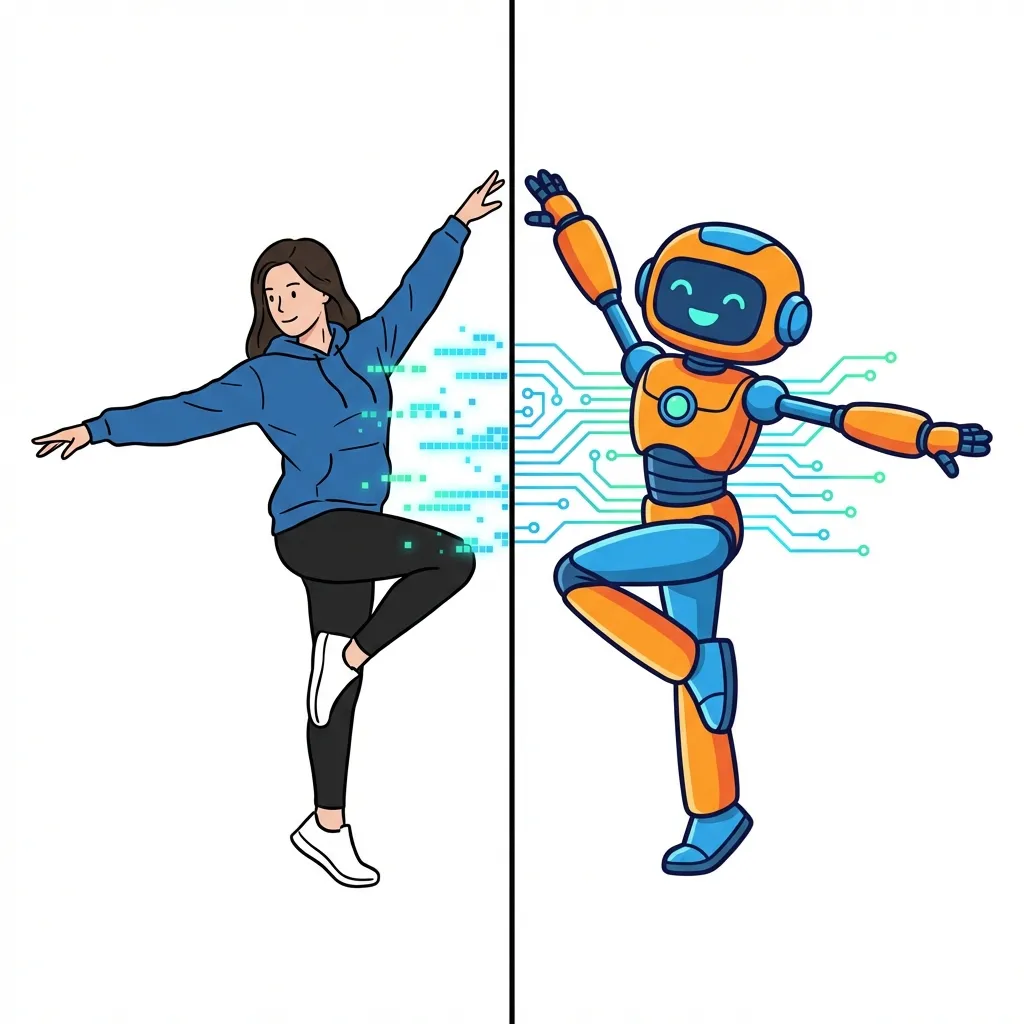
This is where AI Motion Control steps in. Instead of describing the movement with text, you provide a reference video. The AI extracts the motion data (skeleton, depth, pose) from the video and applies it primarily to your static character image.
How AI Motion Control Works
Under the hood, technologies driving platforms like AI Motion Control utilize advanced diffusion models coupled with control nets (like PoseNet or OpenPose).
- Motion Extraction: The system analyzes the source video to understand the temporal dynamics—how the subject moves through time.
- Feature Mapping: It maps these dynamics onto the target character's topology, even if the aspect ratios or body shapes differ partially.
- Consistent Generation: The diffusion model generates the frames, ensuring the character's identity remains consistent (no flickering faces) while adhering to the reference motion.
Practical Tutorial: Animating a Static Character
Let’s walk through a typical workflow for an indie game developer wanting to create an idle animation for a character.
Step 1: Create Your Character
First, use your preferred image generator (like Midjourney, Flux, or your own art skills) to create a character in a "T-pose" or "A-pose". A neutral background helps.
Step 2: Find a Reference Video
You don't need a mocap studio. You can:
- Record yourself performing the action with your phone.
- Download a royalty-free clip from stock footage sites.
- Use a stylized animation clip.
Step 3: Apply Motion Transfer
This is the magic step. Tools like AI Motion Control streamline this process significantly.
- Upload your Target Image (the character).
- Upload your Reference Video (the movement).
- Adjust settings for Expression Sync if your video involves facial acting.
- Generate.
The result is a high-fidelity video of your character performing the exact action from the reference. For game devs, this can be converted into a sprite sheet. For marketers, it’s instant social media content.
Use Cases Beyond Gaming
While game dev is a massive beneficiary, the applications are broad:
- Virtual Influencers: Maintain a consistent avatar while having a real human act out the daily content.
Video Motion Transfer technology makes this seamless.
- Film Pre-visualization: Directors can act out scenes and instantly see them populated with concept art characters.
- E-commerce: Show clothes moving on different virtual models without booking multiple photoshoots.
The Future is Controllable
As we move deeper into 2026, the "randomness" of early generative AI is being replaced by tooling precision. AI Motion Control represents the maturation of the medium—turning AI from a toy into a professional production pipeline component.
If you haven't experimented with this yet, grab a reference video and try transforming your static art today. The barrier to entry for high-quality animation has never been lower.