Introduction
If you prefer learning from books and documentation instead of videos, Rust offers one of the best learning resources available:
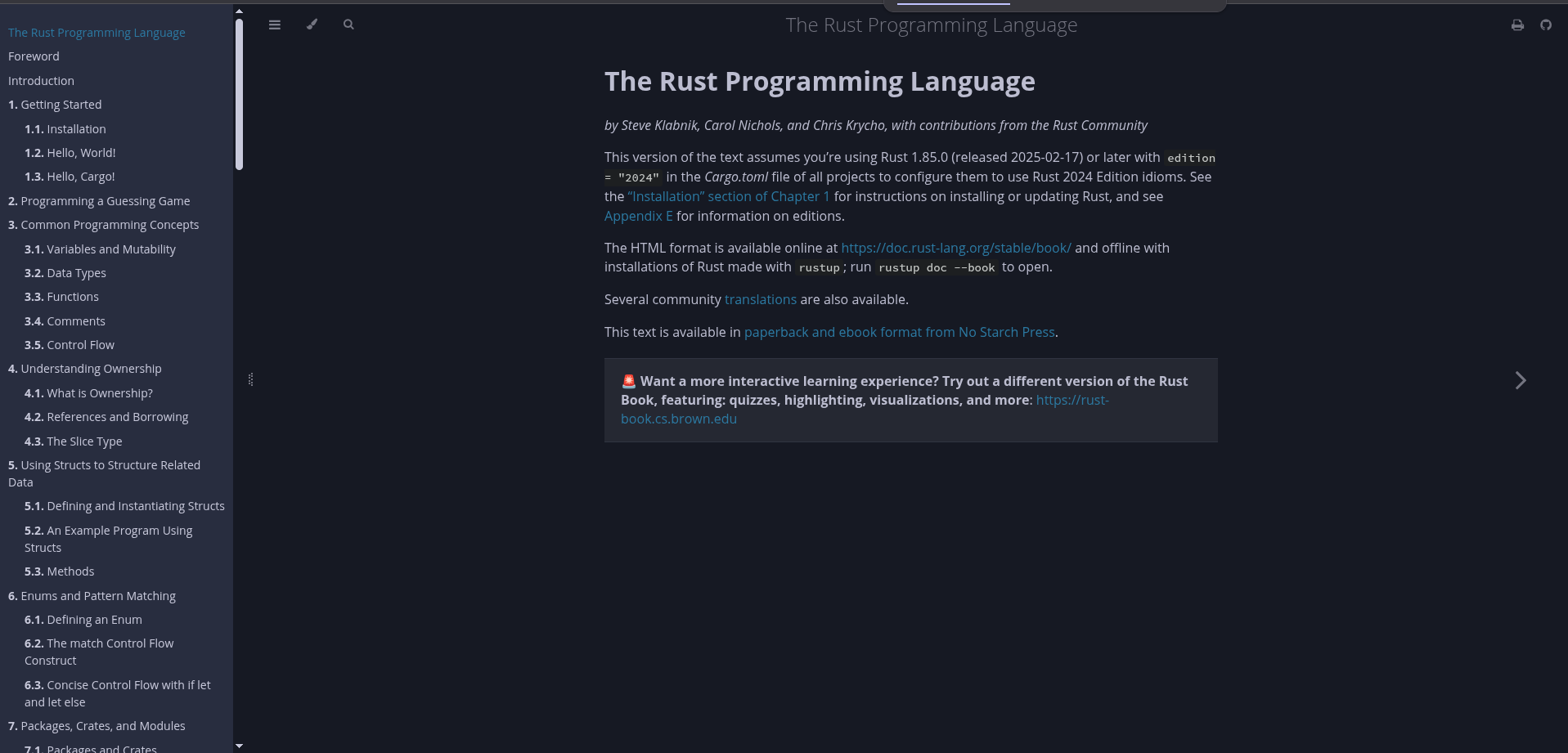
The Rust Programming Language, also known as The Rust Book.
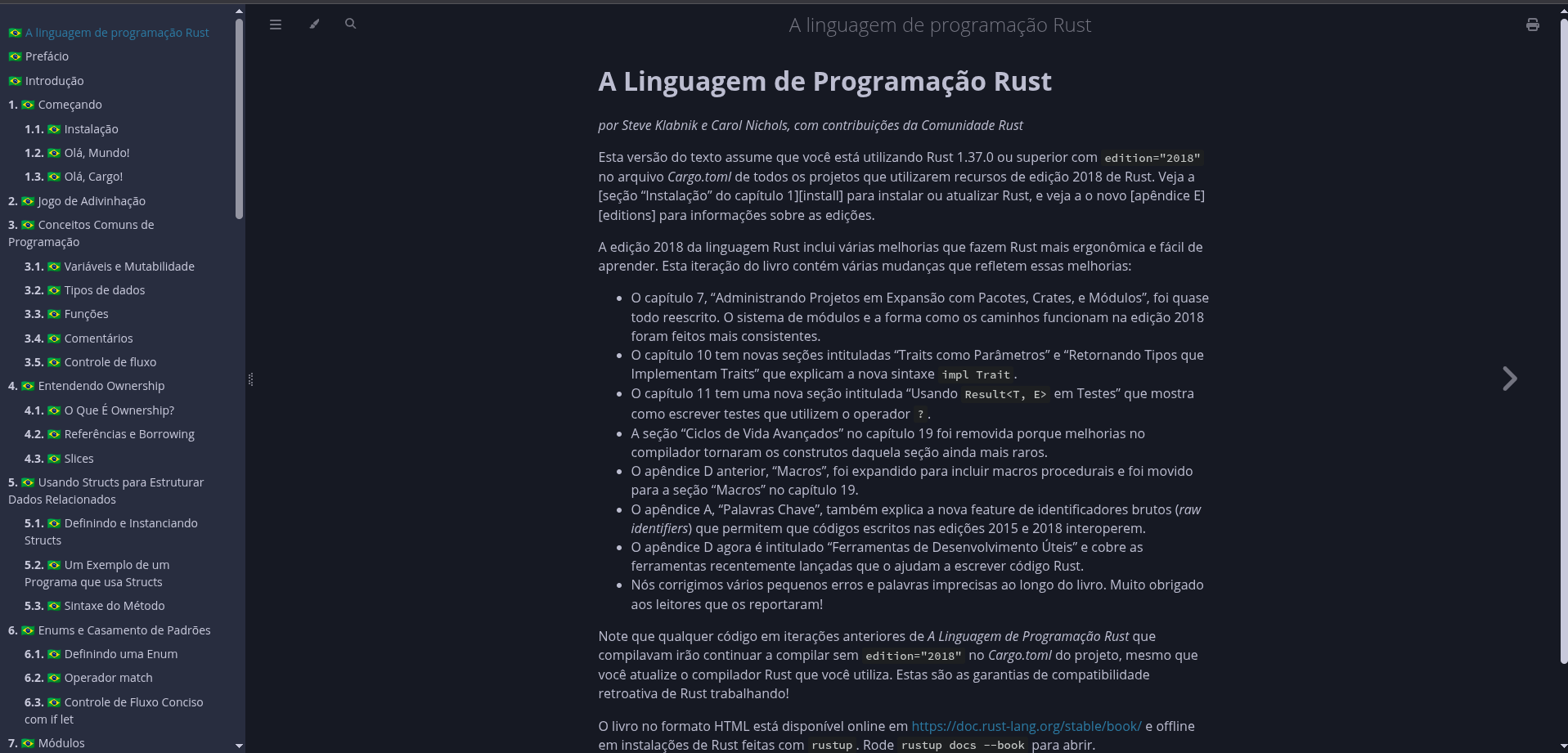
The book is open source, maintained by the community, and available in several languages — including Portuguese (pt-BR) and other community translations.
In this tutorial, you will learn how to:
- Install Rust on your system
- Install
mdbook, the tool used to build the book
- Build the book locally on your machine
- Open the full documentation in your browser, offline
As a bonus, you will already have part of your Rust development environment set up.
This guide focuses on Linux, but the process is very similar on other operating systems.
Why Build the Book Locally?
Reading the book online is perfectly fine, but building it locally has some advantages:
- Offline access
- Faster navigation between chapters
- Easy access to the source files
- Possibility to contribute with fixes and improvements
If you enjoy learning by exploring real project structures, this is a great way to start.
Official online version of the book:
https://doc.rust-lang.org/stable/book/
Step 1: Installing Rust
To build the book, we first need to install Rust and its package manager, Cargo.
The official and recommended way to install Rust is using rustup.
Run the following command in your terminal:
curl --proto '=https' --tlsv1.2 -sSf https://sh.rustup.rs | sh -s -- -y
If everything goes well, you should see a message similar to:
Rust is installed now. Great!
To get started you may need to restart your current shell.
This would reload your PATH environment variable to include
Cargo's bin directory ($HOME/.cargo/bin).
Reload Your Environment Variables
To make sure Cargo is available in your current terminal session, run:
. "$HOME/.cargo/env"
Now verify the installation:
rustc --version
Expected output example:
rustc 1.84.1 (e71f9a9a9 2025-01-27)
Step 2: Installing mdBook
mdbook is the tool used to build and serve the Rust Book.
Install it using Cargo:
cargo install mdbook
You can confirm installation with:
mdbook --version
Official mdBook documentation:
https://rust-lang.github.io/mdBook/
Step 3: Cloning the Book Repository
Now clone the book repository.
For the Brazilian Portuguese translation:
git clone https://github.com/rust-br/rust-book-pt-br.git
cd rust-book-pt-br
For the original English version:
git clone https://github.com/rust-lang/book.git
cd book
Choose the version that best fits your learning needs.
Step 4: Building the Book
Inside the project directory, run:
mdbook build
After the build finishes, the generated site will be inside the book/ directory.
Open it in your browser:
xdg-open book/index.html
Or:
firefox book/index.html
If your terminal cannot open the browser, you can also navigate manually using your file manager and open:
book/index.html
Step 5: (Optional) Running a Local Server
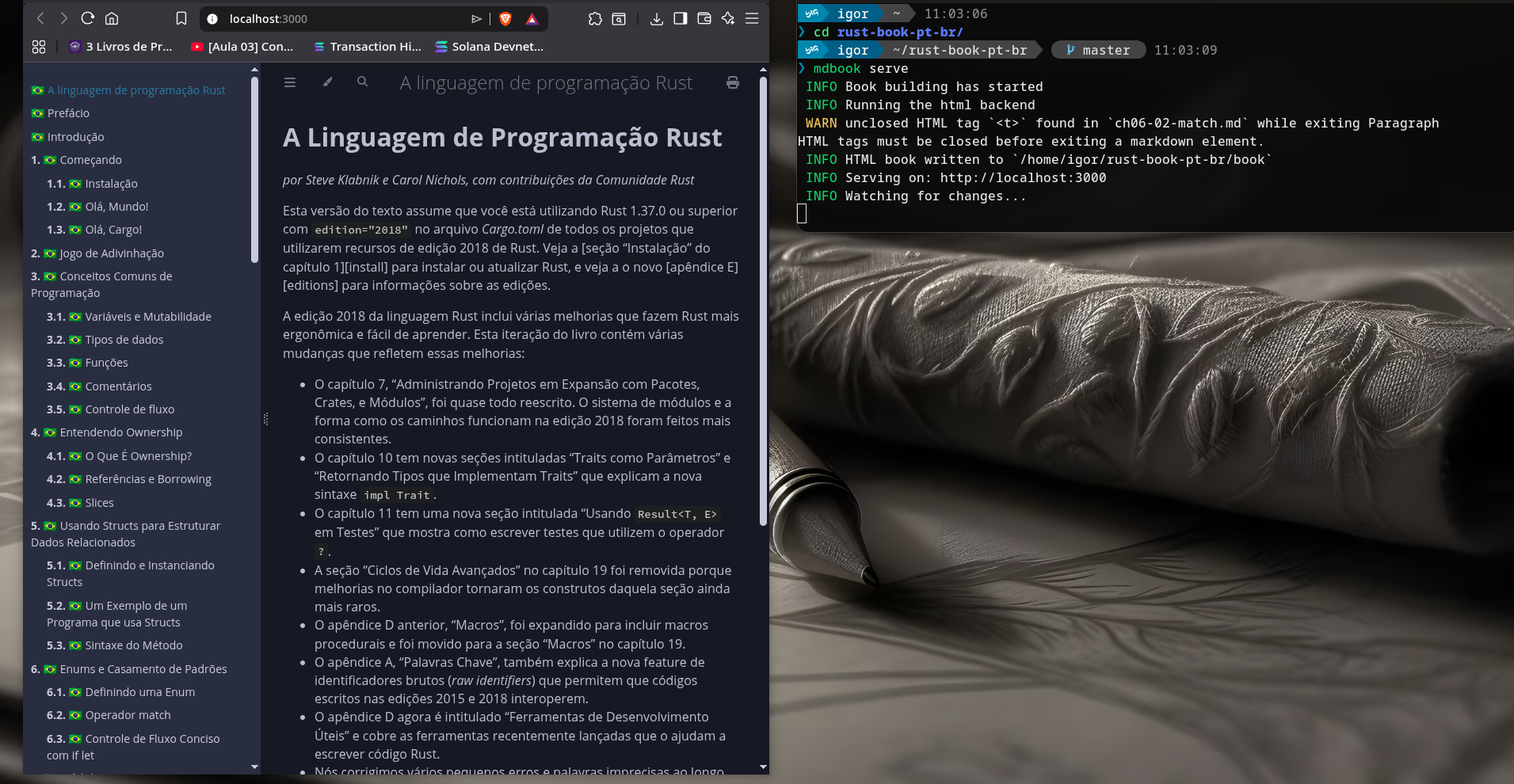
Instead of opening static files, you can also run a local server:
mdbook serve
Then open:
http://localhost:3000
This is useful if you want live reload while editing files or exploring the structure.
Conclusion
Building the Rust Book locally may look unnecessary at first, but it helps you:
- Install Rust properly
- Learn how Cargo works
- Understand how Rust documentation is structured
- Get closer to the open-source ecosystem
Learning a language becomes much easier when you actively explore its tools and community.
If you're starting your Rust journey and prefer documentation over videos, this is an excellent first step.
Happy coding

