Introduction
Anyone running dual boot with Windows and Linux has likely encountered this behavior:
Linux shows the correct time. You reboot into Windows… and the system clock is suddenly several hours ahead.
This happens across many distributions — Ubuntu, Fedora, Linux Mint, Big Linux, and others — and it is not a bug.
It is the result of fundamentally different architectural decisions about how operating systems interpret time.
In this article, you’ll learn:
- What the RTC (Real-Time Clock) is
- How Linux and Windows interpret system time differently
- Why the issue happens
- The technically correct solution

What Is the RTC (Real-Time Clock)?
Every computer has a Real-Time Clock, also known as the hardware clock.
It:
- Is powered by the motherboard battery
- Keeps time while the system is turned off
- Lives in the firmware (BIOS/UEFI)
- Provides the initial system time during boot
The key detail
The RTC does not store timezone information.
It only stores a raw date and time value.
The operating system decides how that value is interpreted.
This is where the conflict begins.
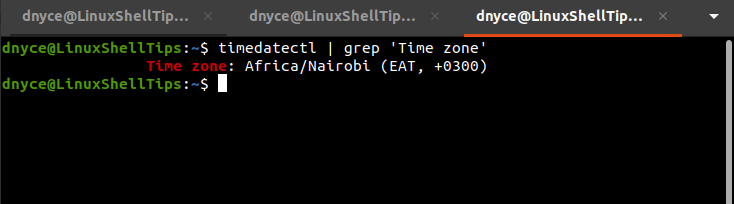
How Linux Handles Time and Timezones
Linux and other Unix-like systems follow a long-established convention:
- The RTC is treated as UTC
- Timezone conversion happens in software
At boot time:
- Linux reads the RTC as UTC
- Applies the configured timezone offset
- Displays the correct local time
When writing time back to the hardware clock, Linux keeps it in UTC.
This approach is technically robust and ideal for:
- Multi-boot systems
- NTP synchronization
- Timezone changes
- Predictable behavior
How Windows Handles System Time
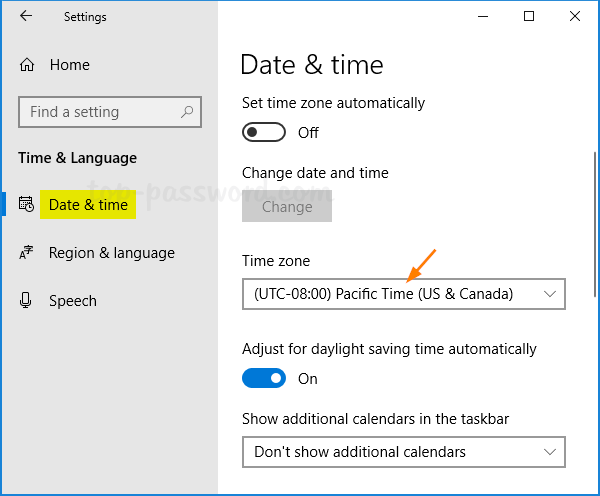
Windows follows a different model.
By default, Windows assumes the RTC is set to local time.
The value read from the hardware clock is displayed directly, without applying a timezone conversion.
This design decision is historical and works well for single-OS systems, but it conflicts with Unix-like conventions.
Why the Clock Is Wrong in Dual Boot
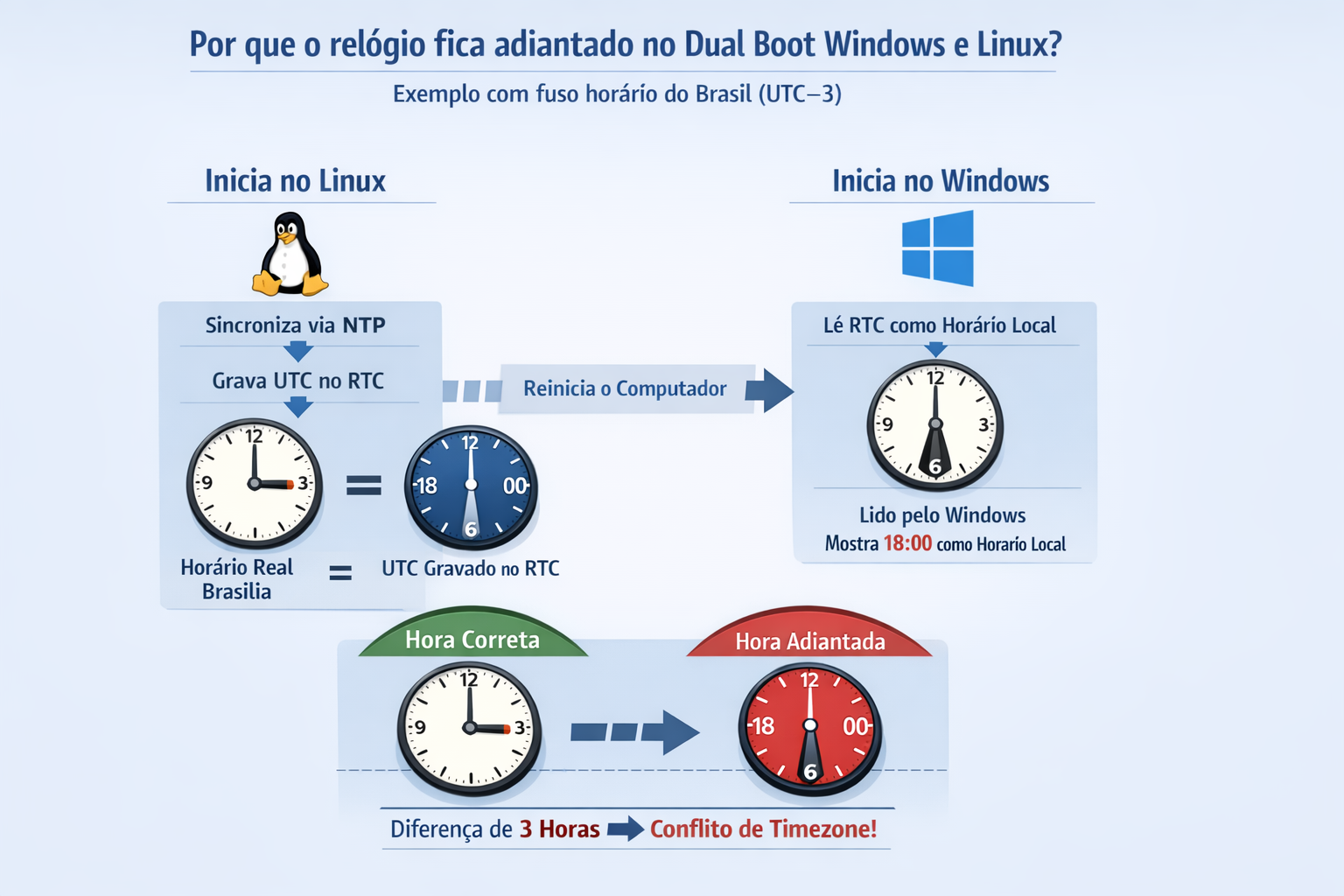
Example for a system configured to UTC−3:
- Local time: 15:00
- UTC time: 18:00
- Linux writes 18:00 (UTC) to the RTC
- Windows reads 18:00 as local time
Result:
The system clock appears 3 hours ahead in Windows.
This is not a synchronization issue — it is a clash between two different time models.
From a technical perspective, the cleanest solution is to align Windows with the Linux model by making it interpret the RTC as UTC.
Steps
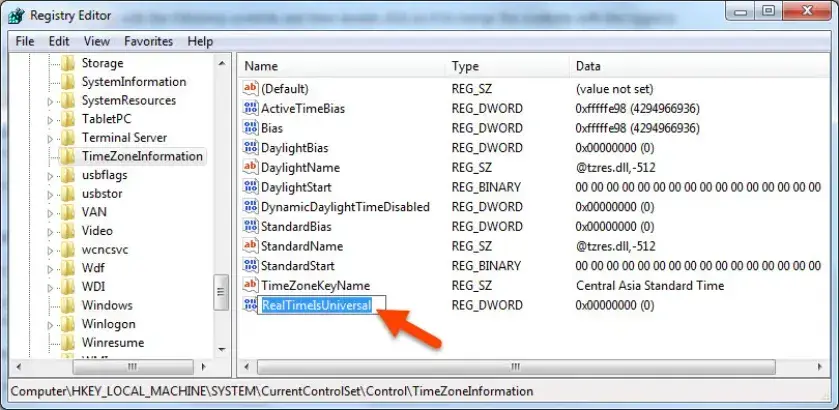
- Open Registry Editor (
regedit) as administrator
- Navigate to:
HKEY_LOCAL_MACHINE\SYSTEM\CurrentControlSet\Control\TimeZoneInformation
- Create a DWORD (32-bit) value named:
RealTimeIsUniversal
- Set its value to:
1
- Reboot the system
After this change, Windows will correctly apply the timezone offset and the issue will be resolved permanently.
Alternative Fix: Force Linux to Use Local Time (Not Recommended)
It is also possible to force Linux to treat the RTC as local time:
timedatectl set-local-rtc 1 --adjust-system-clock
⚠️ This approach is not recommended.
It:
- Breaks Unix-like conventions
- Can cause NTP synchronization issues
- Creates problems when changing timezones
- Is explicitly discouraged by
systemd documentation
This should only be used as a last-resort workaround.
Conclusion
The dual boot clock issue is not a bug — it’s the result of two different architectural approaches.
- Linux treats the RTC as UTC
- Windows assumes the RTC is local time
Understanding this distinction allows you to fix the problem once and for all.
Configuring Windows to use UTC is the most predictable and technically sound solution.
References


