How does positioning work?
Positioning helps us to control our elements in a place.
Here are the different types of positioning.
  position: static; /* default */
  position: relative;
  position: absolute;
  position: sticky;
  position: fixed;
  position: inherit;
Position: Static
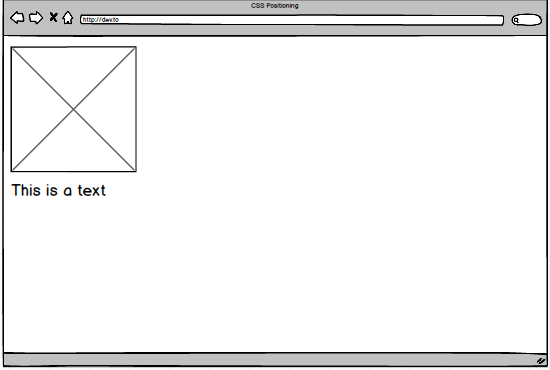
A default position in every situation. It is always positioned according to the normal page.
Will it change if I position the element on top, right, bottom, or left?
NO, it will become stated if you can position the element.
Position: Relative
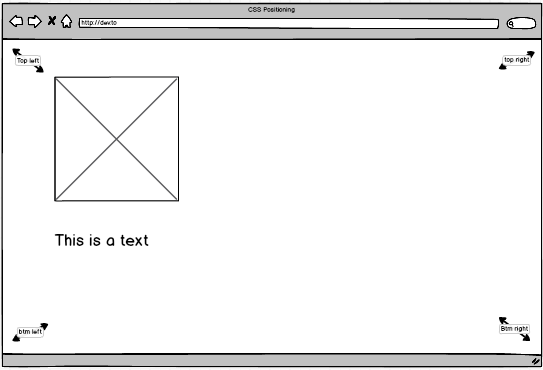
A position relative to its normal position. It allows us to direct in every position we decide.
When we don't declare any value to a position, it'll act like it's Static
We can use the top, right, bottom, and left positions to push every element.
Position: Absolute
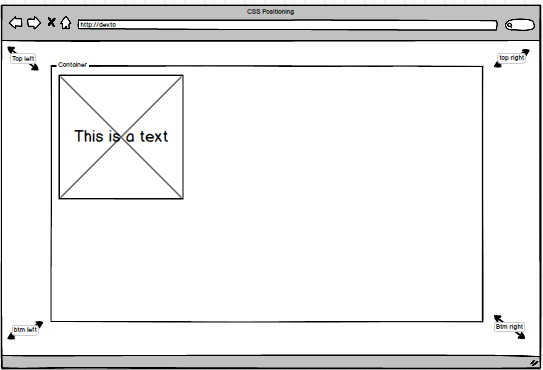
A position that can remove the Element from the document flow and position itself about a container, and a container has to have a position assigned to it as well.
A container element has a relative position, wonder why it is centered in the browser.
The text overlaps the image, just because both are positioned in Absolute
Position: Sticky
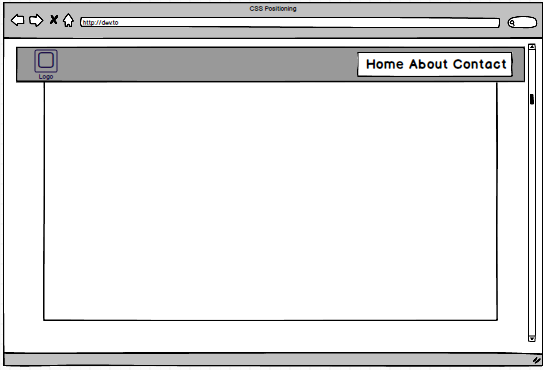
Sticky positioning is a hybrid of relative and fixed positioning. The element is treated as relatively positioned until it crosses a specified threshold, at which point it is treated as fixed-positioned.
- Mozilla Foundation, MDN Web Docs
The nav-bar container(parent) with icon(child) and navigation(child) set to sticky position
As you scroll the browser, the sticky container will continue to appear as it flows.
At the initial stage of the code the padding of your element will not be set to auto
You need to declare:
   nav-bar {
      /* using vendor-prefixed (-webkit and -moz) for specific browser */
              position: -webkit-sticky;    /* for chrome browser */
              position: -moz-sticky;       /* for mozilla browser */
              position: sticky;
              top: 0;
              overflow: hidden;    /* to fix the height of the container */
   }
Declared the overflow property.
Q: Why doesn't it work?
A: Your browser is not supported.
Kindly check caniuse
Position: Fixed
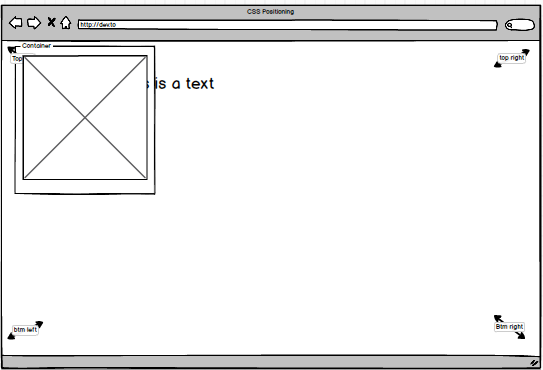
Similar to position absolute, an element that has a fixed position is taken out of the document flow. The major difference is: elements with position fixed are always positioned relative to the browser window.
I removed the paragraph element to a container, and the result is a container(parent) with an image(child) that overlaps the paragraph.
How about the other attributes?
Inherit a position with the same value from its parent.
   parent-element { padding: 15px; }
   child-element { padding: inherit; }
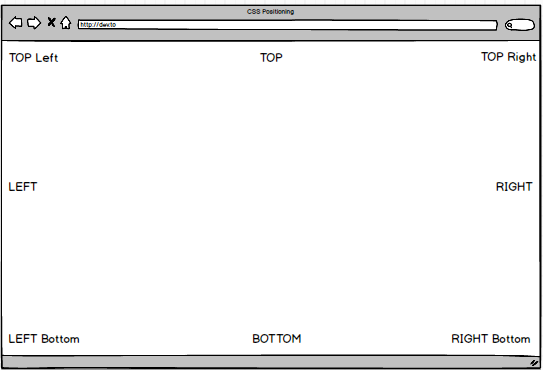
The top, right, bottom, and left It give us the permission to place every element with a set position e.g., Relative, Absolute, and Fixed.
(-) Negative values for an attribute are accepted.
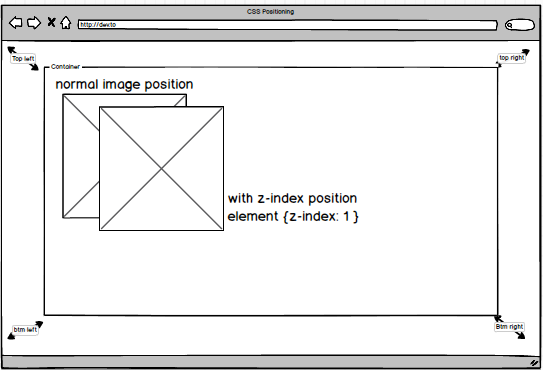
The z-index property manipulates the vertical stacking order of elements that overlap
Application that I used:
Balsamiq
Header Image
Udemy Master Class Header
Reference for Sticky Position
Mozilla Foundation
Browser Tool for browser compatibility
caniuse