Let’s start our journey learning how to use TWD (Test While Developing)!
In this first part, we’ll work with a small finished project that includes two pages:
- A Hello World page (perfect for our first test)
- A Todo List page that makes requests to an API powered by JSON Server
Our goal in this post is to install TWD and add the sidebar that will host all our tests.
Setting Up the Project
We’ll start by setting up our base project. You can clone the repo here:
git clone *Emails are not allowed*:BRIKEV/twd-docs-tutorial.git
cd twd-docs-tutorial
git checkout 01-setup
npm i
This project includes two routes: / and /todos.
All components and pages are already in place — ready for us to test.
To run the project locally:
npm run serve:dev
You should see this:
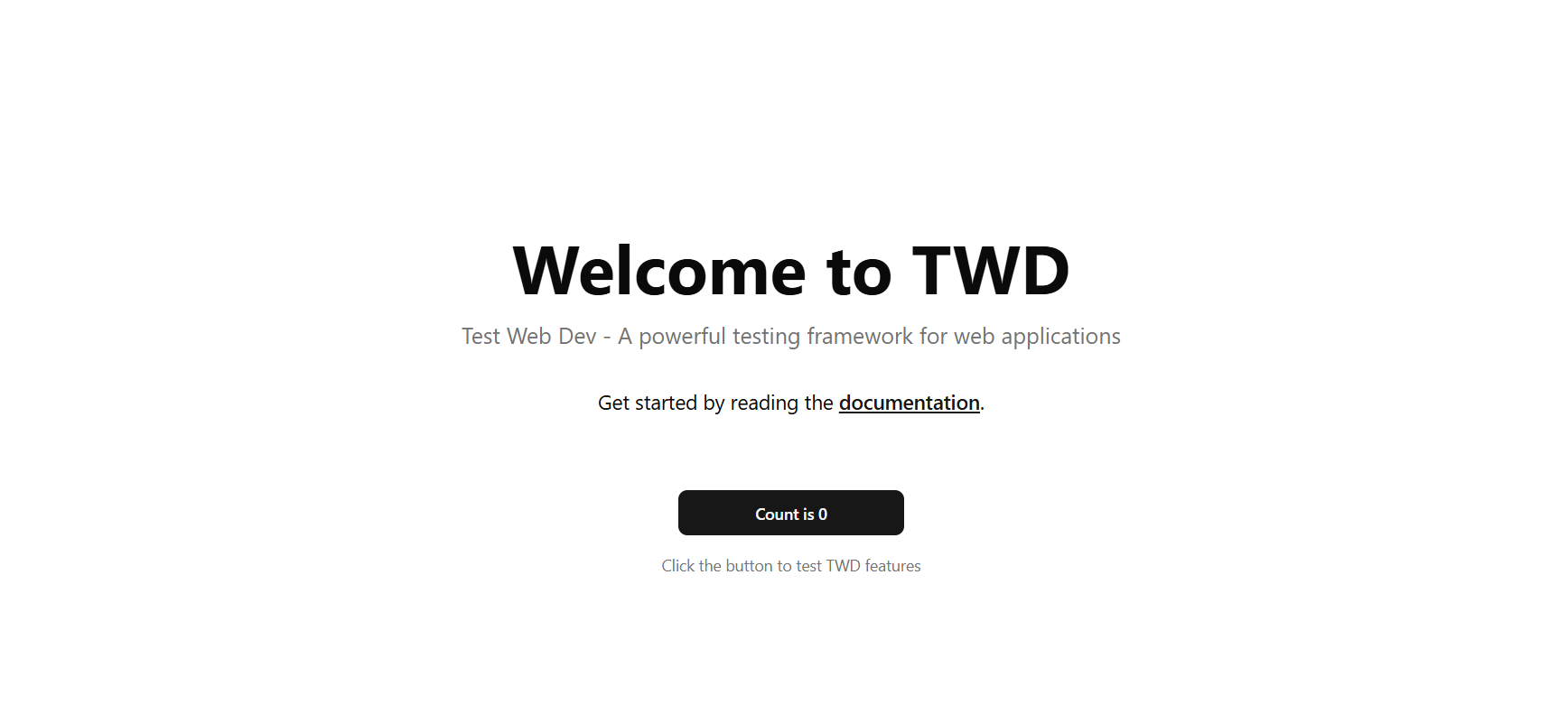
Getting Started with TWD
Now let’s install TWD:
# You can use npm, yarn, or pnpm
npm i --save-dev twd-js
Once installed, open src/main.tsx and add this code snippet:
if (import.meta.env.DEV) {
  // You choose how to load the tests; this example uses Vite's glob import
  const testModules = import.meta.glob("./**/*.twd.test.ts");
  const { initTests, TWDSidebar } = await import('twd-js');
  // You need to pass the test modules, the sidebar component, and createRoot function
  initTests(testModules, <TWDSidebar open={true} position="left" />, createRoot);
}
It’s important to include this inside the if (import.meta.env.DEV) block — this way, TWD won’t be bundled into your production build.
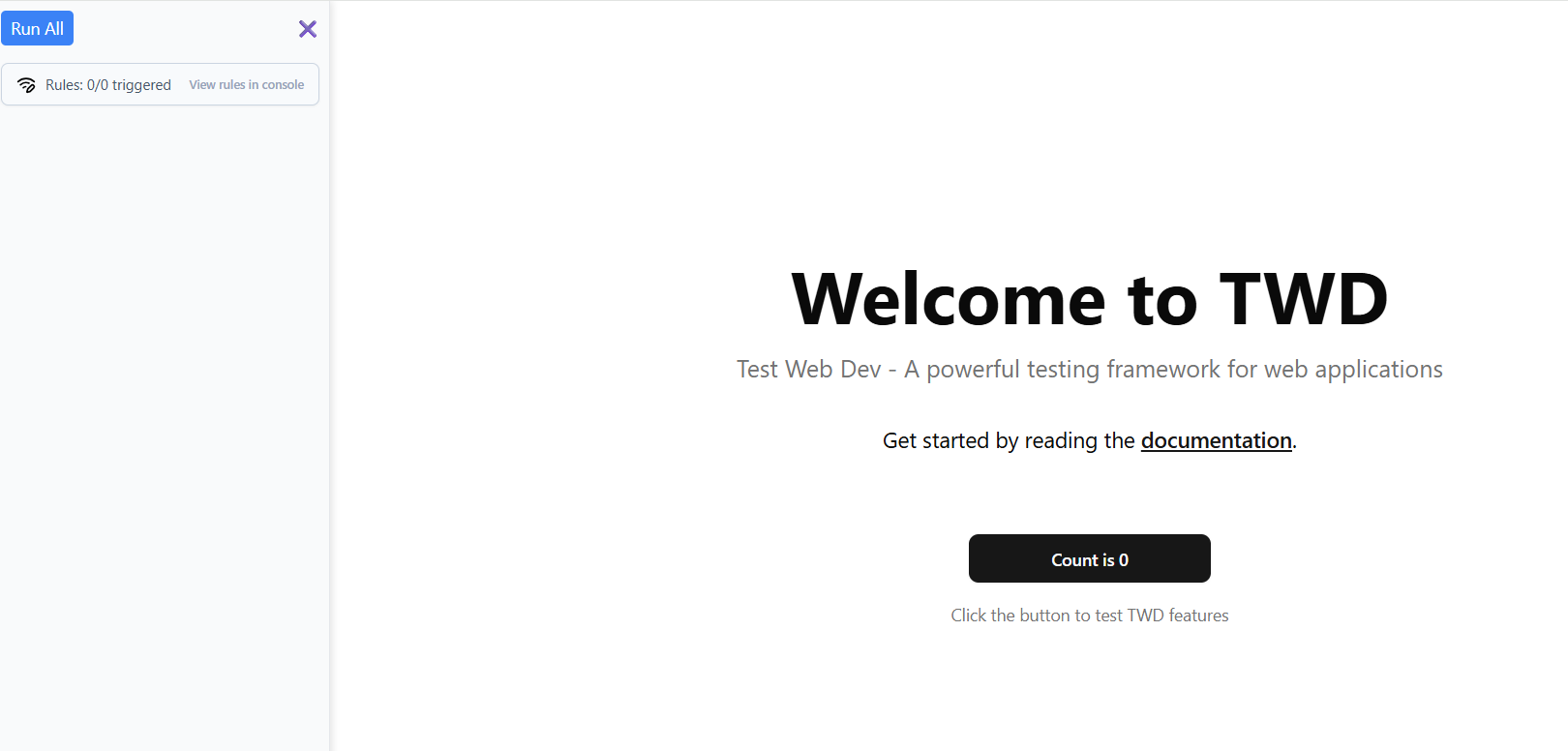
Once that’s added, you’ll see the TWD Sidebar, where all your tests will appear:
Creating Our First Test
In the snippet above, we’re using this line:
const testModules = import.meta.glob("./**/*.twd.test.ts");
This tells Vite to automatically load every file matching the pattern ./**/*.twd.test.ts.
So let’s create our very first test file.
Create a new file at src/twd-tests/helloWorld.twd.test.ts and add this code:
import { describe, it } from "twd-js/runner";

describe("Hello World Page", () => {
  it("should display the welcome title and counter button", async () => {
    console.log('Executed console.log');
  });
});
Now, your test will appear in the TWD sidebar.
You can click the play icon next to it, or press Run All to execute all tests.
You’ll see the console.log output in your browser console.
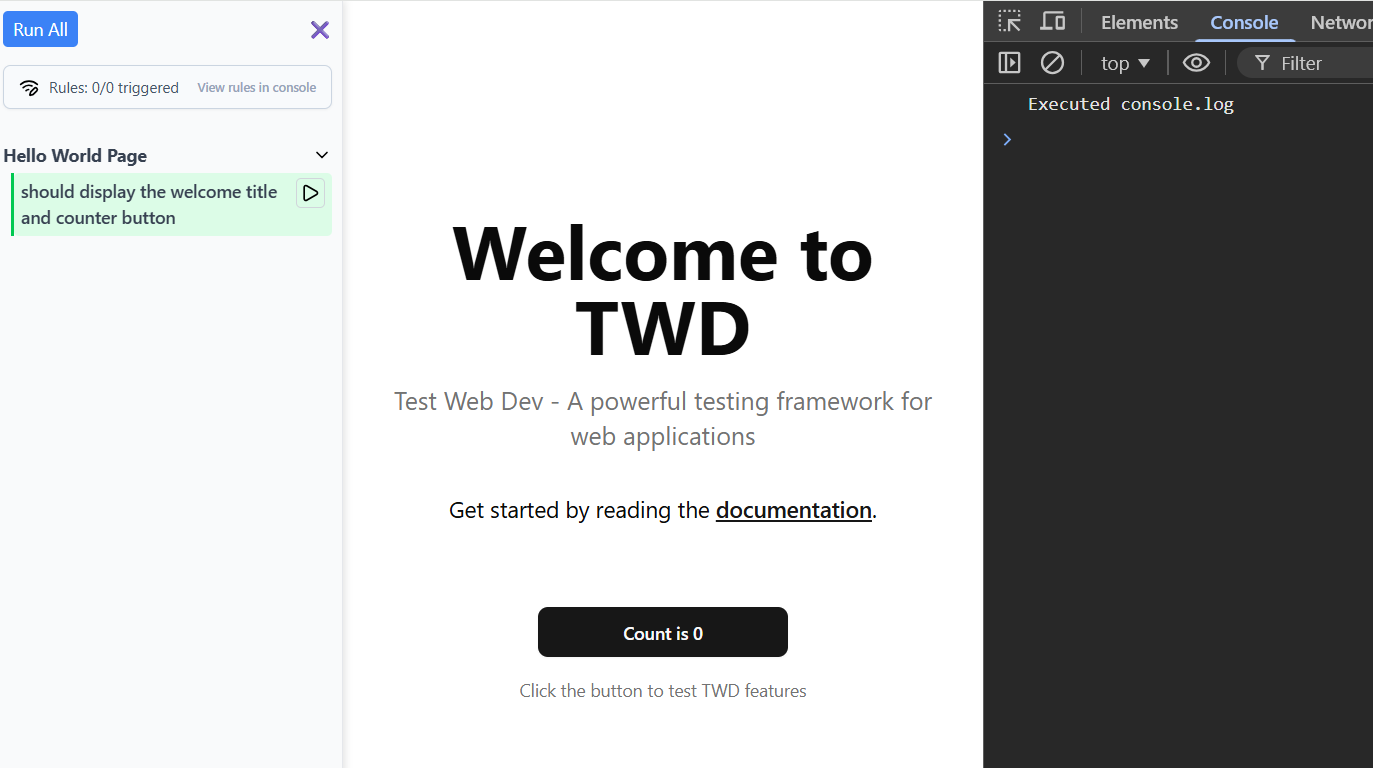
This test passes (green) because it doesn’t actually test anything yet.
In the next post, we’ll explore assertions and selectors — the real power of TWD.
Bonus: Visiting a Page
Before we move on, let’s add one small command: twd.visit.
Update your test like this:
import { twd } from "twd-js";
import { describe, it } from "twd-js/runner";

describe("Hello World Page", () => {
  it("should display the welcome title and counter button", async () => {
    await twd.visit('/');
  });
});
This command visits the page exactly like Cypress’s cy.visit() — simple and familiar.
In the next post, we’ll dive into assertions and selectors, where you’ll start interacting with elements and verifying real behavior.
Meanwhile, you can check out the TWD documentation
for more details.


