Operating Systems
Here I have split it into 2 types
I'll present you first the Desktop Operating Systems.
Desktop Operating Systems ️
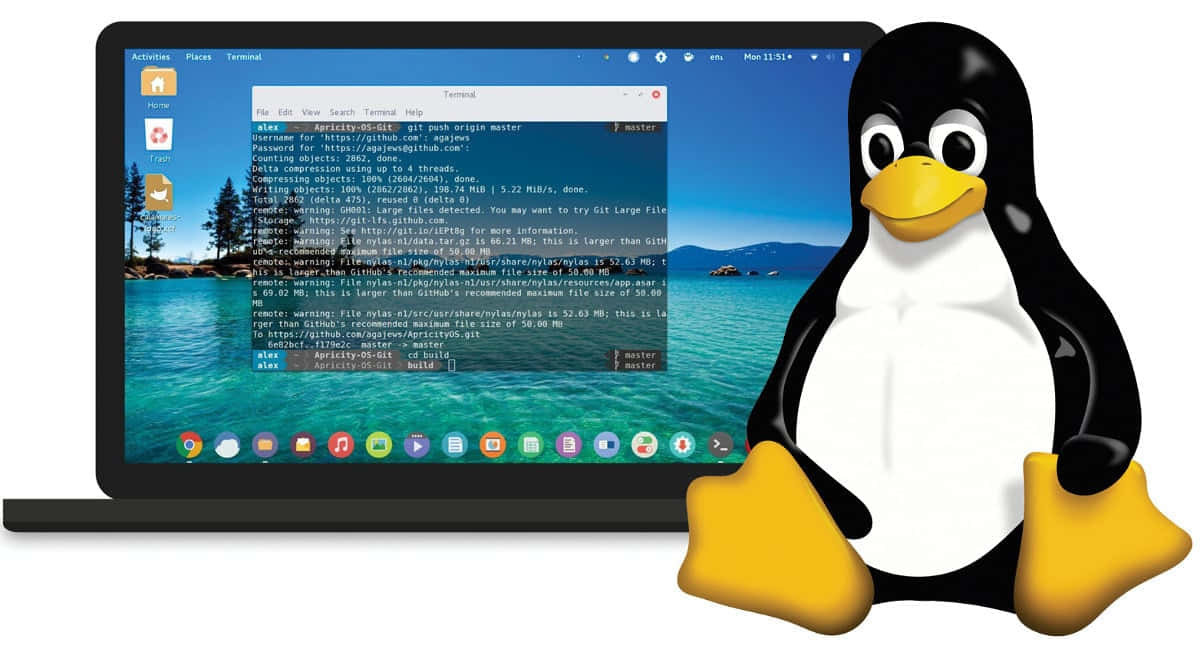
There is no wonder that I will say I use LINUX !
Yes, Linux is the operating system I use on daily basis. Why this operating system specifically is chosen by people with privacy concerns ?
There are many reasons, but I will name most important of them:
Linux is open-source: This provides transparency and more certainty that the OS is not malware or spyware, due to contributors and people who are interested in technical details and further Linux development.
No telemetry: Linux does not have a built-in telemetry, thus the operating system does not send the information about your activity to third party. The core of Linux is that you are the lord of your OS. If you want more analytics or tracking, you install tools specifically for it :D
No Forced Updates: In Linux you decide if you want to update your operating system or not and you are not forced to do it under circumstance of not being able to use some features or something like that as it happened often to Windows or MacOS users.
Selective Permission Management: In Windows everyone is an admin, which makes it one of reasons why Windows is often a target for hackers. In Linux there is a split between what you can run as a regular user and what you can run as an administrator. Which averts from some successful hacks on your machine.
Customizability: In Linux unlike Windows, you can customize your operating system however you want. You want to compile custom Kernel ? You can do it. You can rebuild the whole OS. Whereas in Windows, Microsoft decides what goes in, what stays out.
Distributions I use
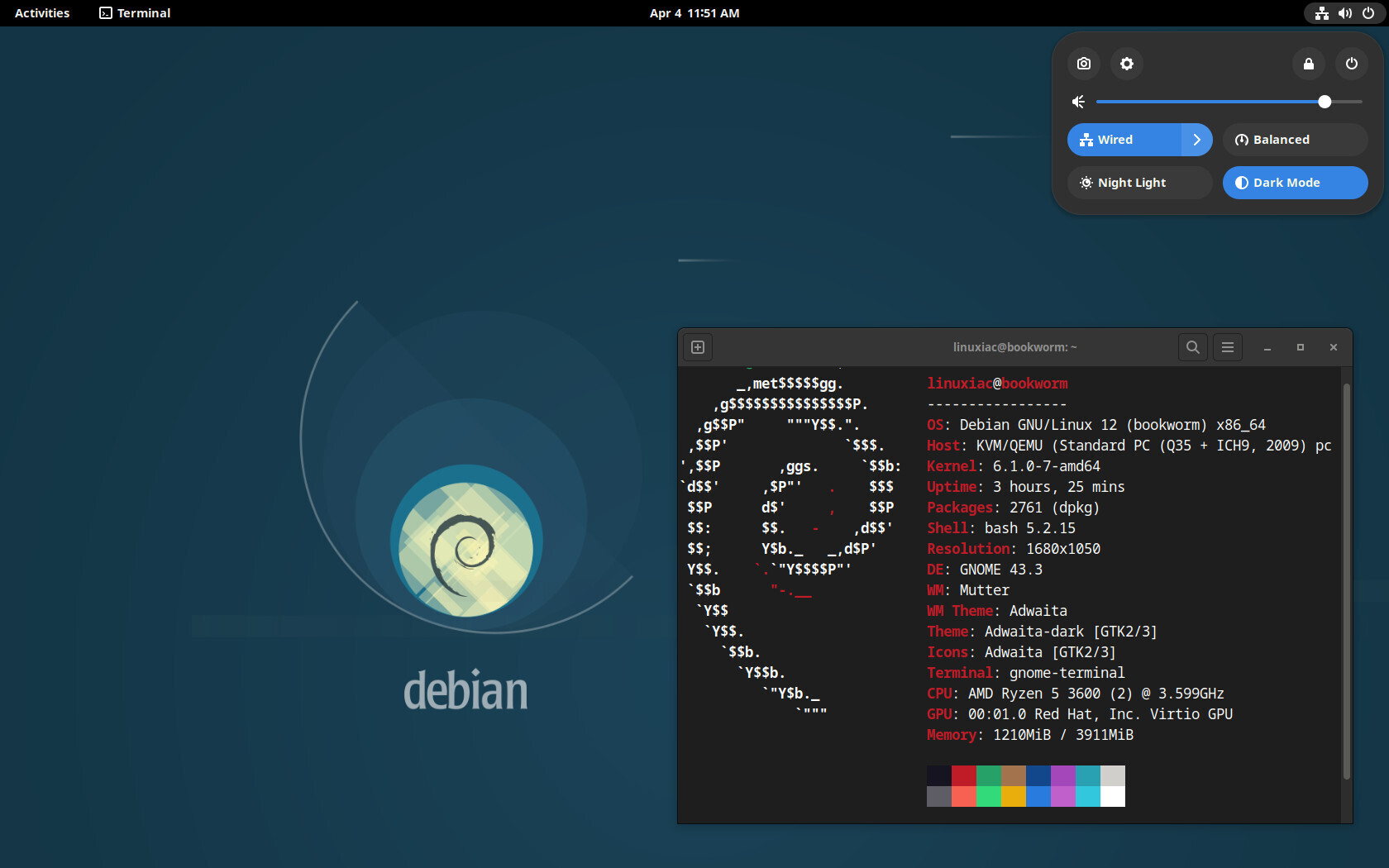
Personally, I'm yet a freshman into Linux (8 months passed since I started using Linux). I use(d) until now Debian as a distribution, so I have no clue about other distributions. And I can recommend Debian for start with Linux as Operating System, it has slick design, and is very intuitive Operating System. Also I noticed a significant increase of free space on how my PC works in comparison to what I experienced with Windows.
However as I mentioned in my latest From Zero to Crypto-Hero post, I said I started playing around with QuebesOS on Virtual Machine, however I did not have enough time to test it out properly. I would say the learning curve is quite steep and basic browser usage like firefox was quite of not understandable for me.
For now on my laptop, I wanted to try out something different than debian, so currently I'm playing around with CachyOS on my laptop. If you ever would like to hear a review on the operating system, feel free to mention it in a comment.
I will only list down here some alternatives, if you don't want to use debian specifically.
Recommnded by experts for beginners: Ubuntu, Mint OS, Zorin
Specified distros for privacy: QuebesOS, Whonix OS, Tails OS
BEAR IN MIND !
That distros like Quebes come up with tradeoffs when it comes to UX, so people that are comming directly from microslop OS aka. Windows or Apple, might not want to choose those particular distros as they require more knowledge on Linux
Mobile Operating System
We all know how pure-android and AppleOS phones are filled with spyware. Eavesdropping is one of the most privacy violating action those phones do. However there is a solution for it, name use AOSP (Android Open Source Project) Operating systems that are privacy focused. My phone for daily usage is Pixel 6a with GrapheneOS on board.
Why GrapheneOS ?
There are multiple reasons, why I decided to use GrapheneOS instead of Samsung. But instead of more technical explanations let's start from the user POV.
No Google by default - This is the first principle of GrapheneOS. Liberation of an operating system from google by default. Currently every android phone is merged/synchronized together with google by default, using google services.
Your images are handled by google images, every service you use is basically bloated with google spyware (aka. personalization daemon-softwares).
The feature I genuinely love about GrapheneOS is, that it offers is blocking phone-calls from unknown, unsaved numbers by default. Hence avoiding phishing or scam calls to your phone. You have first save the number of someone, to be able to receive calls from them.
However you can use your google play in GrapheneOS and are not exposed on mass surveillance over your entire phone. That's because GrapheneOS sandboxes the app usage and does not grant permission to access anything on your device.
Though if you really want to liberate your self from big tech, you probably would like to use open-source app-stores like F-droid, Aurora Store or APK Pure.

- Heavy protection against unknown (0 day) vulnerabilities - GrapheneOS uses measurements to prevent from security flaws in software or hardware that are unknown to the vendor and the public.
The measurements that used are following:
Attack surface reduction - Removing unnecessary code or exposed attack surface eliminates many vulnerabilities completely. GrapheneOS avoids removing any useful functionality for end users, but we can still disable lots of functionality by default and require that users opt-in to using it to eliminate it for most of them.
Containment through sandboxing at various levels - Fine-grained sandboxes around a specific context like per site browser renderers, sandboxes around a specific component like Android's media codec sandbox and app/workspace sandboxes like the Android app sandbox used to sandbox each app which is also the basis for user/work profiles.
GrapheneOS improves all of these sandboxes through fortifying the kernel and other base OS components along with improving the sandboxing policies.
What sandboxing really means is that e.g. if there is an app compromised, then because it's in sandbox, meaning isolated, no other app is compromised.
- Preventing an attacker from persisting their control of a component or the OS/firmware through verified boot and avoiding trust in persistent state also helps to mitigate the damage after a compromise has occurred.
Attack surface reduction
Greatly reduced remote, local and proximity-based attack surface by stripping out unnecessary code.
Making more features optional and disabling optional features by default (NFC, Bluetooth, UWB, etc.), when the screen is locked (USB, USB-C, pogo pins, camera access)
Optionally after a timeout (Bluetooth, Wi-Fi)
USB-C port and pogo pins control
USB-C port and pogo pins setting protects against attacks through USB-C or pogo pins while the OS is booted. For the majority of devices without pogo pins, the setting is labelled USB-C port.
The default is Charging-only when locked, which significantly reduces attack surface when the device is locked.
After locking, it blocks any new USB connections immediately through either USB-C and pogo pins at both the hardware level via configuring the USB controller and also at the OS level in the kernel to provide a second layer of defense.
The highest security however is when our charging is set to Off mode.
Other privacy protections are following, about GrapheneOS there could be really created separate posts series:
Hardened kernel
Hardened app runtime
Sensors permission toggle: disallow access to all other sensors not covered by existing Android permissions. Or even there is a feature, that can send you alerts whenever an app will request for sensors.
LTE-only mode to reduce cellular radio attack surface by disabling enormous amounts of both legacy code (2G, 3G) and bleeding edge code (5G).
Wi-Fi privacy
- MAC randomization per each connection unlike in standard android it's done per network. So regardless whether I've been connected to the network or not, if I reconnect, my device is treated as completely different one.
There is a whole much more when it comes to GrapheneOS and what they do, when it comes to privacy protection. If you're more tech savvy than me and you know the infrastructure of the internet from the ground up, you can check out the GrapheneOS website
Unfortunately, GrapheneOS is limited only to Pixel 6 and newer phones, however there was announced that arguably Motorola will have partnership with GrapheneOS
Now you might wonder, why tha heck is a private OS available only on Google's phones ? Let me explain.
The Technical Constraint
GrapheneOS needs direct control over the Titan M2 security chip, which only Pixels expose at the required level. This isn't arbitrary gatekeeping; it's a hardware reality. Other devices either don't provide the necessary low-level access or have weaker security foundations. You're not choosing Google—you're choosing the only viable hardware that can run proper security hardening.
Stripping Google Down
Here's what actually happens: GrapheneOS removes Google Play Services, GMS, and proprietary Google binaries by default. Your bootloader locks with your key, not Google's. No persistent telemetry pipeline. The OS doesn't phone home unless you explicitly enable Sandboxed Google Play for specific apps.
So yeah, you bought from Google. But the software surface they can exploit is drastically smaller than stock Android.
The Trust Question
Can Google backdoor you through the Titan chip? Technically yes. But realistically? It'd destroy their business model (which runs on advertising data, not targeted espionage) and burn every ounce of credibility they have.
What you can actually verify:
- Audit the open-source code yourself
- Run tcpdump to inspect network traffic
- Enable reproducible builds to verify the binary matches the source
- Confirm zero Google domains in your traffic
The Real Answer
You're not achieving perfect de-googling. You're reducing Google's attack surface from massive to moderate. It's not self-denial—it's accepting that perfect security doesn't exist and choosing the best available option given the constraints.
The alternative isn't "truly de-googled." It's either stock Android (guaranteed surveillance) or building your own phone from discrete components (impractical). GrapheneOS + Pixel is the pragmatic best-in-class solution for commodity mobile privacy.
Alternative Privacy Operating Systems: CalyxOS, IodeOS, LineageOS
Summary
That was it for this part of the article, if you appreciate my work, feel free to comment, like and share your thoughts. If you want to connect, checkout the contact option on my website Perhaps there is something that I missed and is important from your POV. Next part, Browsers !
Stay tuned !