The Problem
Managing Bash scripts across multiple servers is often messy and error-prone. Engineers and sysadmins typically juggle SSH sessions, copy scripts manually, and struggle to keep track of versions, outputs, and schedules. Scaling this across dozens or even hundreds of servers makes the challenge even bigger.
The Solution
CloudRay provides a single, centralised dashboard to create, manage, and monitor all your Bash scripts.
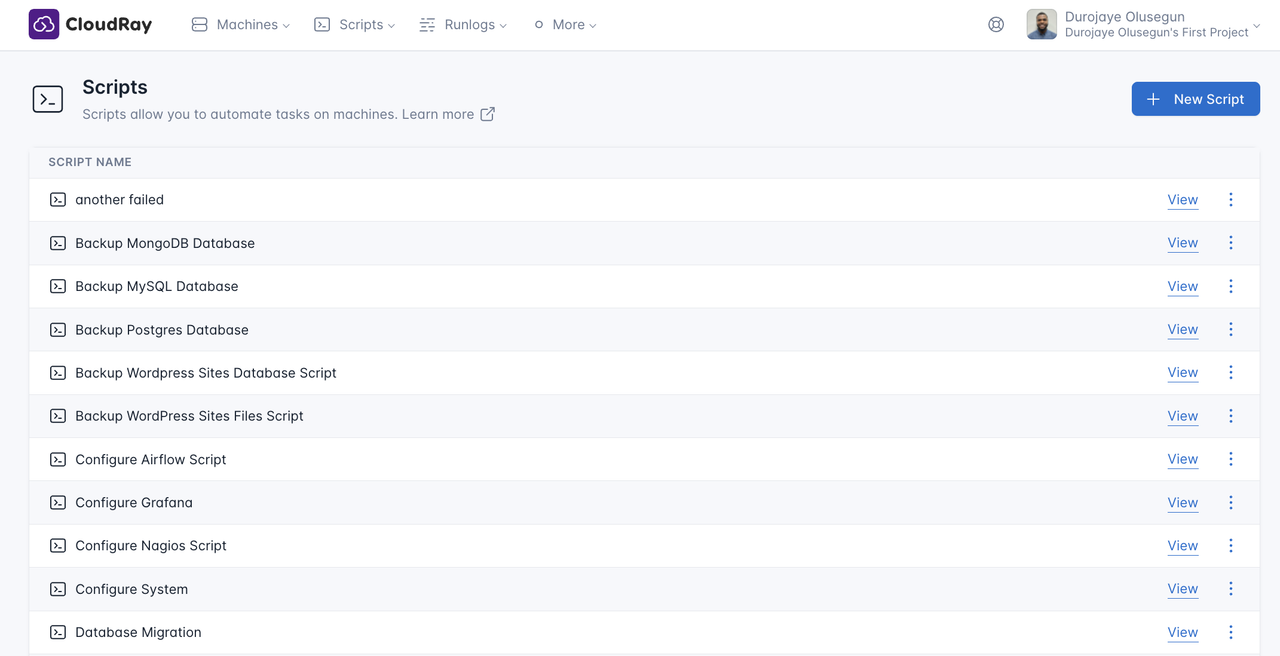
You can:
- Write and edit scripts directly in the CloudRay dashboard
- Run them on one or many servers simultaneously
- View logs and outputs in real-time
- Automate execution with Schedules learn more
With CloudRay, Bash script automation becomes simple, reliable, and observable, whether for one server or a fleet.
How It Works
- Install the lightweight CloudRay Agent on your servers (docs here)
- Connect your servers to CloudRay in just a few steps
- Manage, run, and schedule Bash scripts from a centralized dashboard
This setup eliminates repetitive manual work while giving you full visibility into your automation.
Try It Out
Visit CloudRay to get started today.
Get Involved