Ask any independent director or boutique creative studio what slows down their AI pre-visualization workflow, and they rarely complain about a lack of raw image tools. They complain about tab fatigue and visual amnesia.
In a typical fragmented setup, an art director builds a mood board in one image generator, exports static PNGs to a separate 4-second video clipper, watches the main character's face and coat texture mutate by second three, and then opens a third app just to layer in footsteps and ambient wind. By the time five clips are stitched together on an editing timeline, the visual continuity of the scene has collapsed.
Wan 3 (wan30.io) was engineered to eliminate that multi-tab friction. By uniting 2-second to 30-second 1080p video generation, 7-modality reference locking, native audio synthesis, and four specialized reference image engines under a single browser roof, it gives small creative teams the continuity and pacing control of a full pre-production studio.
What Makes Wan 3 Different from Standalone Video Clippers?
Wan 3 is an all-in-one multimodal AI video and image creation platform that generates continuous 2s, 5s, 10s, 15s, and 30s video sequences up to 1080p with synchronized native audio. Instead of forcing filmmakers to stitch together disconnected micro-clips, it allows creators to lock character identity, lens geometry, and sound design inside one unified browser workspace.
For storytellers working on pitch trailers, episodic animatics, or high-fashion brand films, three structural capabilities set the platform apart:
- True 30-Second Narrative Breathing Room: A 4-second clip is a moving photograph; a 15-second to 30-second shot is a scene. In Wan 3, a camera can establish a wide architectural space, push in to a medium close-up as a character reacts, and settle onto a closing visual beat without a single destructive cut.
- Seven-Input Multimodal Conditioning: In
Reference to Video mode, you can anchor a shot using a Start Frame, End Frame, Reference Images, Reference Videos, Reference Audio, Reference Documents (PDF, DOC, PPT, Markdown up to 100 MB), and Public URLs.
- Zero-Export Companion Models: You never have to leave the workspace to create or fix a reference frame. The studio houses Nano Banana Pro (2K/4K commercial realism), Seedream 5.0 (editorial and stylized concept art), Nano Banana 2 (rapid iteration), and Qwen Image 2.1 (clean in-image typography and poster editing) right alongside Wan 3.0, Wan 3.0 Video Prime, and Seedance 2.5.
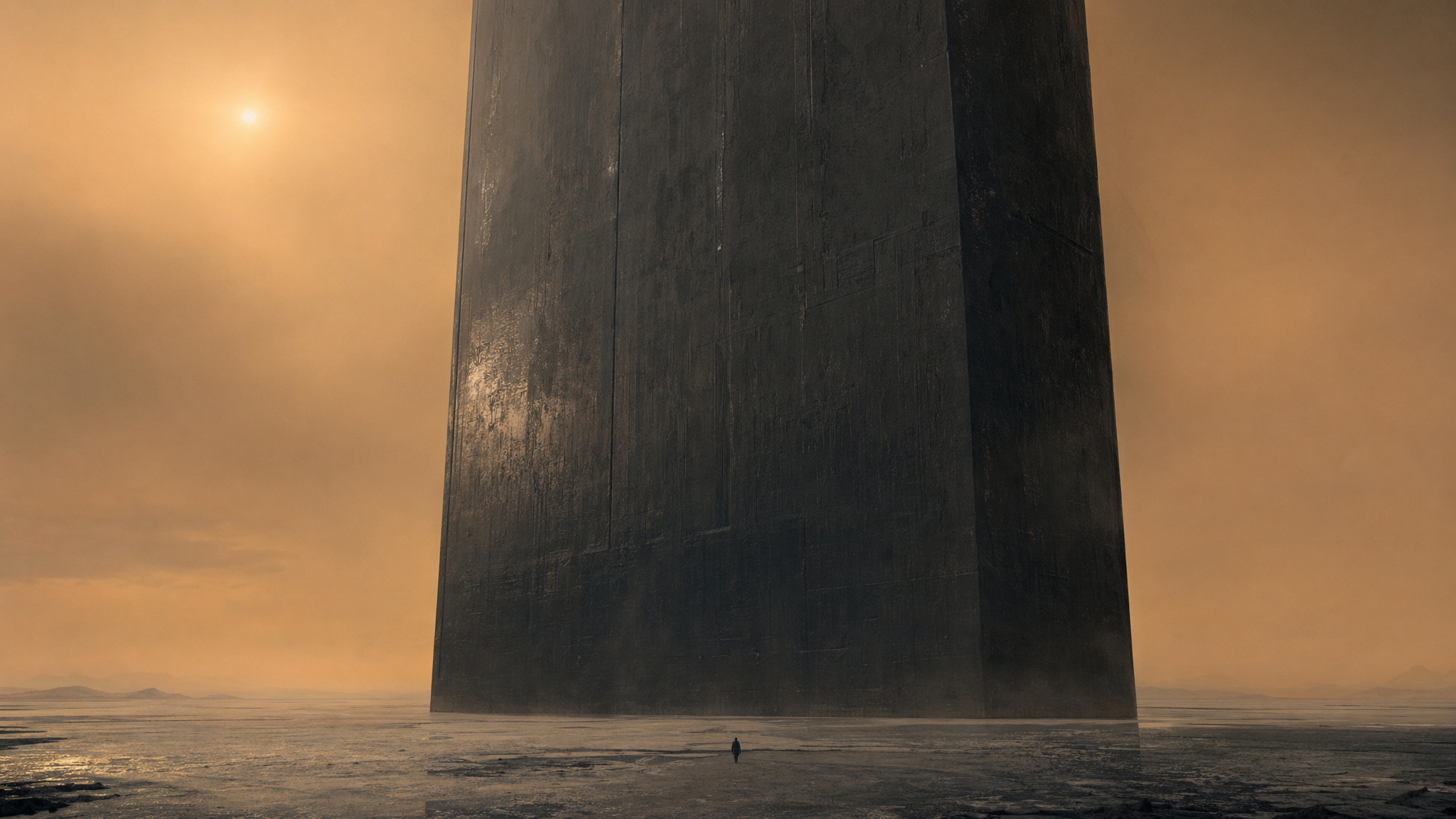
Figure 1: Building expansive, Denis Villeneuve-inspired sci-fi environments with locked atmospheric perspective and scale before rolling a 30-second tracking shot.
Comparison: Fragmented Multi-App Stack vs. The Unified Wan 3 Studio
| Creative Workflow Stage | Fragmented 4-Tool Subscription Stack | Unified Wan 3 Studio (wan30.io) | Time & Budget Saved |
|---|
| 1. Concept & Hero Keyframes | External Discord bot or standalone image web app | Built-in Nano Banana Pro (2K/4K), Seedream 5.0, and Qwen Image 2.1 | Zero manual file exporting; instant transfer to video slots |
| 2. Rough Camera Blocking | Full-cost renders on every trial-and-error prompt | Dedicated Draft Mode (480p at 5 credits/sec — 10 credits for 2s) | Cuts exploratory credit burn by 50% to 75% |
| 3. Long-Take Scene Rendering | Capped at 4s–5s; requires manual frame-extension hacks | Native 2s, 5s, 10s, 15s, and 30s single-pass generation up to 1080p | Preserves lighting, wardrobe, and lens continuity across 3 beats |
| 4. Sound Design & Dialogue | Silent MP4 export -> separate TTS + Foley generator | Built-in Native Audio toggle + AI Video Lip Sync (/tools/ai-video-lip-sync) | Room tone, footsteps, music cues, and lip-sync in one workflow |
| 5. Aspect Ratio Adaptation | Cropping 16:9 renders in external video editors | 6 Native Ratios (Auto, 16:9, 4:3, 1:1, 3:4, 9:16) | Native composition for theatrical widescreen or vertical social reels |
Inside a Real Indie Studio Workflow: From Mood Board to 30-Second Master
Inside the Wan 3 Studio workspace, directors move from static concept art to a finished 30-second 1080p sequence with synchronized sound in four structured steps.
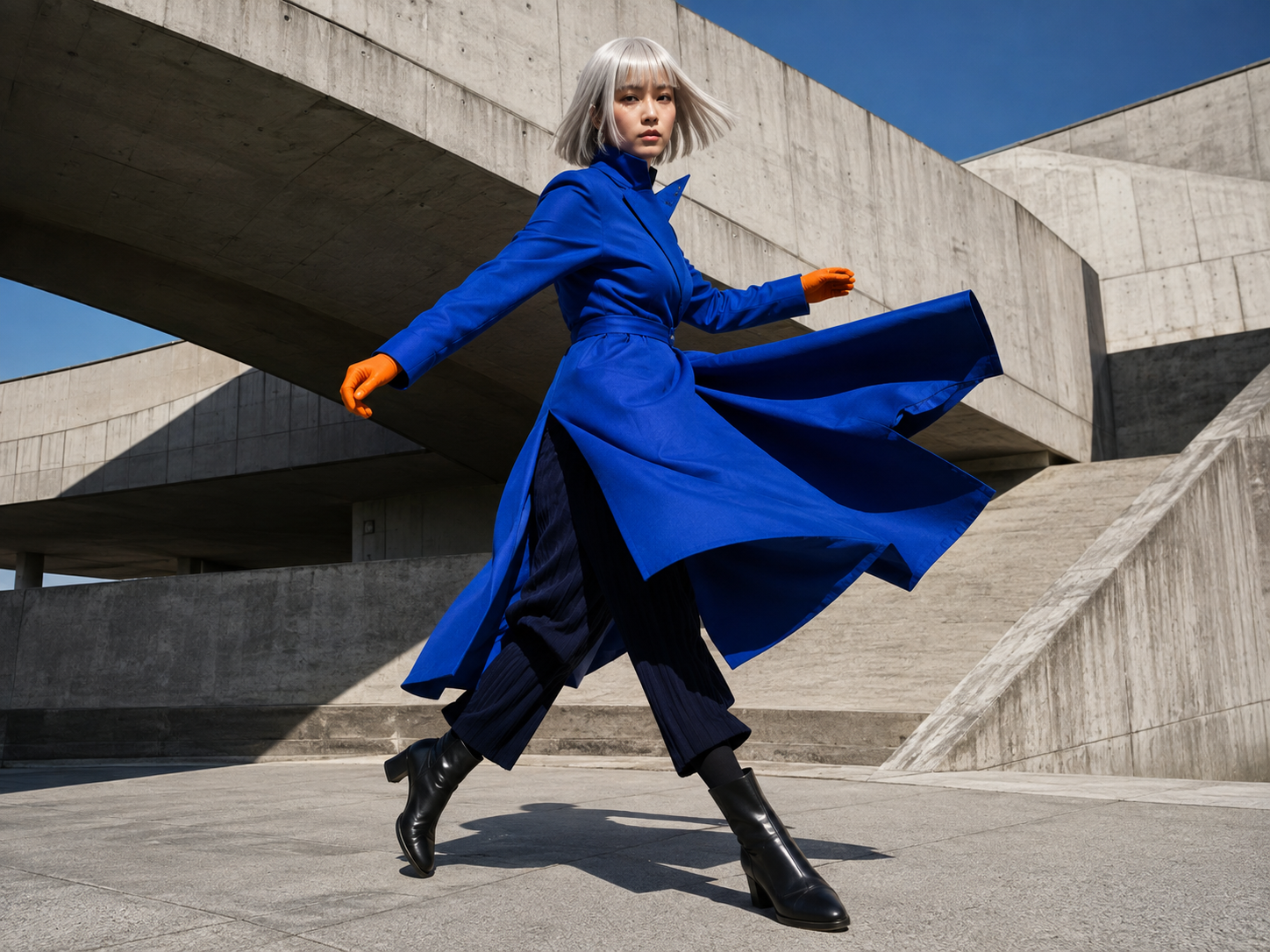
Figure 2: High-contrast editorial color blocking (cobalt blue wool against matte orange leather and brutalist concrete) locked via Start Frame conditioning.
Step 1: Lock the Visual Bible with Companion Image Engines
Every memorable film or campaign starts with unmistakable art direction. Before touching the video timeline, use Seedream 5.0 or Nano Banana Pro to establish your hero frames. If your scene includes a neon street sign, a magazine masthead, or a product label that must remain legible on screen, generate or edit that frame with Qwen Image 2.1.
Step 2: Load the 7-Modality Reference Stack
Switch to the video workspace and select Reference to Video. Upload your hero image as the Start Frame, attach character turnaround sheets in the Reference Images slot, and drop your scene breakdown or script notes into the Reference Documents slot. If you are matching a specific camera cadence, attach a rough Reference Video or configure camera trajectories via Motion Control (/tools/motion-control).
Step 3: Choreograph Three Temporal Beats in Draft Mode (480p)
Instead of writing a vague one-line description, break your prompt into three clear story beats across the timeline:
[Mode: Reference to Video | Duration: 30s | Resolution: 1080p | Aspect Ratio: 16:9 | Audio: Enabled]

[0s–10s: Establishing Mood & Motion]
Medium-wide Steadicam tracking shot following an editorial model in a structured cobalt-blue overcoat and matte-orange leather gloves walking through a sunlit brutalist concrete plaza. Crisp morning shadows slice diagonally across the pavement.

[10s–20s: Camera Arc & Subject Turn]
The model pauses beside a monolithic concrete column and turns toward the lens as the camera executes a smooth 90-degree dolly arc into a tight close-up (85mm prime lens, f/2.0), capturing fine wool fabric texture and subtle wind movement in her hair.

[20s–30s: Wide Architectural Reveal]
The camera cranes gently upward and pulls back, revealing the geometric skyline behind the courtyard while holding clean composition for title credits.

[Audio Direction]
Hollow footsteps echoing against concrete walls, crisp morning breeze, subtle leather glove creak at 12s, and a warm analog synthesizer chord progression building from 15s to 30s.
Run this first pass at 480p (5 credits/second) to verify the pacing of the turn at second 10 and the crane reveal at second 20.
Step 4: Render the 1080p Master & Localize with Post-Tools
Once the blocking feels locked, switch the resolution selector to 1080p (2.0x credit multiplier — 300 credits for a full 30-second master or 150 credits for a 15-second cut). Need to isolate the subject for a title sequence composite? Pass the clip directly to the built-in Background Remover (/tools/background-remover). Producing localized versions for international clients? Use AI Video Lip Sync (/tools/ai-video-lip-sync) to match spoken dialogue in multiple languages.
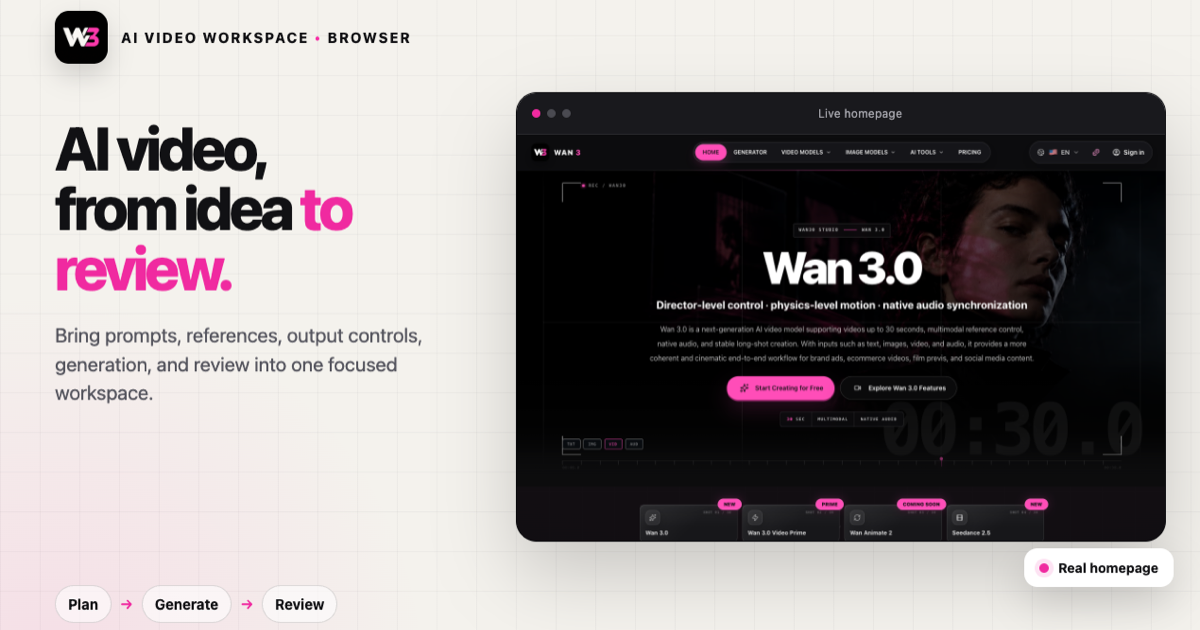
Figure 3: The browser-based Wan 3 workspace—combining prompt direction, multimodal reference slots, duration controls (2s–30s), and native audio generation.
Transparent Credit Tiers for Independent Creators & Agencies
One reason independent studios hesitate to adopt long-form AI video is opaque pricing. Wan 3 keeps unit economics completely transparent: 480p costs 5 credits/second (1.0x), 720p costs 1.5x, and 1080p costs 2.0x.
- Free Trial (100 Credits on Sign-Up): Test the studio immediately with four 5-second
480p draft renders or ten 2-second motion checks at zero cost.
- Basic Plan (\$9.90/mo billed annually | \$19.90 monthly): Includes 1,200 monthly credits—ideal for solo creators storyboarding short films and social reels.
- Pro Plan (\$19.90/mo billed annually | \$39.90 monthly): Includes 3,200 monthly credits, full commercial usage rights, watermark-free 1080p masters, and priority rendering queues.
- Ultra Plan (\$59.90/mo billed annually | \$119.90 monthly): Includes 12,000 monthly credits and maximum parallel generation concurrency for ad agencies and production houses.
Stop stitching 4-second fragments together across five browser tabs. Open wan30.io, claim your 100 free trial credits, and direct your next 30-second sequence inside a single creative studio.

