A useful product interface should help a visitor make one decision without hiding the assumptions behind it. For a script writer, that decision might be whether a line is clear when spoken. Play HT presents a short text-to-speech preview directly on its homepage, with language choices, a message field, a voice selector, and playback. The page provides an example of a constrained workflow that can be inspected before a larger narration project begins.
This is a product introduction prepared for the site owner, based on the public page viewed on September 28, 2026. The interface and FAQ were inspected. No customer outcome, rendering-speed benchmark, or production audio-quality claim is being made.

Put the draft next to the relevant choices
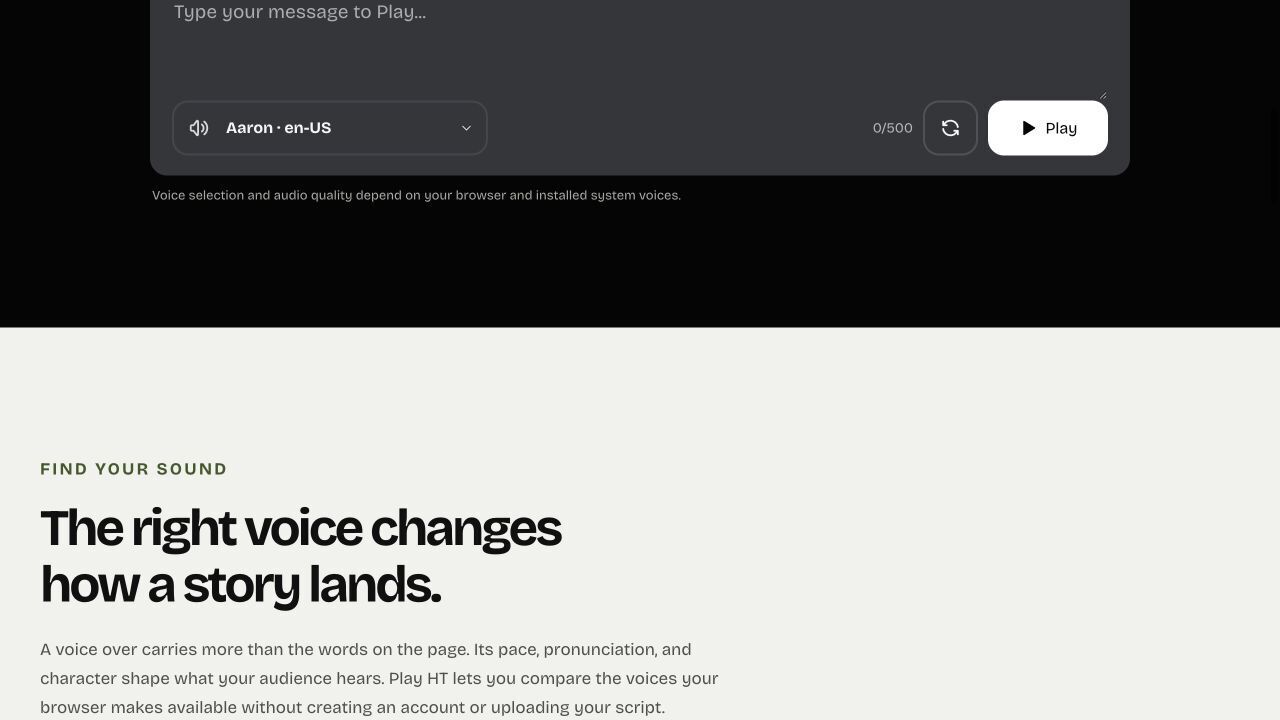
The first-screen editor places text entry beside the language and voice controls. That arrangement gives the visitor a small, understandable task: bring a sentence, select a suitable voice, and start the preview. The public page does not require a project dashboard to explain that workflow.
The message field displays a limit of 500 characters. For script review, the constraint makes a short passage the unit of work. A creator can focus on an opening, a teacher can isolate an unfamiliar term, and a product team can examine the wording of one instruction. These are suggested applications of the visible controls, rather than reports of customer results.
A limit is useful only when the visitor can see it before investing time. In this case, the character counter belongs to the editor. Someone writing a long lesson can keep the complete document elsewhere and bring only the passage under review into the preview.
Make voice availability part of the explanation
The page offers eight language tabs: English, Arabic, Chinese, Portuguese, Spanish, Hindi, Turkish, and Japanese. Its current explanation says the voice list depends on the browser and installed system voices. This is a material detail, because the language tabs alone do not establish that every device has the same accents or speaking styles.
For someone introducing the product to another person, the honest instruction is to inspect the available list on that person's device. A screenshot of one computer's selector cannot prove a fixed catalog for every visitor. The same principle applies to pronunciation and playback quality.
This boundary also helps keep a comparison focused. If a writer is testing the structure of a sentence, the draft can be improved without claiming that the preview voice will be the final narrator. The finished project needs a separate review in its production environment.
Give examples without inventing outcomes
The homepage includes short example scripts for narration, a product demo, and learning. Each example can supply text to the editor. These samples explain where a short preview might fit, while leaving the writer responsible for the real message.
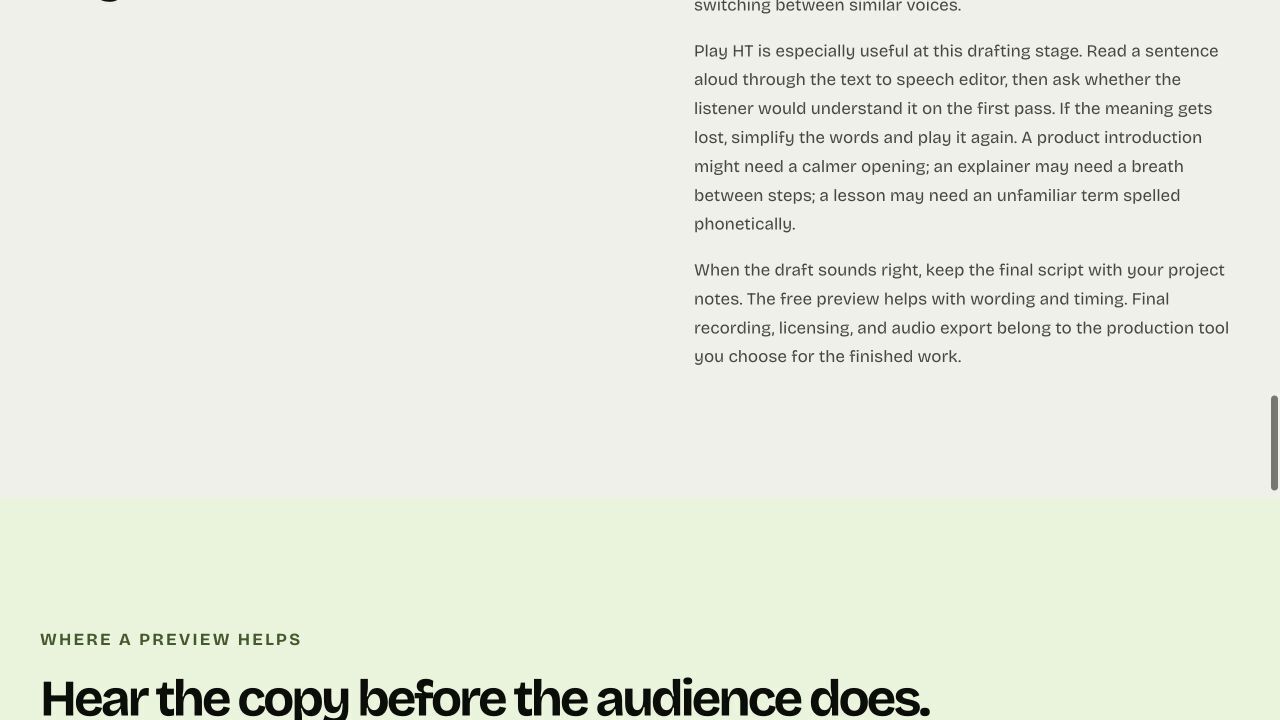
A practical review could begin with the sentence that states the main action. Divide an overloaded instruction into smaller thoughts, use punctuation to mark a boundary, and preserve the edited version in a writing document. Keep the voice consistent while changing the wording so that the comparison remains understandable.
Those suggestions do not imply an automatic rewriting engine. The inspected interface supports text entry, selection, and playback; it does not show automated scoring, lesson generation, or saved team projects. Describing the manual loop clearly gives readers a useful task without adding unsupported features.
Let the FAQ define the next step
The current public FAQ explicitly says the browser preview does not export an audio file. That answer changes the production plan. A visitor who needs a downloadable voice-over should use the page to refine the script and then move to an export-capable recording or synthesis tool.
The same FAQ explains that this is a new preview inspired by an archived Play.ht layout. It does not reproduce that service's proprietary models, original account, API, subscriptions, or voice library. A product introduction should preserve that distinction instead of borrowing promises associated with the earlier service.
For readers, the useful next action is to bring one short passage and inspect the available choices. For builders, the interface illustrates a broader lesson: expose the constraints near the task, give examples that make the first step easy, and state the handoff honestly. The result is a clearer review process, even when the workflow is deliberately small.