This is a submission for the Notion MCP Challenge
What I Built
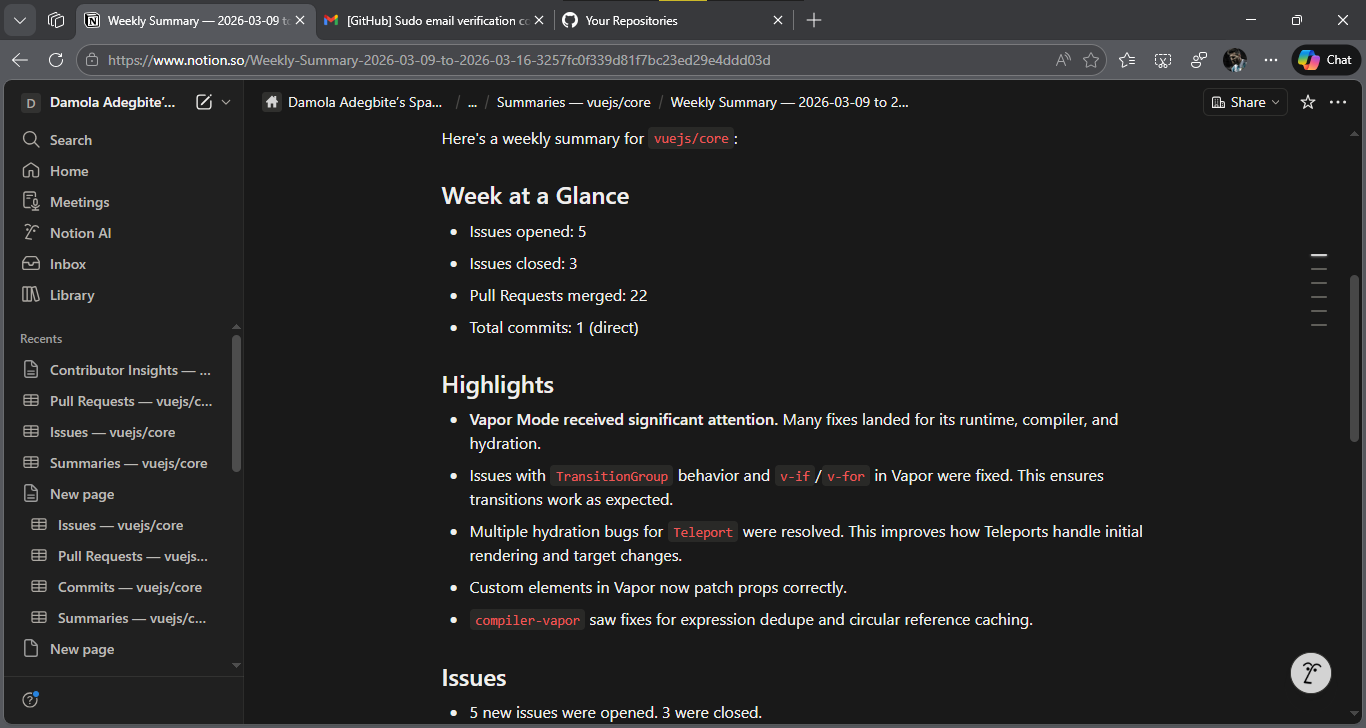
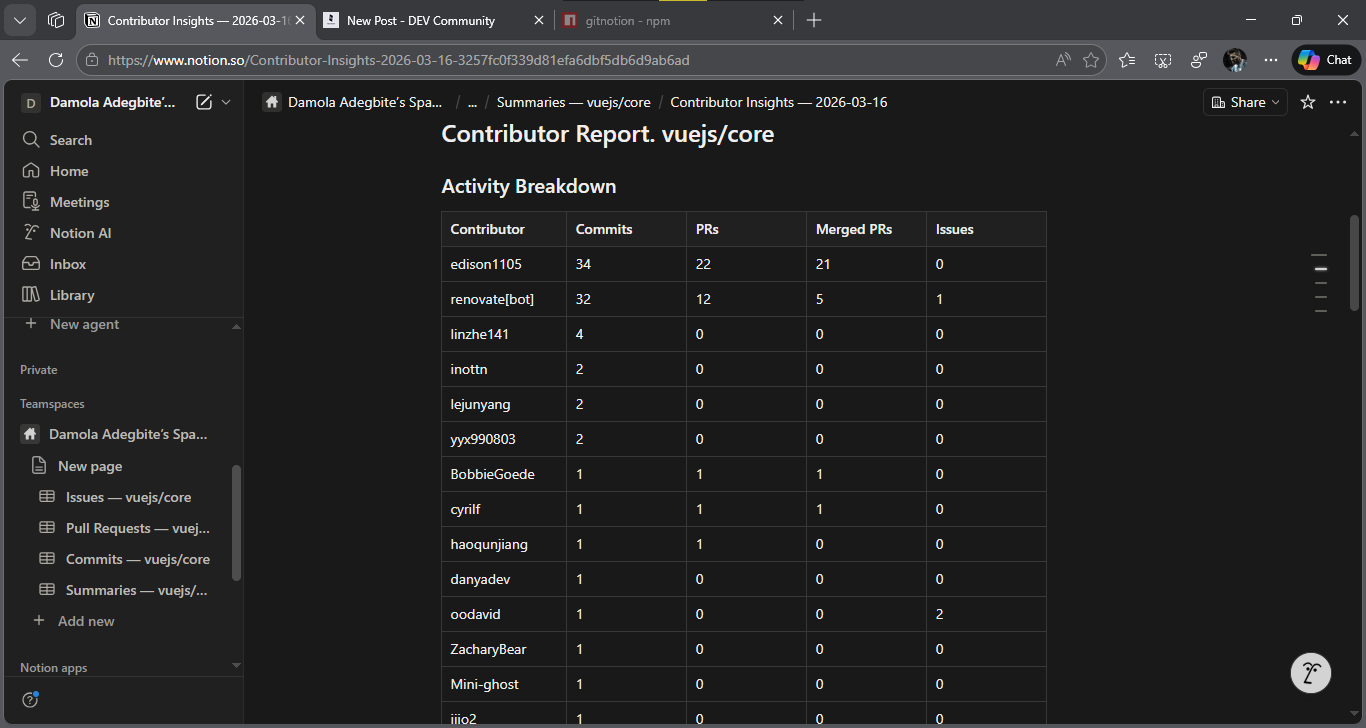
GitNotion is an MCP server that pulls GitHub activity into Notion and uses Gemini to write reports on top of it. Point it at any repo and it syncs issues, PRs, and commits into structured Notion databases, then generates weekly summaries, release notes, and contributor breakdowns. All free APIs, ships via npx.
Eight MCP tools, accessible from Claude Desktop, Copilot, or any MCP client:
| Tool | What it does |
|---|
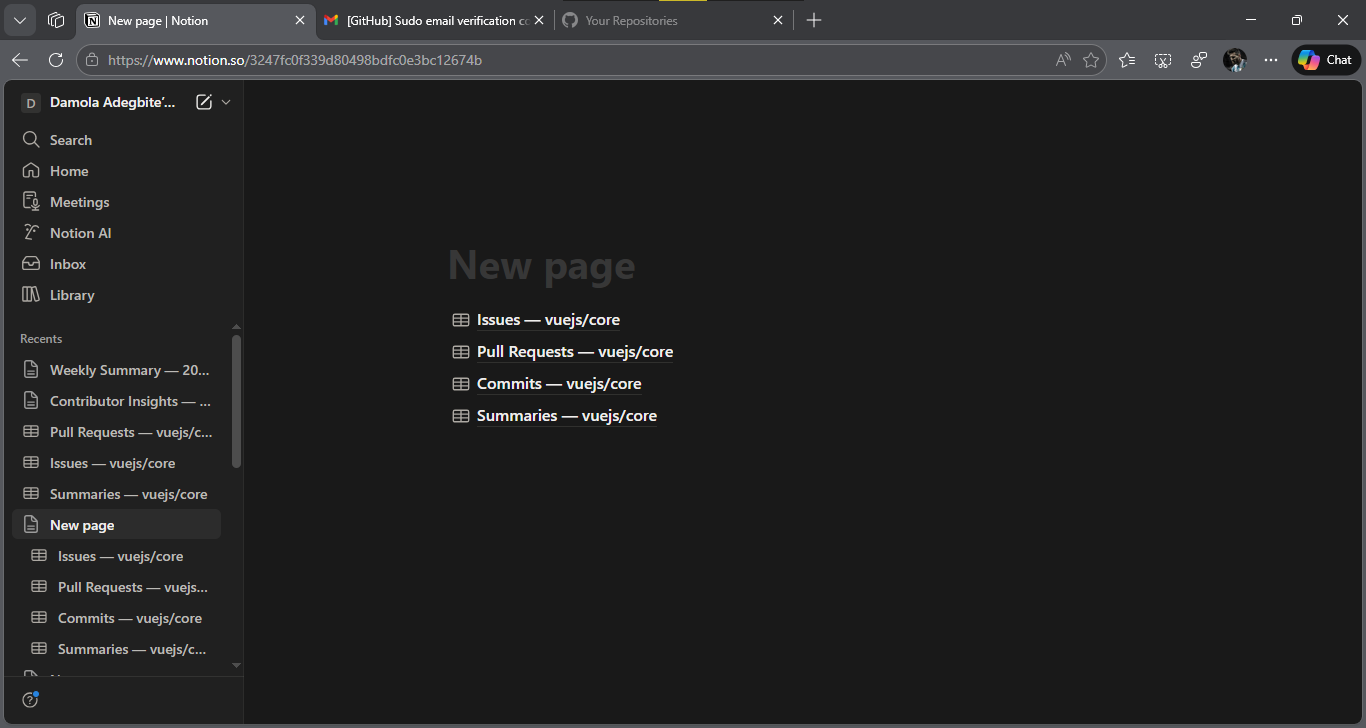
setup_workspace | Creates 4 Notion databases under a parent page |
sync_issues | Pulls GitHub issues into Notion |
sync_pull_requests | Pulls PRs into Notion |
sync_commits | Logs recent commits to Notion |
generate_summary | Sends last week of activity to Gemini, writes a summary page |
generate_release_notes | Generates release notes from merged PRs and commits |
get_contributor_insights | Per-contributor stats with an AI written report |
full_sync | Runs everything above in sequence |
Re-running any sync tool updates existing entries. No duplicates.
Video Demo
{% embed https://youtu.be/-S-R8Pg7BA4 %}
Show us the code
Repo: https://github.com/dax-side/gitnotion
npm: npx -y gitnotion
How I Used Notion MCP
GitNotion embeds the official @notionhq/notion-mcp-server as a dependency and uses it as the write layer for all page operations. The architecture:
AI Agent (Claude, Copilot, etc.)
    ↓ MCP protocol
GitNotion MCP Server  ← custom server
    ├── GitHub API (read repo data)
    ├── Gemini API (generate reports)
    └── Official Notion MCP Server  ← all page/block writes go here
         └── Notion API
When a sync or AI tool runs, GitNotion spawns the official Notion MCP server as a subprocess, connects to it as an MCP client, and routes all page create, update, and block append calls through it using API-post-page, API-patch-page, and API-patch-block-children. Database creation goes through the Notion SDK directly since the official server doesn't expose that endpoint.
Gemini returns markdown. Notion doesn't accept markdown — it wants structured block objects for every heading, list item, table row, and inline annotation. The converter handles all of that, then the blocks get sent to the official MCP server via API-patch-block-children in chunks of 100. Chunking is needed because passing large content in a single call times out. The pattern is: create the page first with no children, then append in batches.
To use it, add this to your MCP client config:
{
  "mcpServers": {
    "gitnotion": {
      "command": "npx",
      "args": ["-y", "gitnotion"],
      "env": {
        "GITHUB_TOKEN": "...",
        "GITHUB_REPO": "owner/repo",
        "NOTION_TOKEN": "...",
        "NOTION_PARENT_PAGE_ID": "...",
        "GEMINI_API_KEY": "..."
      }
    }
  }
}
Four free things needed: GitHub token, Notion integration token (connected to your page via ••• > Connections), Gemini API key, and the Notion parent page ID from the URL. Ask your MCP client to run setup_workspace, then pass the returned database IDs to full_sync.