Amazon ECS: From EC2 Managed to Express Mode
Amazon ECS has evolved significantly over the years—from managing EC2 container instances manually, to the introduction of Fargate for serverless containers, making infrastructure management seamless. For developers or anyone new to containers, the priority is deploying applications at pace without complexity.
Recently, AWS introduced ECS Managed Instances to simplify launching workloads further. Now the big leap is ECS Express Mode.
What is ECS Express Mode?
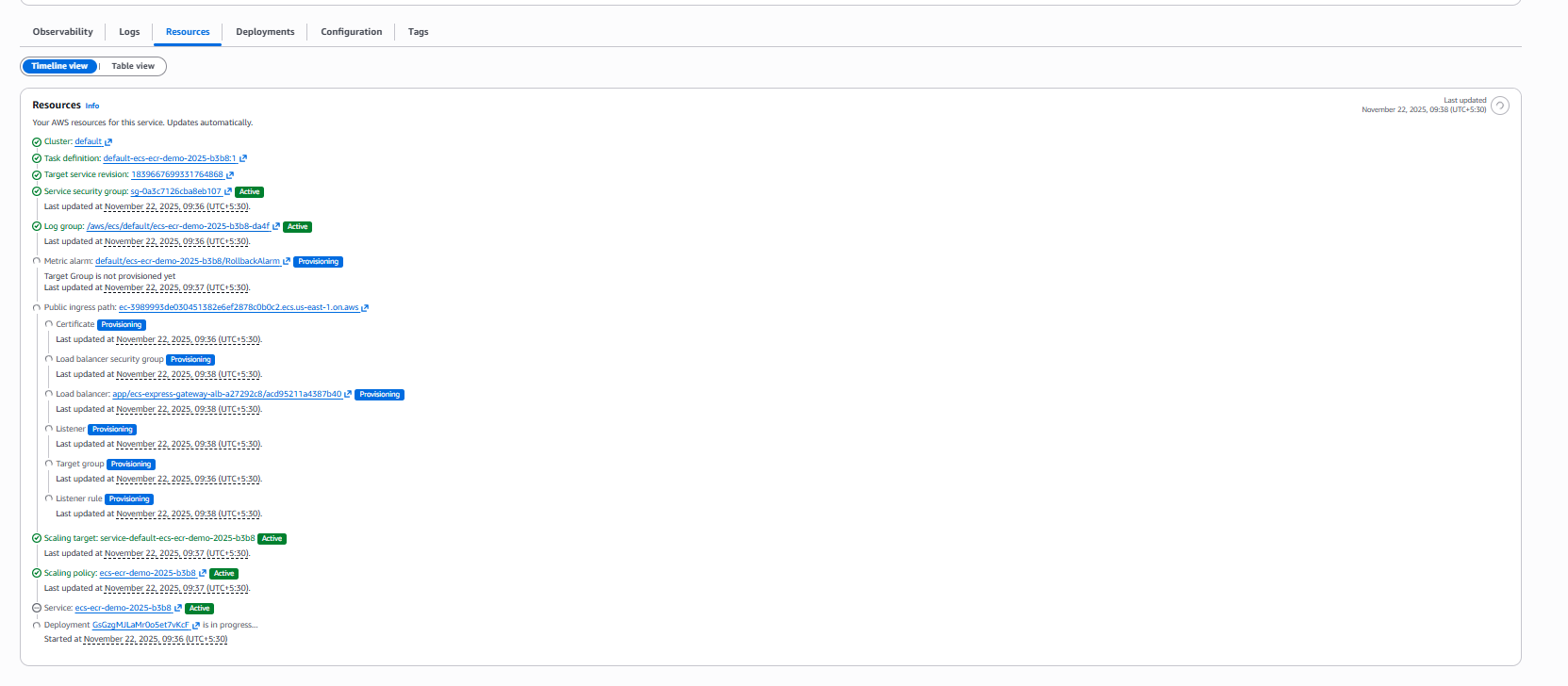
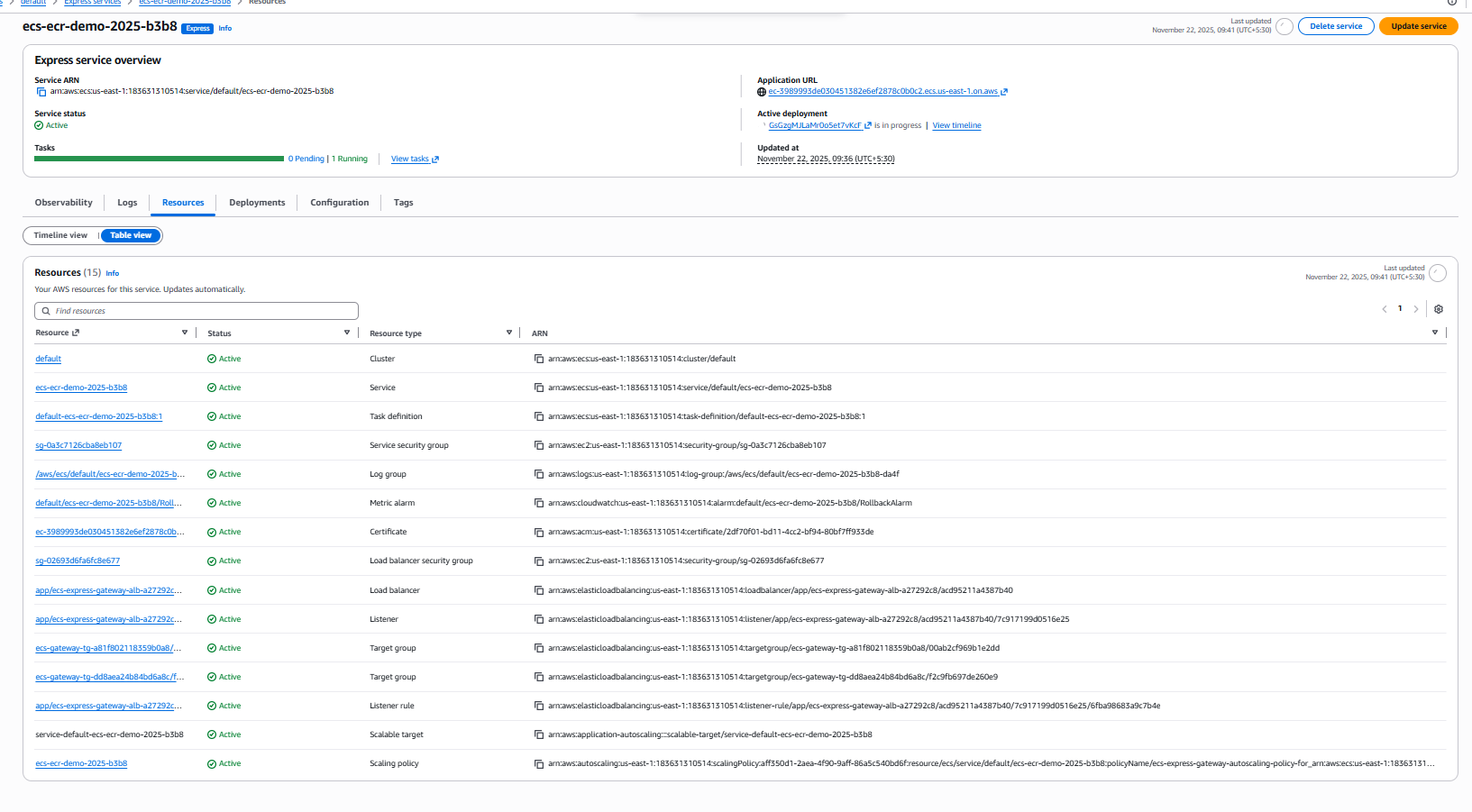
Express Mode lets you deploy containerized applications in a single step. Upload your container image from Amazon ECR, optionally specify basic resources like vCPU and memory, or skip resource input to use defaults. Express Mode automatically provisions all necessary AWS infrastructure for you:
- Application Load Balancer (ALB)
- CloudWatch Logs
- Networking & VPC configuration
- Auto scaling
This takes away the heavy lifting and infrastructure setup that often slows down deployment.
Why ECS Express Mode Matters
- Rapid Deployment: From image to HTTPS endpoint instantly, bypassing manual setup.
- Simplified Configurations: Minimal inputs needed. AWS sets up production-ready infrastructure.
- Built for Developers: Especially friendly for those new to containers or needing speedy iterations.
- Fully Managed: Auto scaling, logging, monitoring, and security come out of the box.
How I Used ECS Express Mode
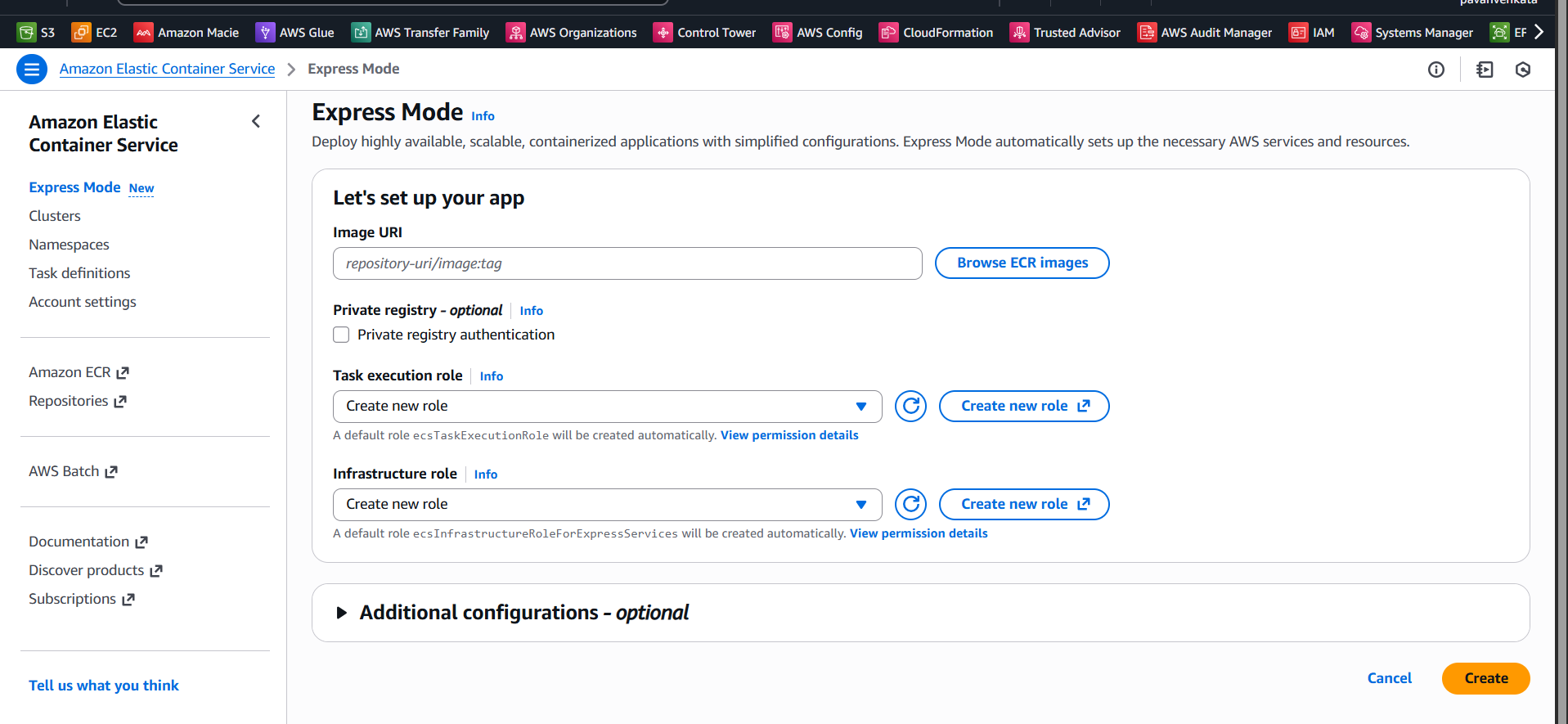
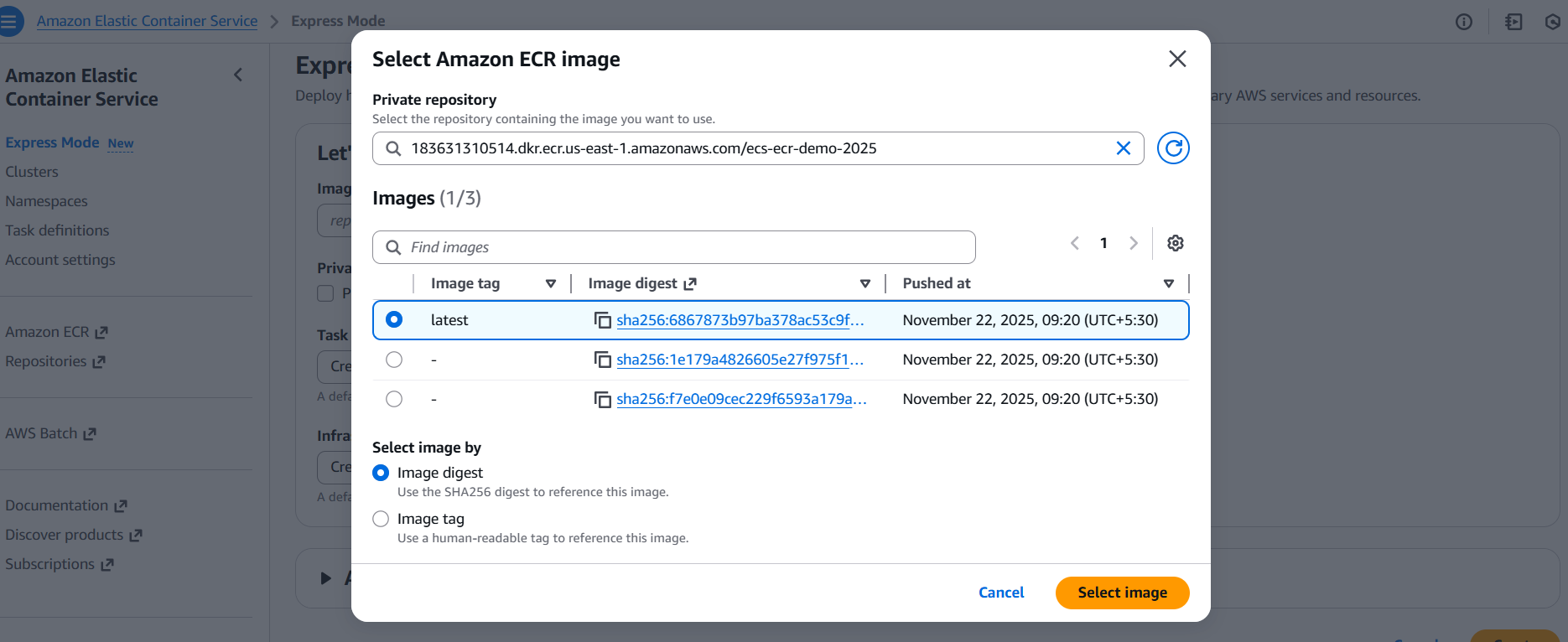
- Provide the container image URI from ECR.
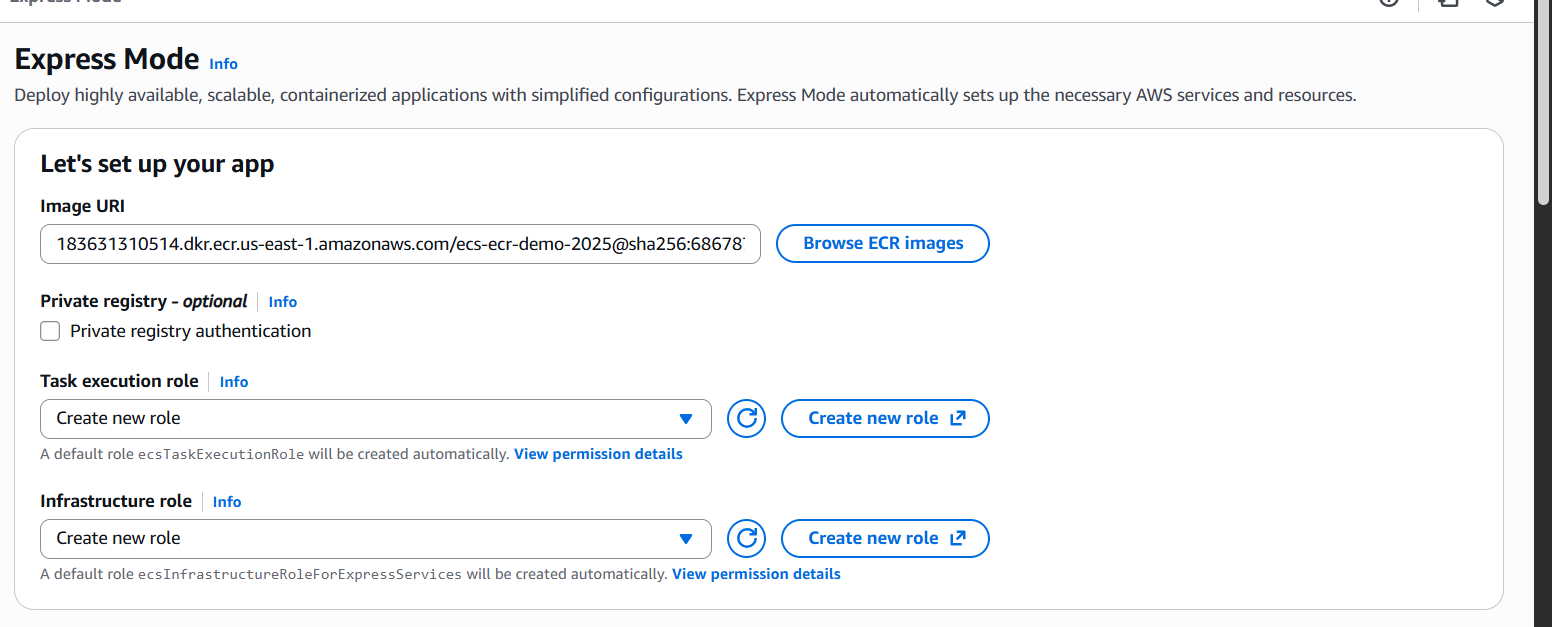
- Create or confirm the required IAM roles (task execution and infrastructure). The console can generate these automatically.
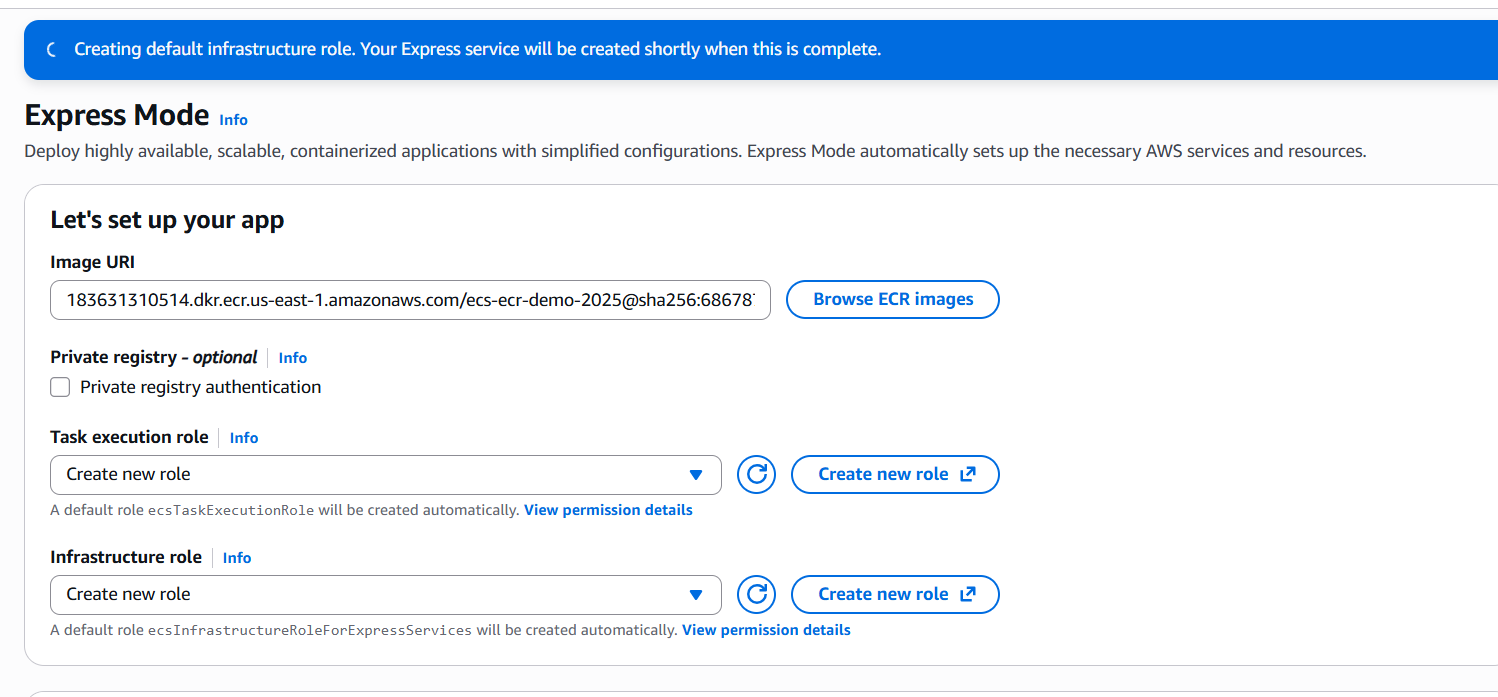
- Launch the deployment and get an auto-managed HTTPS endpoint with ALB in minutes.
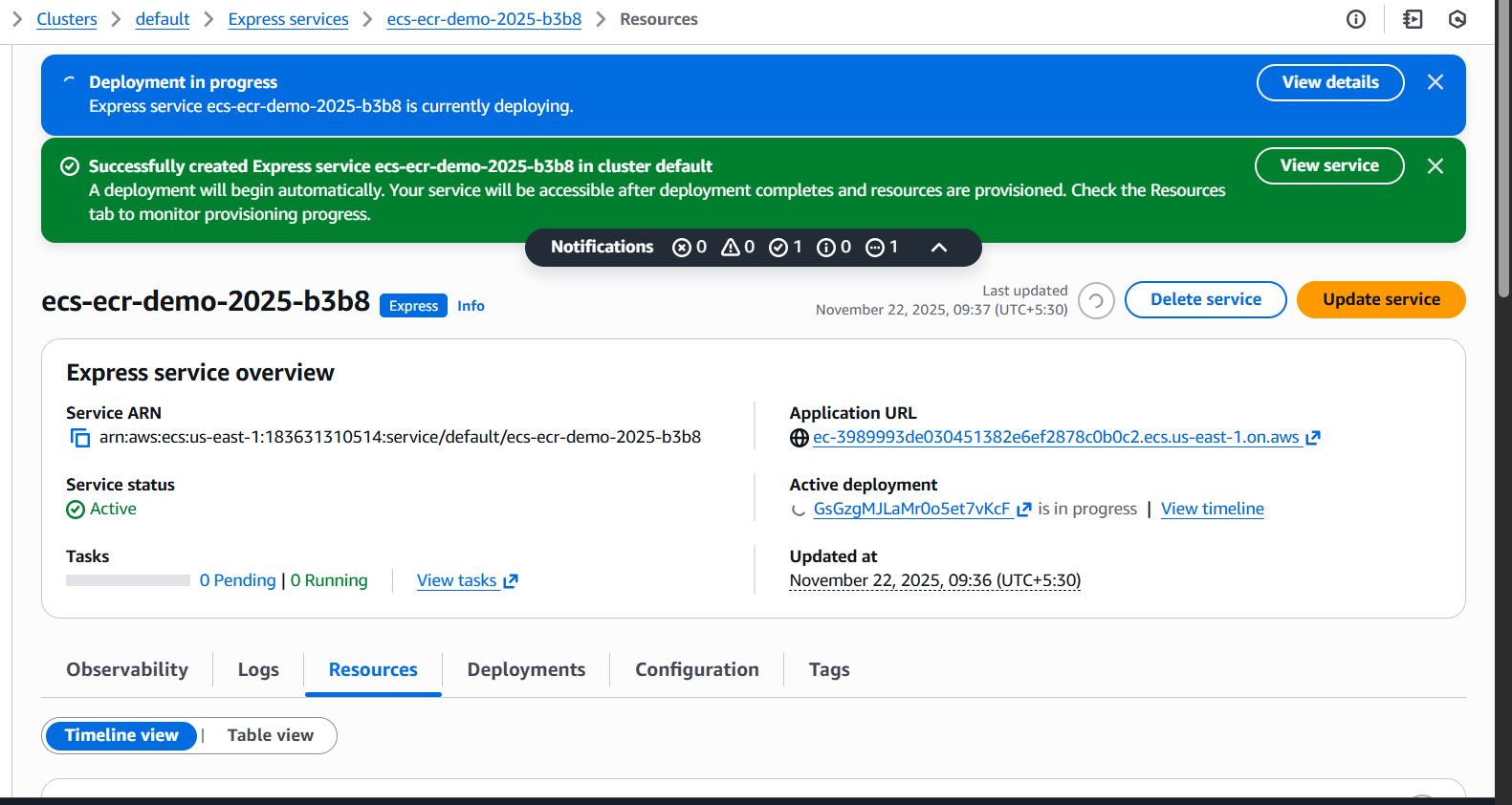
- We can what are resources created for us in the timeline view
- We can see what are resources created for us in table view
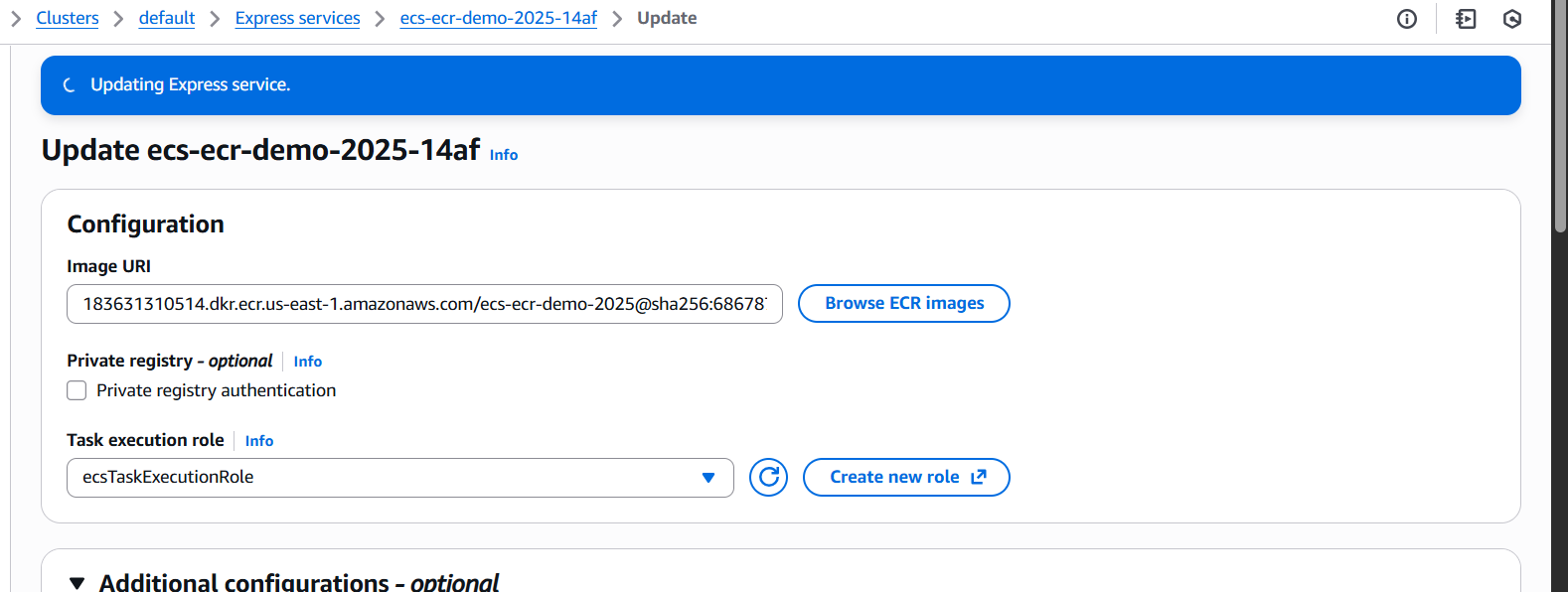
- we can also update the express service setup
- By Default our deployment stratgey set to canary
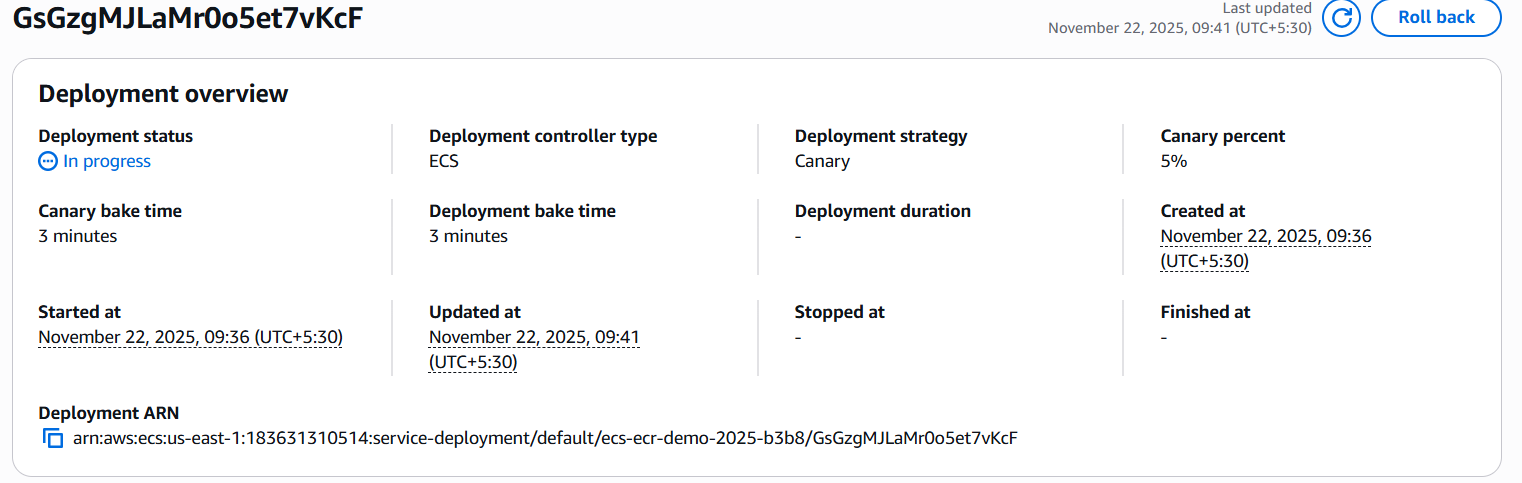
- Check your website is up or not
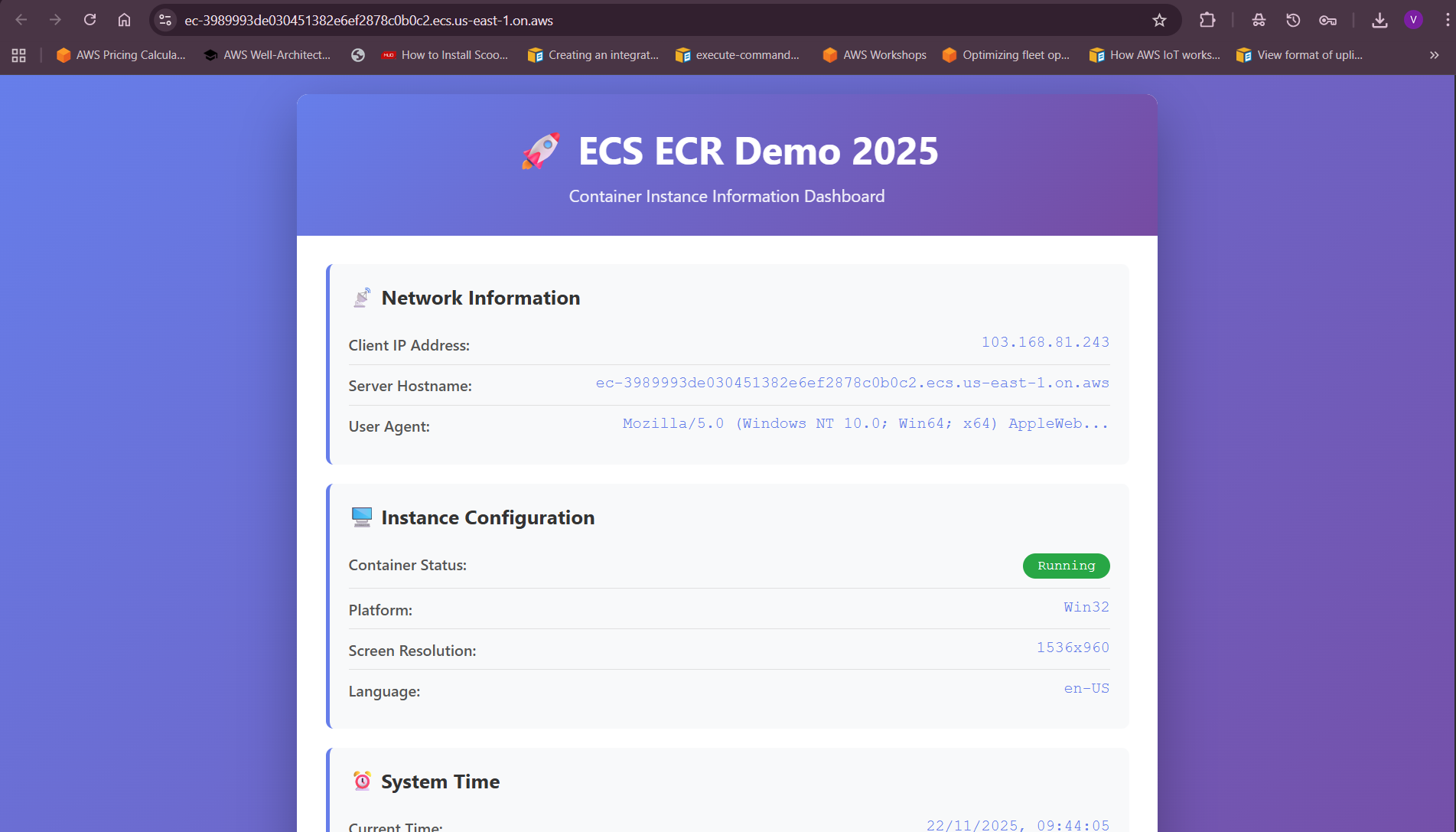
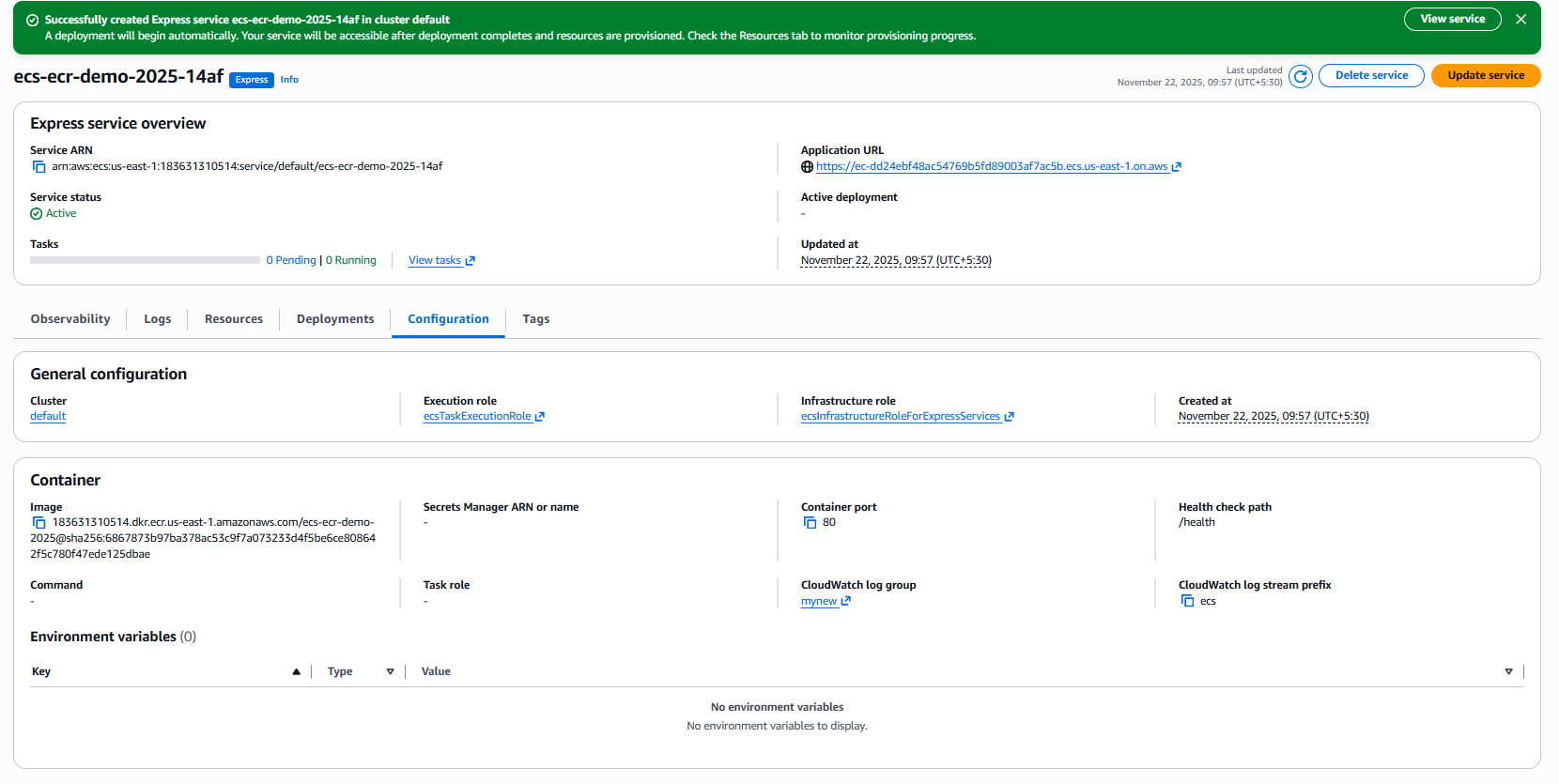
- It is created everything for me , it is so cool.
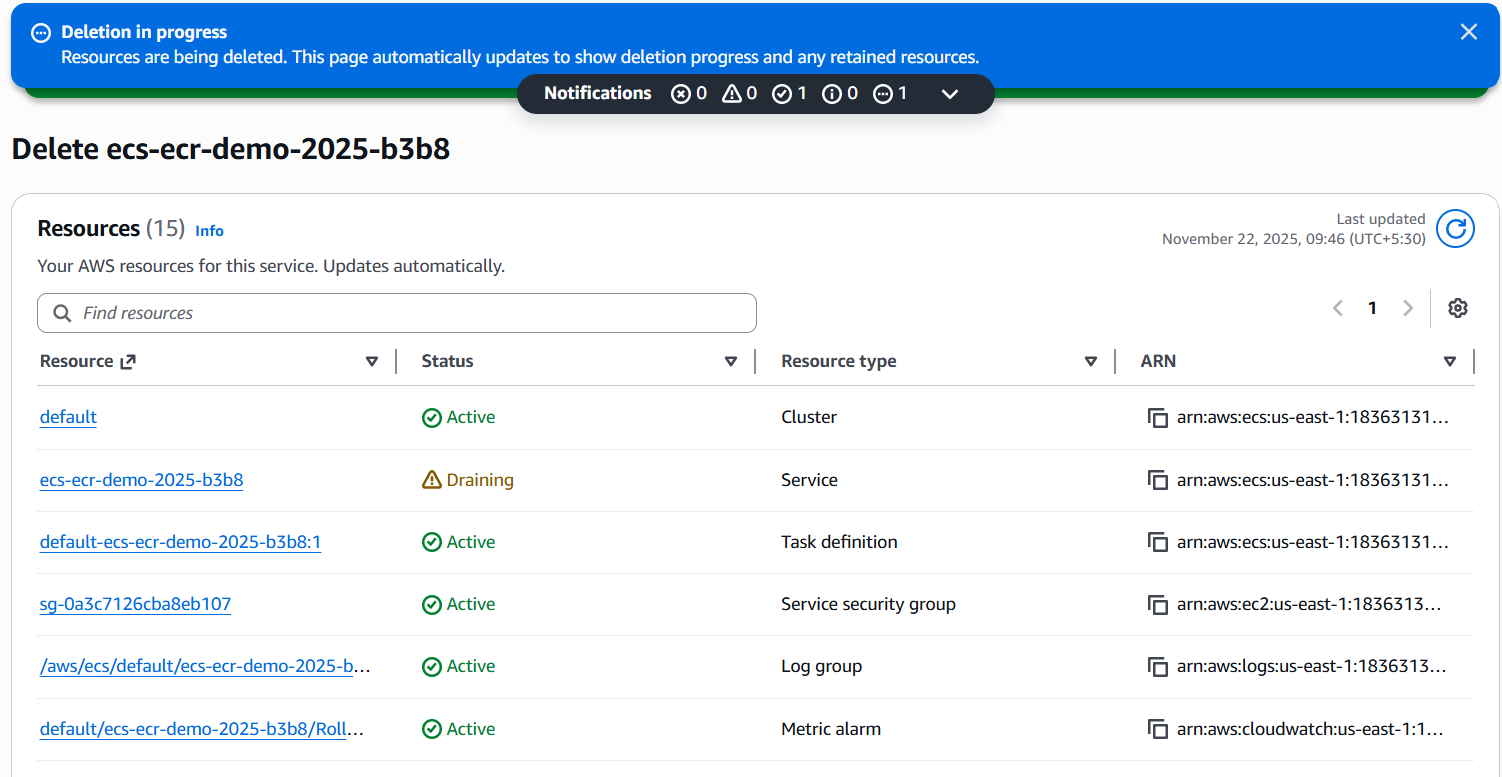
- Just one click , kaboom everything can be easily destroyed .
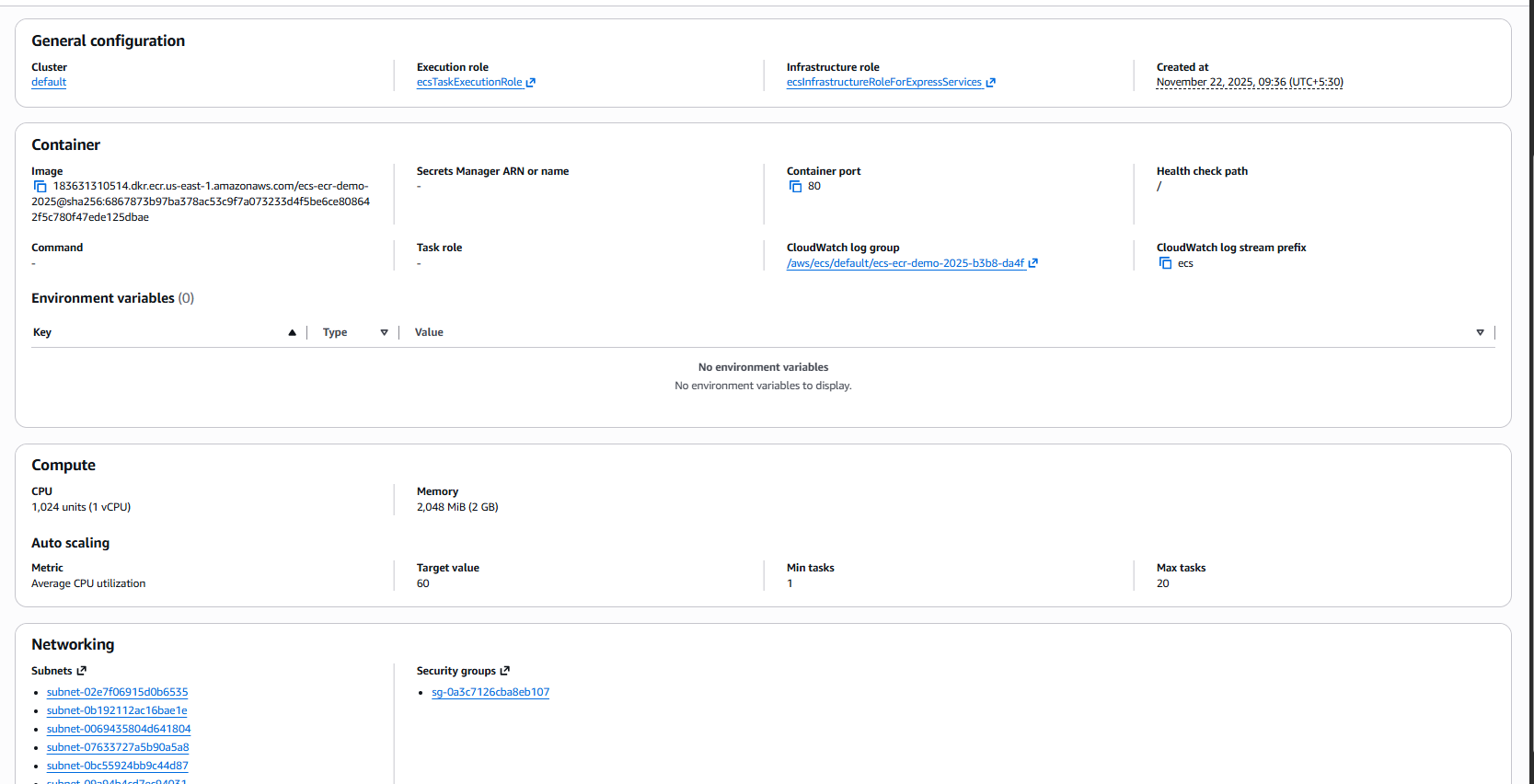
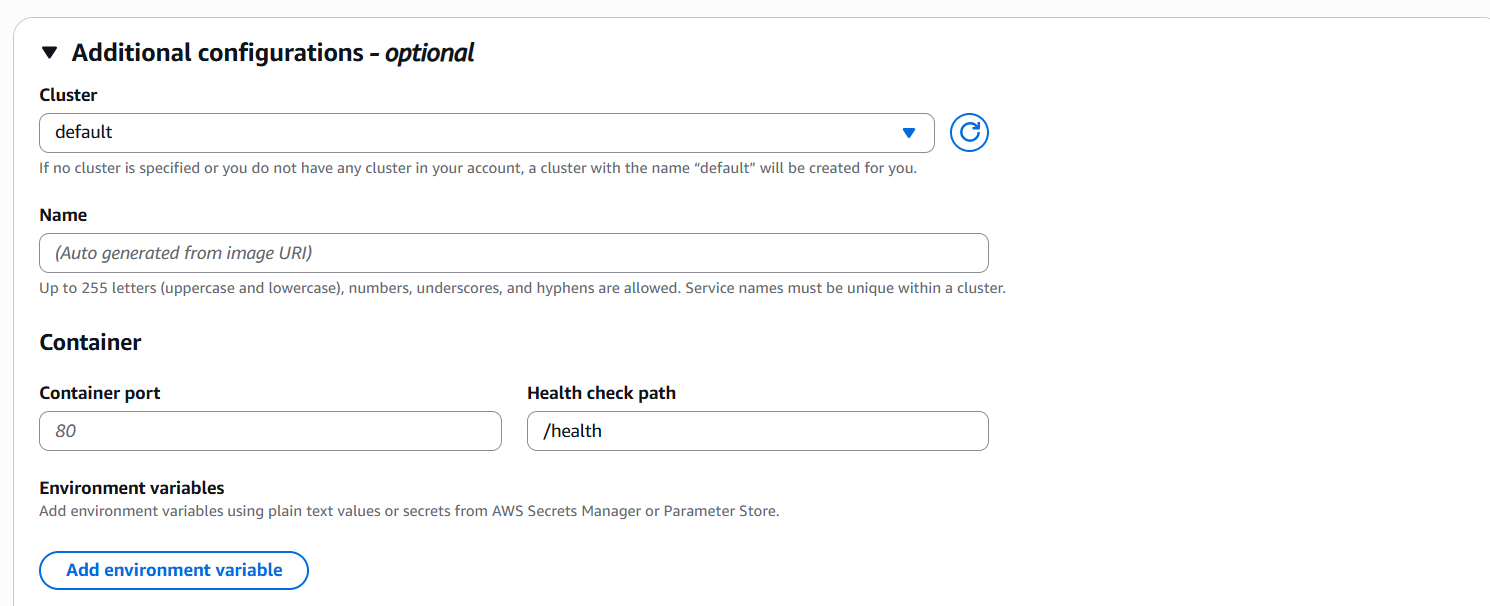
Lets now explore the additional configuration option
- We can select where this express mode task needs to be scheduled like in which cluster , you can take care about containerPort and health check.
You can see there is env variables options where you can pass you variables from your secrets manager or ssm parameter store
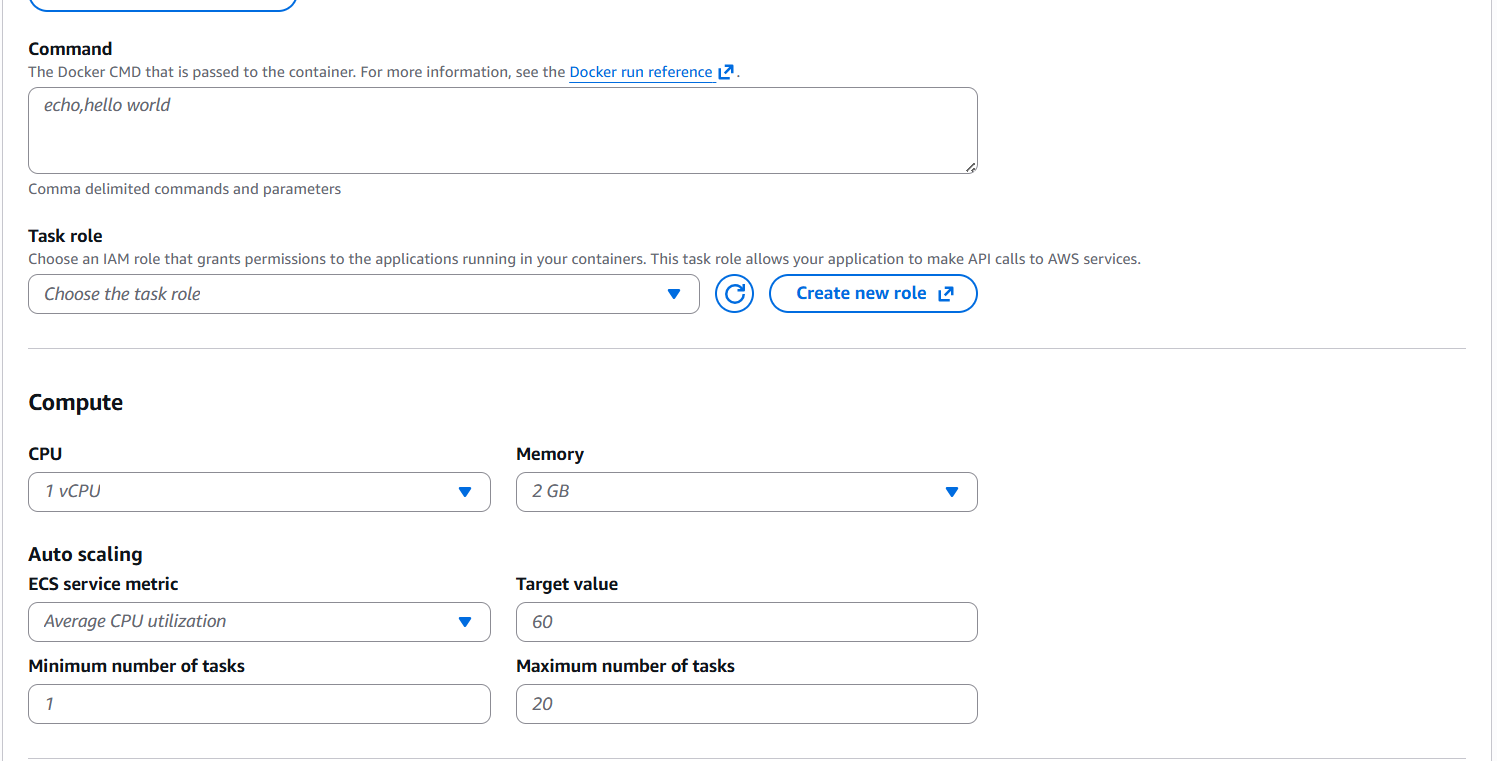
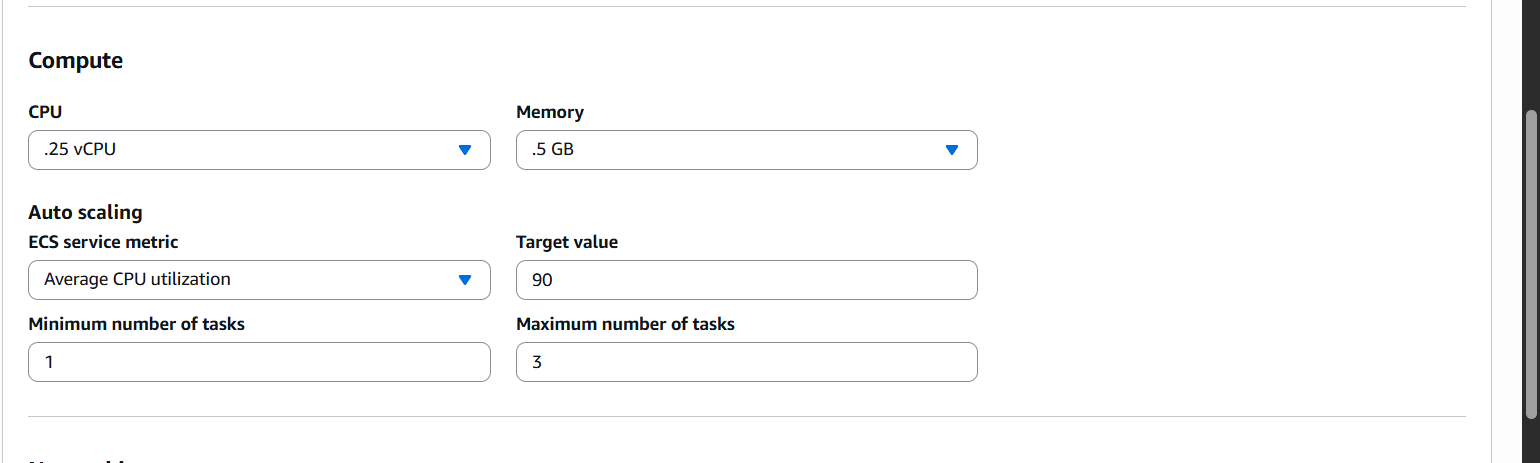
- We can pass our Docker CMD commands here . In compute options we can able to set how many vCpus we need and memory . Task scaling etc
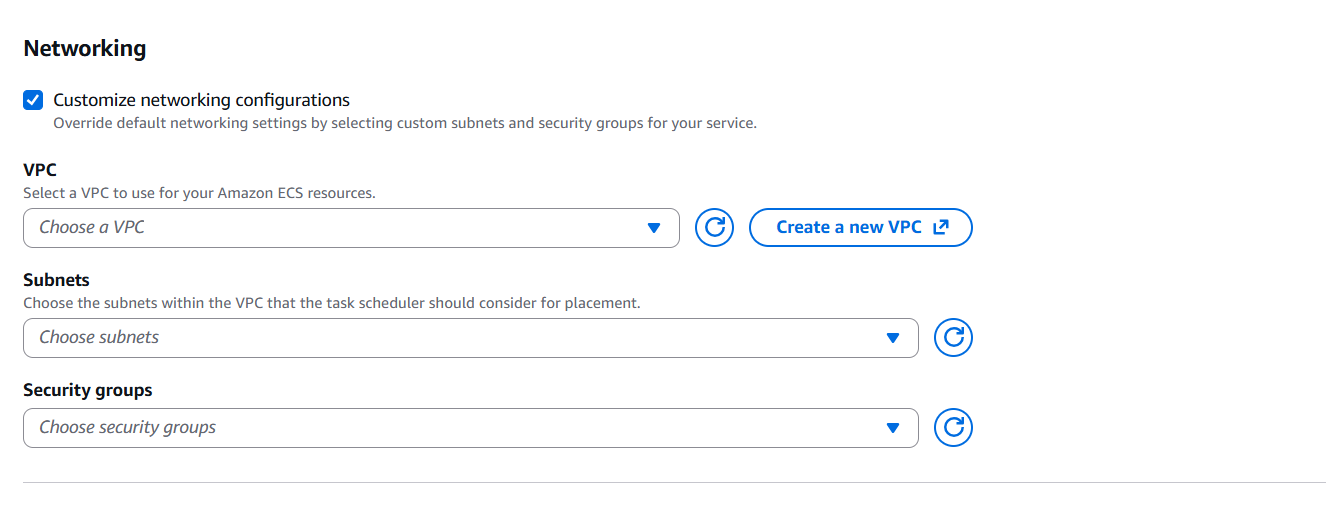
- we can customize our networking like if you have already available VPC, SG etc . if we dont enable , express mode creates them for us by default
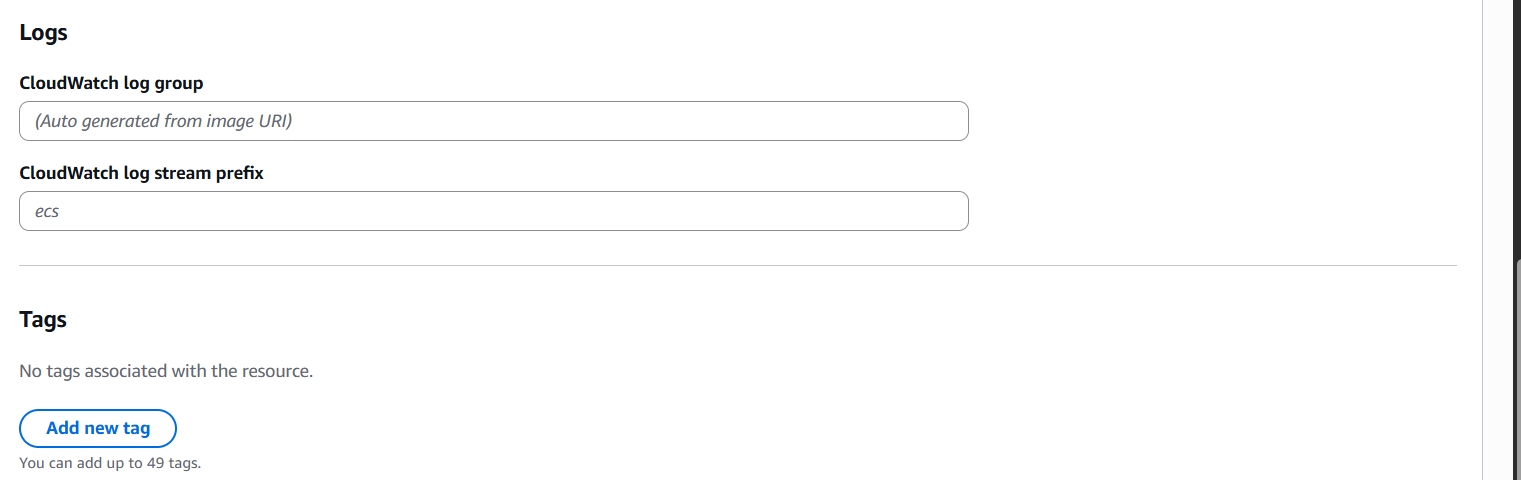
- we name our cloudwatchlog group name and prefix , if not it will generated automatically
IAM Roles Needed
- Task Execution Role: Allows ECS to pull images, write logs, and retrieve secrets.
- Infrastructure Role: Lets ECS manage ALB, networking, and scaling.
AWS can auto-create these roles with recommended permissions, easing onboarding for new users.
Ending Note
ECS Express Mode represents a huge win for developers and teams who want to focus on building applications, not wrestling with infrastructure. It delivers container deployments at full pace—bringing production-ready, scalable applications live with minimal setup and maximum developer productivity.
Whether you're prototyping or launching at scale, Express Mode simplifies the journey from container image to a fully managed HTTPS endpoint. This is the future of container deployment on AWS ECS—fast, secure, and developer-friendly.
Github Url : https://github.com/aquavis12/ecs-ecr-demo-2025-expressmode
Deploy highly available, scalable containerized applications with simplified configurations. ECS Express Mode takes care of the rest.