
How to Use It, Where It Shines, and Why It Matters
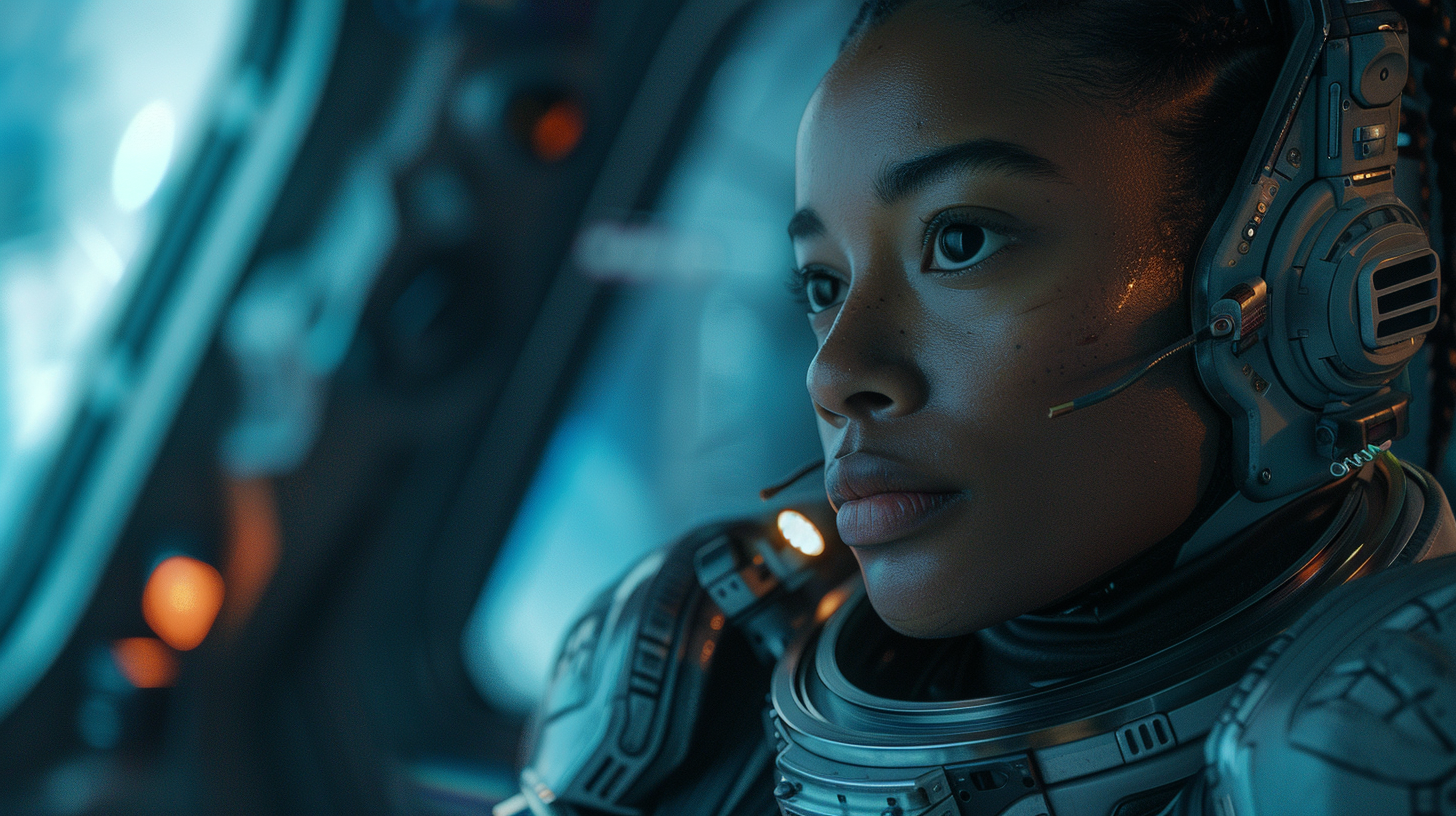
AI-generated video has crossed a major turning point. We’ve moved from short, shaky clips to cinematic, story-driven visuals that actually feel intentional. One of the strongest signals of this shift is Veo.
Veo is Google’s advanced video generation model built to understand story, motion, camera language, and realism—not just visuals frame by frame. This blog breaks down how Veo works, the best way to use it, and the real benefits it brings to creators, developers, and teams.
What Is Veo?
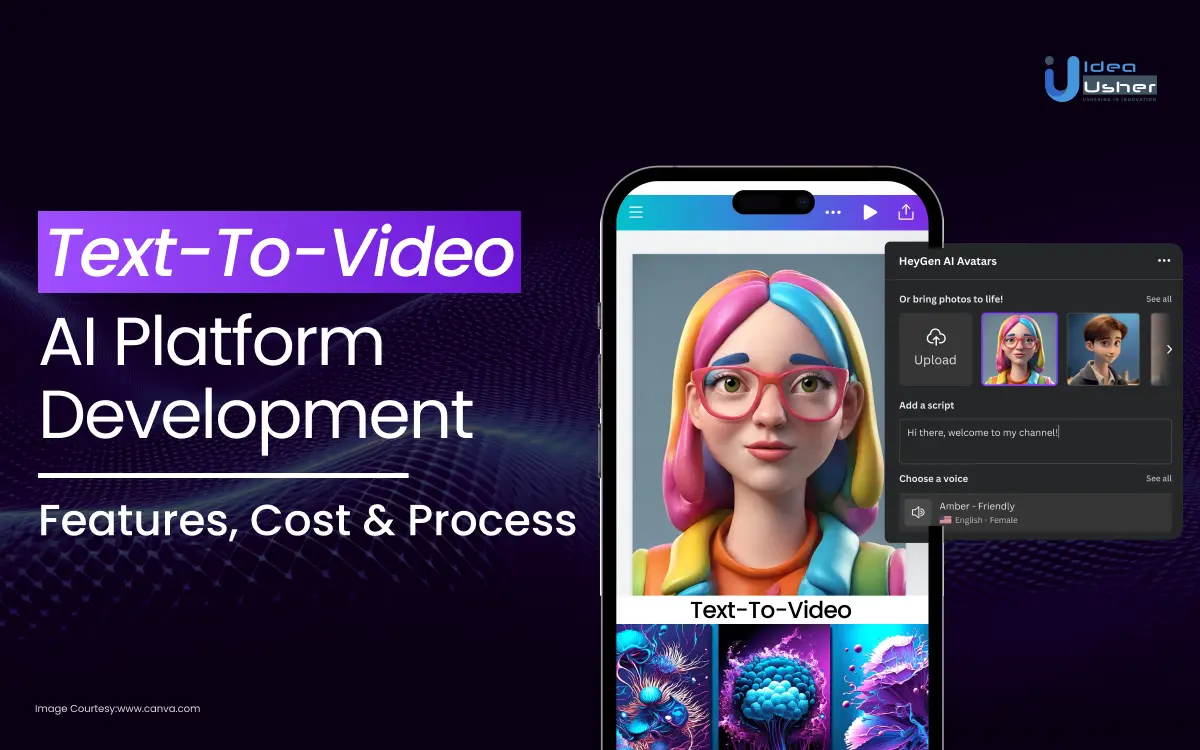
Veo is an AI model that generates high-quality videos from text prompts, images, or both. Unlike earlier video models that focused on novelty, Veo focuses on:
- Visual consistency
- Natural motion and physics
- Cinematic camera behavior
- Longer, coherent scenes
The result feels less like “AI experimenting” and more like AI-assisted filmmaking.
How Veo Thinks (This Matters)
Veo performs best when you think like a director, not a prompt engineer.
It understands:
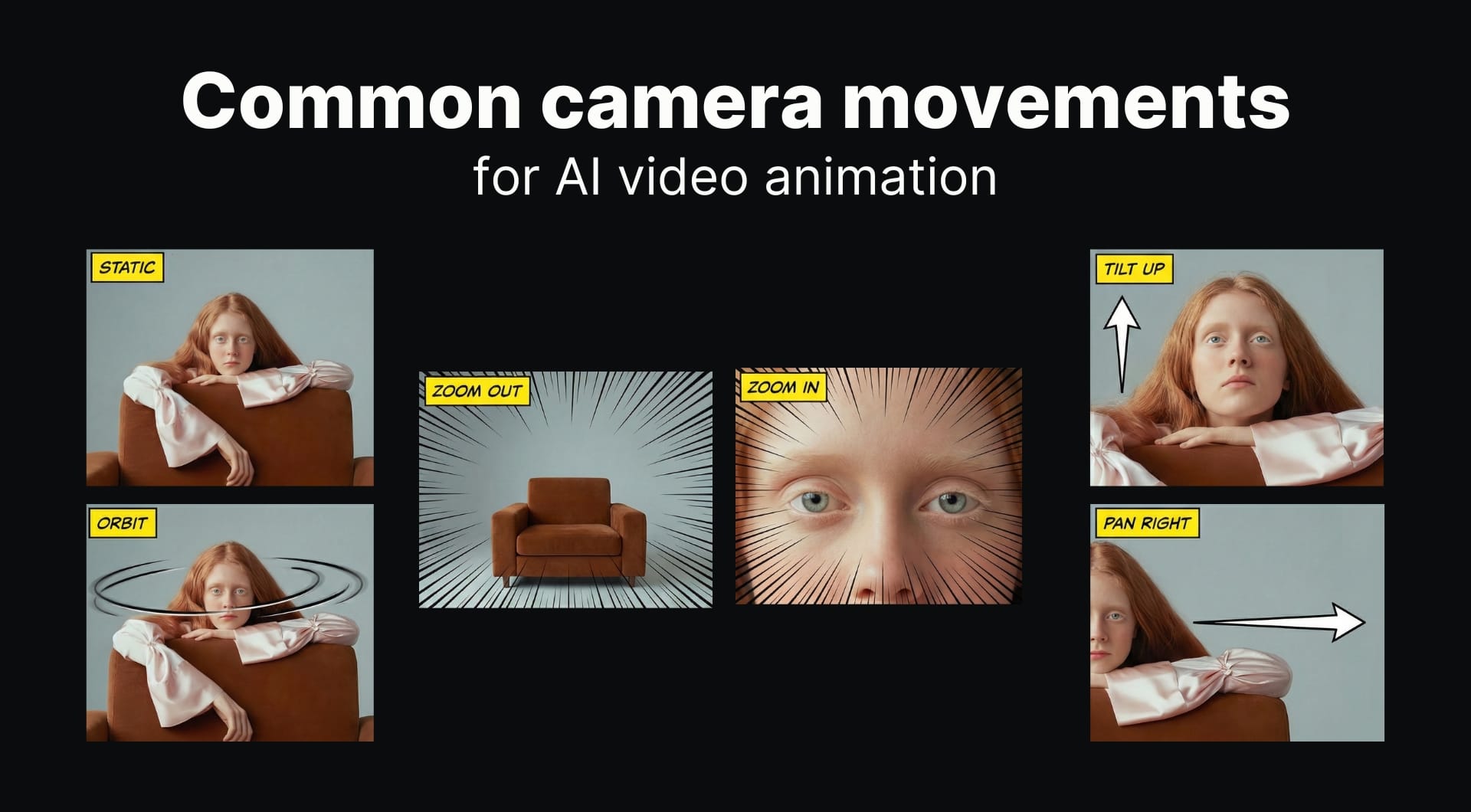
- Camera moves (pan, dolly, tracking shots)
- Scene composition (wide shots, close-ups)
- Lighting and mood
- Temporal consistency across frames
That means your prompts should describe what happens over time, not just what the image looks like.
Best Way to Use Veo
1. Text-to-Video: Describe the Scene, Not Just the Subject
Instead of:
“A city at night”
Use:
“A wide cinematic shot of a futuristic city at night, slow camera pan, neon reflections on wet streets, realistic lighting, calm atmosphere.”
Why this works:
- Veo understands pacing
- It applies motion intentionally
- The output feels cinematic instead of static
2. Image-to-Video: Extend Reality
Veo is extremely strong at image-based animation.
Use it to:
- Add subtle motion (wind, light shifts, camera drift)
- Extend scenes beyond a single frame
- Maintain character and environment consistency
This is perfect for:
- Product marketing
- UI demos
- Concept trailers
- Brand visuals
3. Controlled Editing (Where Veo Really Shines)
Veo responds very well to constraints.
Example:
Keep the scene composition unchanged.
Improve lighting realism.
Add smooth camera movement.
Maintain natural motion and depth.
This gives you refinement without breaking the original intent—something many video models struggle with.
Prompt Structure That Works Best
A reliable format:
Scene description
Camera movement
Lighting & mood
Style (realistic, cinematic, etc.)
Constraints (what must not change)
Veo rewards clarity and structure far more than creative chaos.
Key Benefits of Veo
Cinematic Quality
Veo understands film language—shots feel deliberate, not random.
Strong Prompt Adherence
What you describe is what you get, with fewer surprises.
Temporal Consistency
Characters, objects, and environments stay coherent across frames.
⚡ Faster Creative Iteration
Prototype videos in minutes instead of days.
Scales Content Creation
Ideal for marketing teams, creators, startups, and product teams.
Where Veo Is Best Used
Excellent for
- Brand videos
- Product explainers
- Concept trailers
- Social media visuals
- Storyboarding and pre-visualization
Less ideal for
- Heavy text overlays
- Extremely long narrative films (for now)
- Highly abstract experimental visuals
Veo vs Earlier Video Models
| Capability | Veo | Older Video Models |
|---|
| Camera control | ✅ Strong | ❌ Limited |
| Motion realism | ✅ High | ⚠️ Inconsistent |
| Scene coherence | ✅ Stable | ❌ Breaks often |
| Creative control | ✅ High | ⚠️ Medium |
The Bigger Picture
Veo isn’t about replacing videographers or filmmakers. It’s about:
- Removing friction
- Speeding up ideation
- Making high-quality video creation accessible
The real power comes when Veo is used as a creative multiplier, not a one-click generator.
Final Thoughts
Veo represents a shift from “AI-generated clips” to AI-directed scenes. If you approach it with intention, structure, and constraints, the results are surprisingly close to professional-grade output.
AI video isn’t the future anymore—it’s the present.
And Veo shows where it’s heading next.
Let’s stay connected:
Instagram: https://www.instagram.com/angular_development/
Facebook: https://m.facebook.com/learnangular2plus/
Threads: https://www.threads.net/@angular_development
Medium: https://medium.com/@eraoftech
coderlegion: https://coderlegion.com/user/Sunny
Quora: https://neweraofcoding.quora.com/
YouTube: https://www.youtube.com/@neweraofcoding
LinkedIn: https://www.linkedin.com/company/infowebtech/
Hashnode: https://neweraofcoding.hashnode.dev/
GitHub: https://github.com/angulardevelopment/ | sunny7899
BlueSky: https://bsky.app/profile/neweraofcoding.bsky.social
Substack Newsletter: https://codeforweb.substack.com/
Pinterest: https://in.pinterest.com/tech_nerd_life/
dev.to: https://dev.to/sunny7899
Looking for web dev trainings: https://beginner-to-pro-training.vercel.app/
Software development services: https://infowebtechnologies.vercel.app/
Contribution to the web development community: https://code-for-next-generation.vercel.app/
Book a session: https://topmate.io/softwaredev
Telegram Channel: https://t.me/neweraofcoding
Slack Community: Invite
Discord Community: http://discord.gg/Nuc9YRngHz
Buy me a coffee on Ko-fi: https://ko-fi.com/softwaredev
Ebooks: https://apexsunshine.gumroad.com
For business inquiries: Emails are not allowed
Thank you for being a part of the community. Happy coding!