You have a WordPress site. It shows a cookie banner. You'd like it gone, but you still want to know how many people visit and what they click.
This tutorial gets you there in five steps. At the end: no banner, all visitors counted, nothing sent to Google.
Why this works: Europe's privacy rules (GDPR and ePrivacy) ask for consent when a site stores something on the visitor's device, like a cookie. Counting visitors is allowed. Leaving a cookie to do it is what needs the banner. Use an analytics tool that leaves nothing, and the banner has no reason to exist.
Step 1. Find out what is setting cookies today
Open your site in a private window (so you're not logged in). Press F12, click the Application tab, then Cookies, then your domain.
Write down what you see. Common ones:
| Cookie | Who sets it | Needs consent? |
|---|
_ga, _ga_*, _gid | Google Analytics | Yes |
_fbp | Facebook Pixel | Yes |
_hjSession*, _hjid | Hotjar | Yes |
_clck, _clsk | Microsoft Clarity | Yes |
YSC, VISITOR_INFO1_LIVE | Embedded YouTube videos | Yes |
wordpress_test_cookie | WordPress login page only | No (only on wp-login) |
wp-wpml_current_language and similar | Some plugins, functional | Usually no |
Everything marked "Yes" is why you have a banner. Our job is to make that list empty.
Step 2. Install a cookieless analytics plugin
In WordPress: Plugins → Add New, search "Opti Behavior", install, activate. (Disclosure: I built it. Any plugin that sets no cookie, no localStorage and no fingerprint will do; this is the one I can vouch for.)
Open the Opti-Behavior menu. It starts counting immediately. No account, no API key.
Now prove it sets nothing. Back in your private window, reload the page, F12 → Application → Cookies. You should see no new cookie. Also click Local Storage and Session Storage in the same panel: nothing from Opti-Behavior there either.
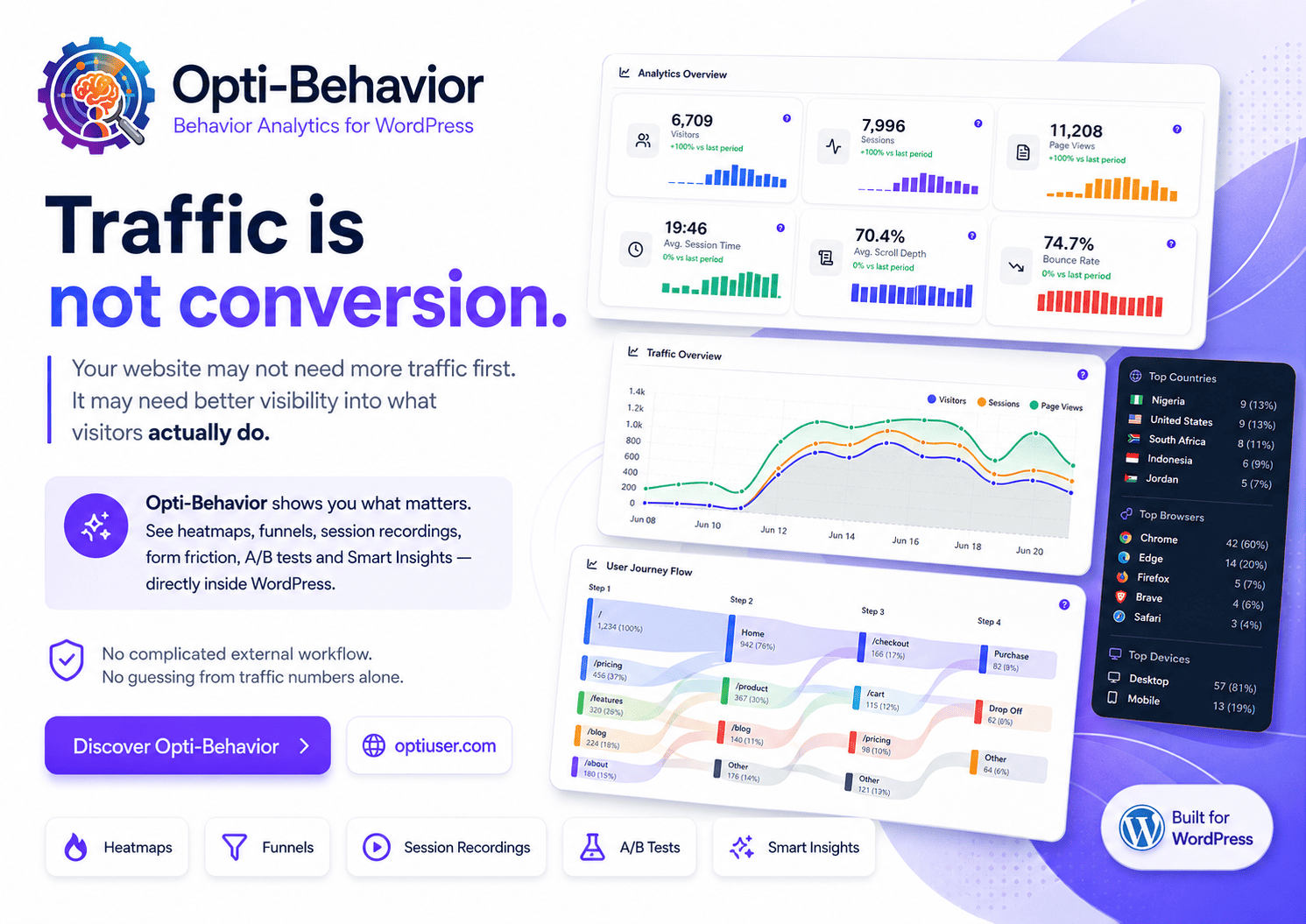
What you get for free: visitors, sessions, pages, scroll depth, click heatmaps, conversion funnels, email reports. All stored in your own WordPress database.
Step 3. Run both for a week
Don't remove Google Analytics yet. Keep both for 7 days and compare the visitor counts.
You'll see Opti-Behavior report more visitors. That's not a bug. Those are the people who clicked "Reject" on your banner, or ignored it. In Europe that's roughly one visitor in two. You were never seeing them.
Write the two numbers down. You'll want them when someone asks why you switched.
- Google Analytics: deactivate Site Kit / MonsterInsights, or delete the
gtag.js snippet from your theme header or your tag manager.
- Facebook Pixel, Hotjar, Clarity: remove the plugin or the snippet.
- YouTube embeds: replace
youtube.com/embed/... with youtube-nocookie.com/embed/..., or use a "click to load" plugin so nothing loads before the visitor clicks.
- Google Fonts, maps, social buttons: these don't set cookies by themselves, but check; some share buttons do.
Reload in a private window, F12 → Cookies. The list should now be empty or contain only functional cookies.
Step 5. Remove (or shrink) the banner
If the list from Step 4 is empty: deactivate your consent plugin. Done.
If something remains that you can't remove (an ad network, for example): keep the banner, but remove "analytics" from it. Fewer categories means fewer people click "Reject".
Two things to do either way:
- Update your privacy policy. Say that you measure traffic with a cookieless tool, data stays on your server, IP addresses are shortened. One paragraph is enough.
- Keep session recordings behind consent. Counting visitors needs no permission. Replaying one person's mouse does. Opti-Behavior keeps the two separate, so analytics runs without a banner and recordings only start if the visitor agrees.
Checklist
- [ ] Private window, F12, cookie list written down
- [ ] Cookieless plugin installed and verified (no cookie, no local storage)
- [ ] 7-day comparison done, two numbers saved
- [ ] Google Analytics and other trackers removed
- [ ] YouTube embeds switched to nocookie or click-to-load
- [ ] Cookie list empty (or analytics removed from the banner)
- [ ] Privacy policy updated
- [ ] Recordings gated behind consent
Going deeper
How session-based tracking works under the hood, why browser fingerprinting is not a shortcut, and what the French privacy authority (CNIL) says about audience measurement:
How to Track WordPress Visitors Without Cookies (GDPR Compliant)
Plugin: wordpress.org/plugins/opti-behavior
If you do the 7-day comparison, share your two numbers in the comments. I'm curious how big the gap is on different kinds of sites.
