Every developer has the same graveyard of browser tabs: one sketchy site to decode a JWT, another to pretty-print JSON, a third to encode Base64 for an auth header, a fourth to diff two blobs of text. Half of them are covered in ads, most of them quietly send whatever gets pasted in to a server, and none of them talk to each other. So the day becomes a loop of copy, switch tab, paste, copy again.
I got tired of that loop and built CatsSayMeow Toolkit to fix two things at once: keep the work local where it can be, and let the tools pass data between each other so the copy-paste shuffle mostly goes away.
Here is the whole set, grouped the way the work actually flows.
The auth and API debugging cluster
This is the part I use most, and it is where the handoffs matter.
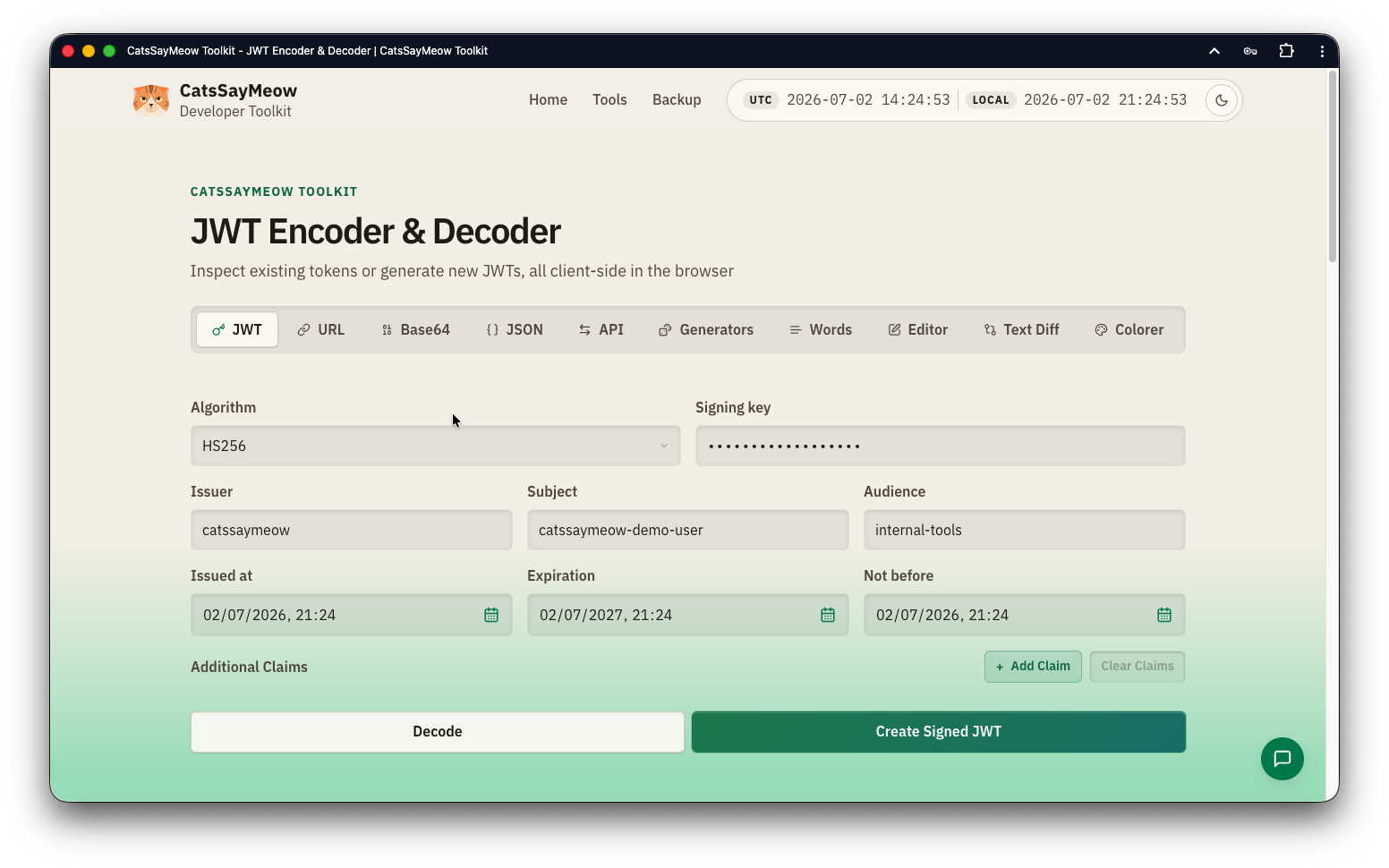
The JWT Encoder & Decoder reads a token and lays out the header, payload, claims, and expiry, all in the browser. It also encodes: sign a fresh test token with HS256, HS384, or HS512 when a valid one is needed for an experiment. Once a token looks right, one action sends it straight into the API Client as an auth header. No copy-paste, no losing it between tabs.
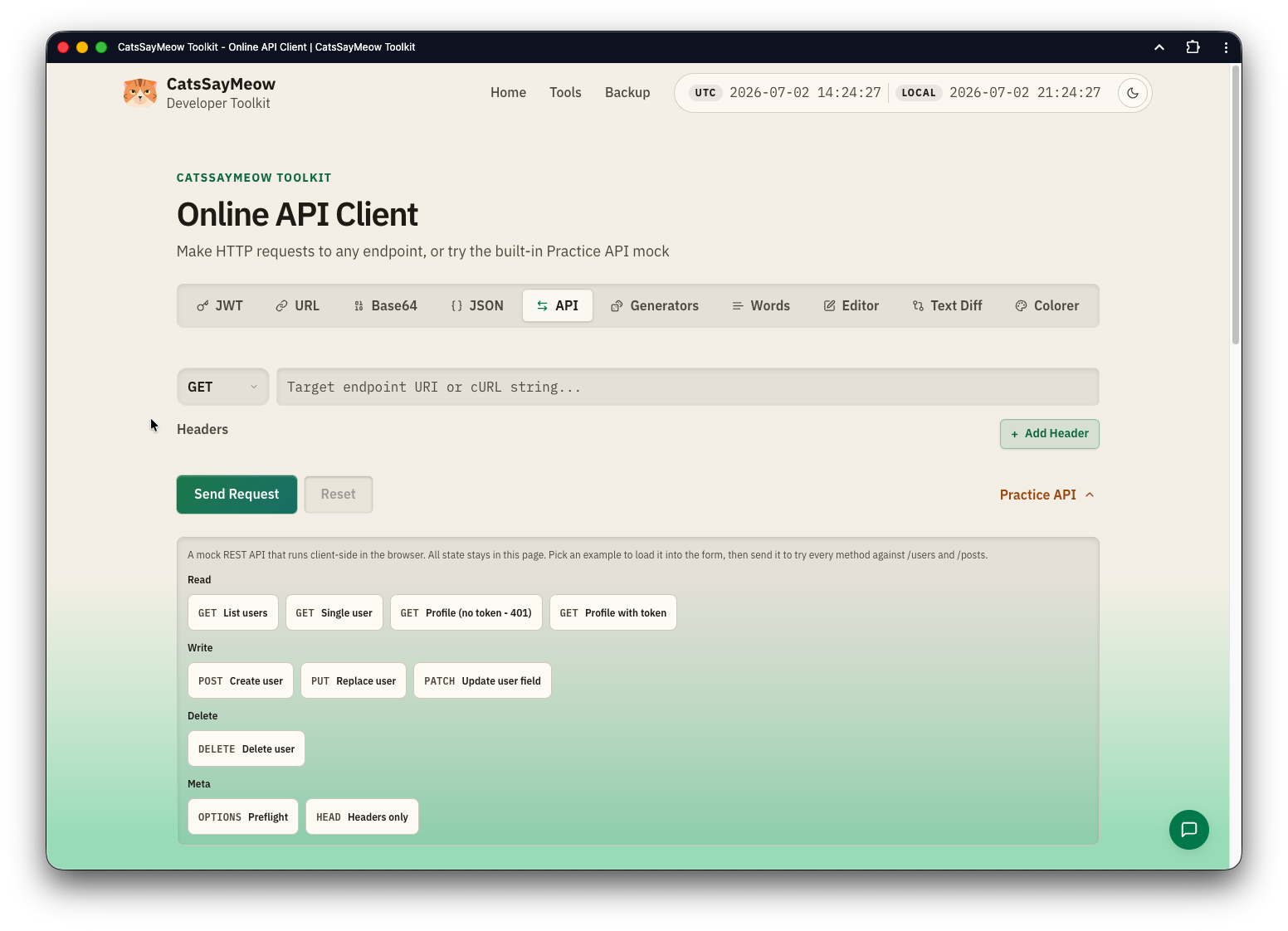
The API Client sends real HTTP requests: pick the method, set headers, add a body, and read the full response with status code, timing, headers, and body. No browser extension required. If there is no endpoint handy to poke at, it ships with a built-in Practice API, a small mock REST API that runs client-side, so every method has something to hit while learning the tool.
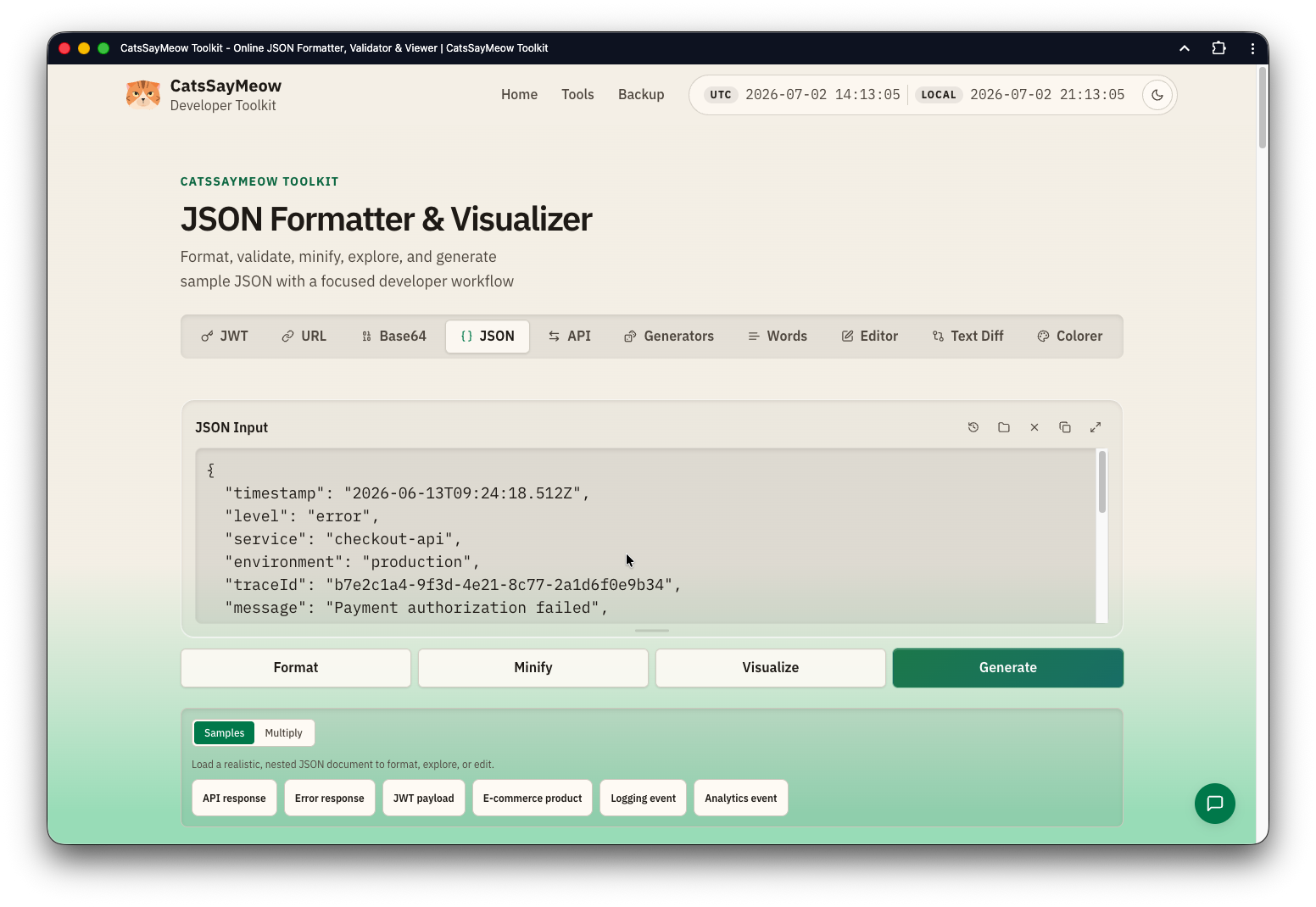
The JSON Formatter & Visualizer is the other feeder into the API Client. It formats, validates, and minifies, and when JSON is invalid it points at the exact line and column instead of just saying "invalid." Beyond formatting, it explores nested payloads as a tree, a graph, or a table, and filters by path, key, type, or value, which is how you actually find the one field that matters in a large response. It can generate sample records too, and send clean JSON on to the API Client as a request body.
Rounding out the cluster: Base64 Encoder & Decoder for auth headers and binary-to-text work, and URL Encoder & Decoder for percent-encoding query params, reserved characters, and non-ASCII symbols correctly.
The writing and comparison cluster
The Word Counter tracks words, characters with and without spaces, sentences, paragraphs, and lines as you type, updating live. When a quick count turns into real writing, it sends the text straight to the Editor instead of leaving it stranded.
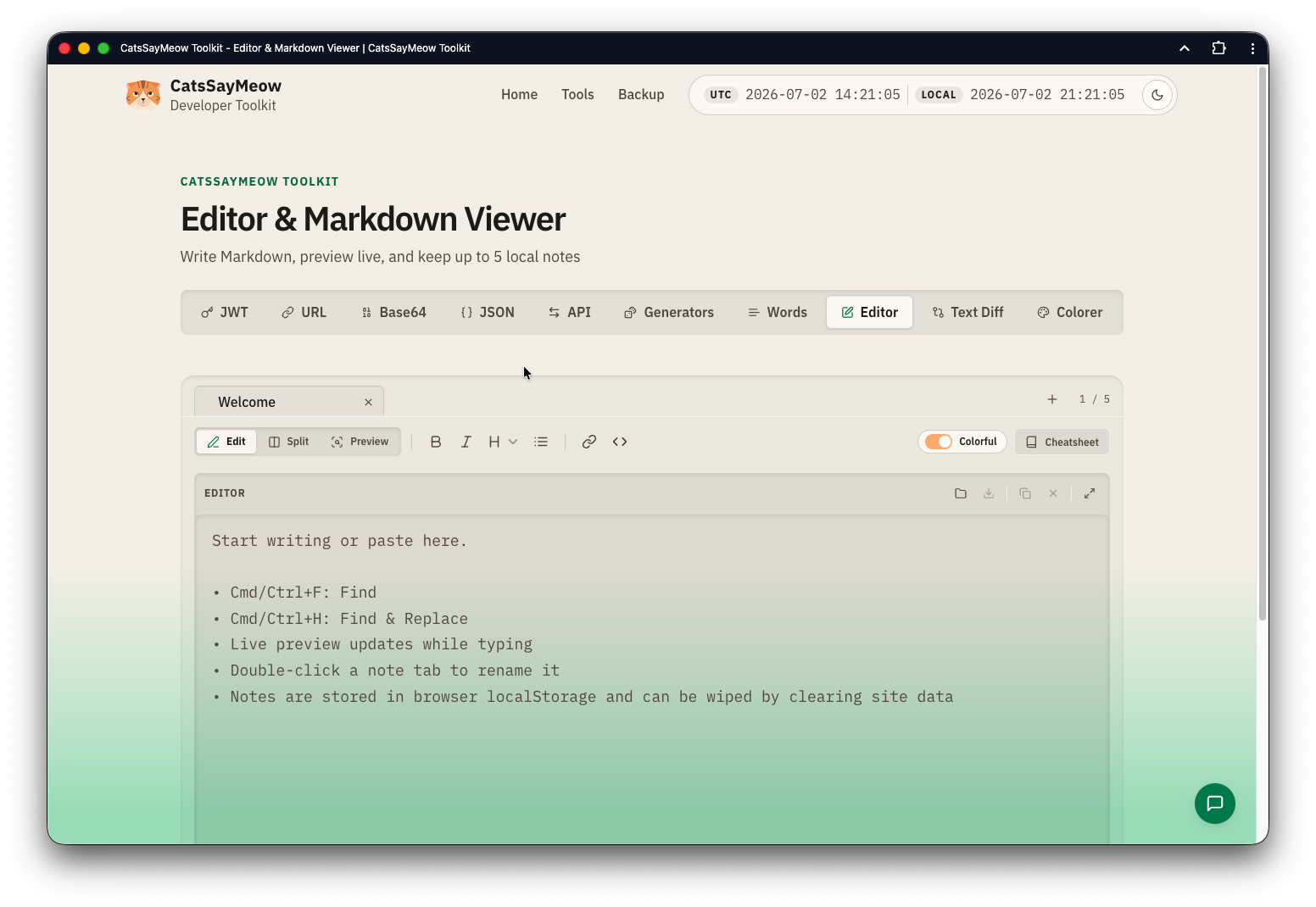
The Editor & Markdown Viewer renders Markdown live next to the note you are editing. It keeps up to five browser-local notes, each with its own autosave, plus inline rename, a cheatsheet drawer, formatting shortcuts, and Find & Replace. Text handed over from the Word Counter appends into the active note.
The Text Diff Checker compares two blocks of text line by line, with an optional word-level view for spotting the single character that changed. After a comparison it can collapse the inputs for a cleaner workspace, and send either the original or modified side over to the Word Counter.
Read those three together and the pattern is the same as the API cluster: Text Diff feeds Word Counter, Word Counter feeds the Editor. The data follows the work.
Generators and Color Explorer
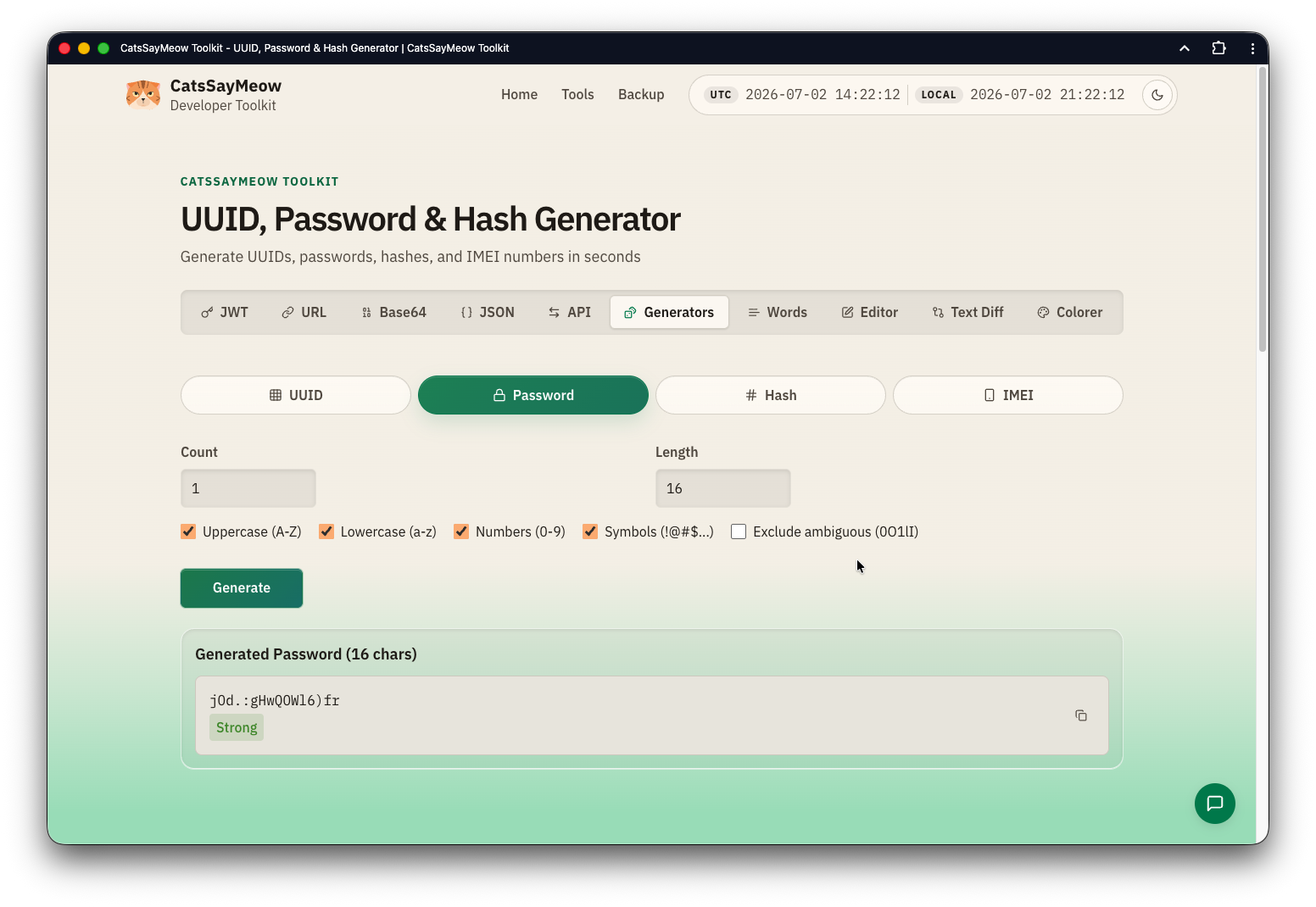
The Generators tool covers the test-data basics: UUIDs (v1, v4, v7, v5), secure passwords, cryptographic hashes (MD5, SHA-1, SHA-256, SHA-512, SHA3-256, BLAKE2b, BLAKE2s), and IMEI numbers. It uses the crypto API for randomness, not Math.random(), which matters the moment a generated value ends up anywhere real.
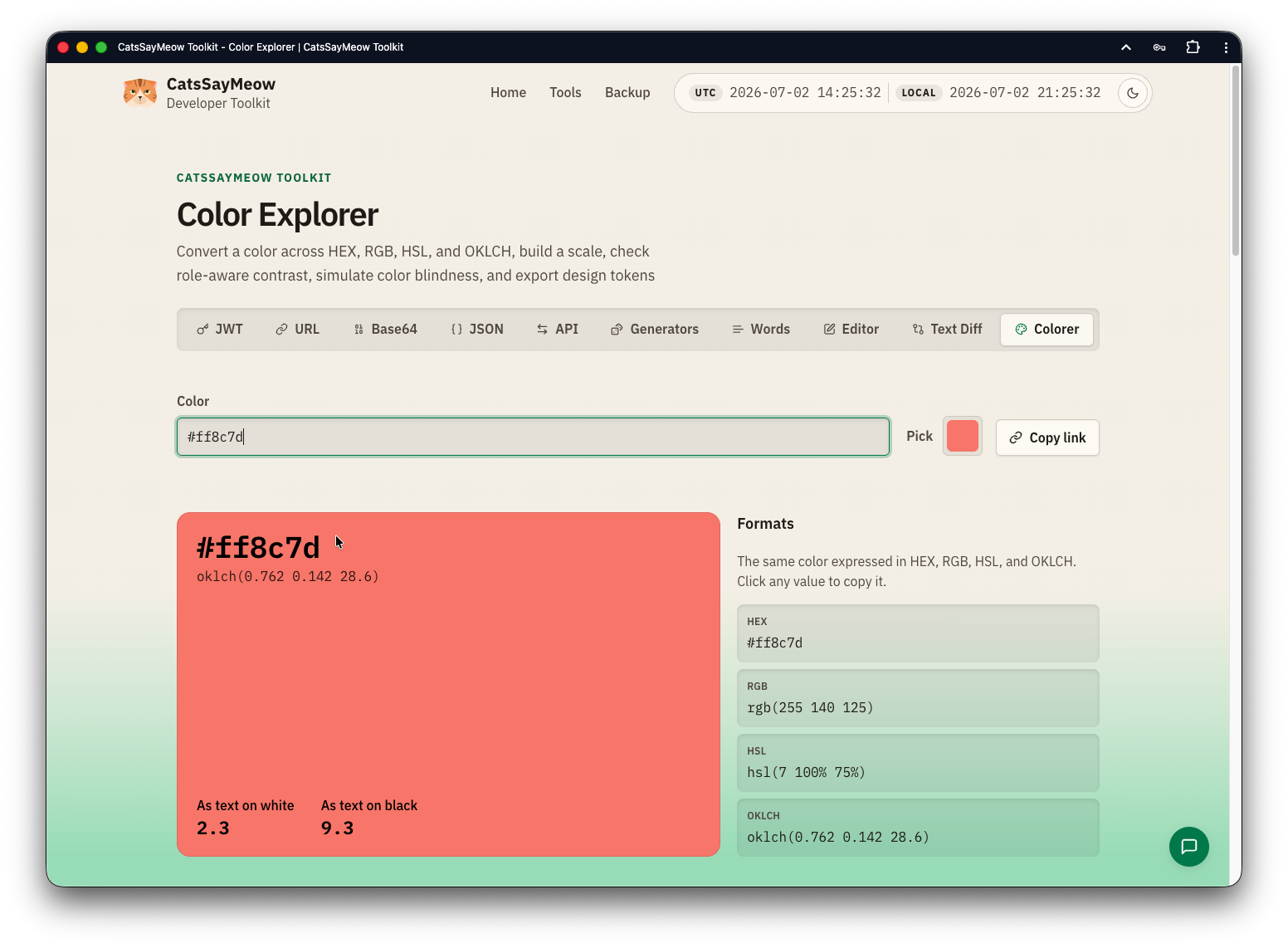
The Color Explorer is the deepest of the ten. It converts a single color across HEX, RGB, HSL, and OKLCH, and builds a 100 to 900 scale for design tokens. The part I am proud of is contrast: it checks role-aware WCAG contrast for body text, large text, and the 3:1 non-text threshold for borders and icons, against a light, dark, or custom surface. It shows the classic WCAG 2 ratio next to the APCA Lc perceptual reading from the draft WCAG 3, and when a pairing falls short it names the nearest scale step that clears it. A theme-pair check tells you whether a color passes on both a light and a dark theme at once, since most colors only pass on one. There is a full contrast matrix, color-blindness simulation for deuteranopia, protanopia, and tritanopia, token export as CSS custom properties, a Tailwind color object, or JSON, and a shareable link that round-trips the color and its settings.
The honest part about privacy
A lot of tools claim to run "entirely in your browser." Most of these genuinely do: the JWT decoder, JSON formatter, Base64, URL, generators, counter, editor, diff, and color work all run as client-side JavaScript, and there is a Data Backup tool to export and re-import local notes and settings as a file.
The exception is the API Client. To send a real cross-origin HTTP request, the browser cannot do it alone, so that one proxies through a server with a stack of SSRF protections in front of it. I would rather say that plainly than pretend every byte stays local when it does not.
The stack, for the curious
No frontend framework. It is Django templates with vanilla JavaScript, IBM Plex for type, and a design-token CSS system. The tools are independent Django apps that do not import from each other, which keeps each one easy to reason about. Given how much this space defaults to a React app plus a pile of dependencies, building it as boring, fast server-rendered pages with a little JS was a deliberate choice, and it loads instantly.
Try it
It is free, no signup, light and dark themes, and installable as a PWA with an offline fallback. It lives at catssaymeow.org.
If you try it, I would genuinely like to hear what breaks or what is missing. The handoffs between tools are the idea I care about most, and there is plenty of room to add more of them.