In most SaaS dashboards, the sidebar is not just a menu.
It controls navigation, layout structure, permissions, and even performance. If you build with Next.js and React, your sidebar design will directly affect how scalable and maintainable your app becomes.
This article explains the most effective Shadcn sidebar patterns and how to think about them from a system design perspective.
A Shadcn sidebar is a navigation system built using shadcn/ui components and Tailwind CSS.
In real projects, it usually does the following:
- Lives inside a shared dashboard layout
- Persists across route changes
- Highlights active routes
- Supports role based access
- Handles responsive behavior
In a Next.js App Router setup, the sidebar is placed inside layout.tsx under a dashboard route group. This prevents it from unmounting during navigation.
Typical structure:
app/
  (dashboard)/
    layout.tsx
    page.tsx
Navigation items are stored in a config file and mapped into UI components. This keeps logic clean and avoids repeating code.
In small projects, developers hardcode links in JSX.
In large SaaS systems, that approach fails quickly.
A well designed sidebar improves:
- Maintainability
- Scalability
- Developer productivity
- Routing consistency
- Permission handling
- Performance
If your navigation grows from 10 items to 50 items, poor structure will create technical debt.
Architecture Decisions You Should Make First
Before choosing a sidebar style, answer these questions.
1. How deep is your navigation
If your app has nested sections, use a config driven structure with children arrays and recursive rendering.
Example:
export const navItems = [
  {
    title: "Dashboard",
    href: "/dashboard"
  },
  {
    title: "Users",
    children: [
      { title: "All Users", href: "/users" },
      { title: "Roles", href: "/users/roles" }
    ]
  }
]
This keeps your components reusable and avoids large JSX blocks.
If you support collapse and expand behavior, store the state in:
- React Context
- Zustand
- A global store
Do not store it inside a single component if you want layout persistence.
3. How will active routes be handled
In Next.js, use usePathname() to match the current path with navigation items.
Keep matching logic outside UI components. This makes the sidebar easier to test and reuse.
4. Do you need role based navigation
If your app has different roles, filter the navigation config before rendering.
Do not mix permission logic inside presentational components.
5. Is the app mobile friendly
Use the same navigation config for both desktop and mobile.
Render it as:
- Fixed sidebar on desktop
- Drawer or sheet on mobile
Never duplicate navigation logic for different screen sizes.
Here are the most practical patterns used in production dashboards.
Press enter or click to view image in full size
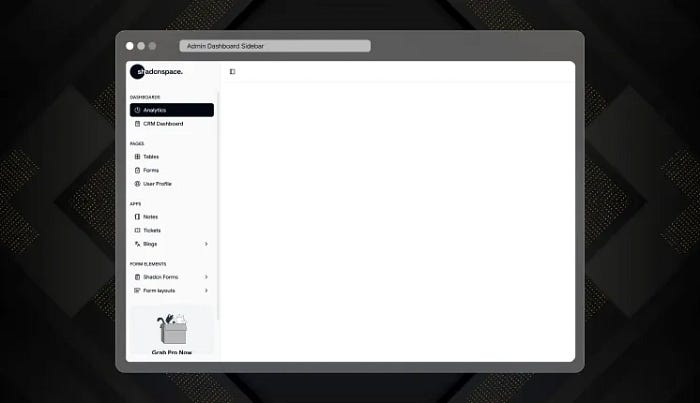
A multi level navigation sidebar with grouped sections and collapsible items. It supports nested routes and works well with role based filtering. This is the most common pattern in serious SaaS products.
Use cases
- CRM systems
- Analytics dashboards
- Role based admin panels
- Complex SaaS platforms
Explore Admin Dashboard Sidebar
Press enter or click to view image in full size

A collapsed first sidebar that shows icons by default and expands on interaction. It reduces horizontal space usage and keeps the main content area larger.
Use cases
- Data heavy dashboards
- Trading platforms
- Reporting tools
- High density interfaces
Explore Mini Sidebar Navigation
Press enter or click to view image in full size
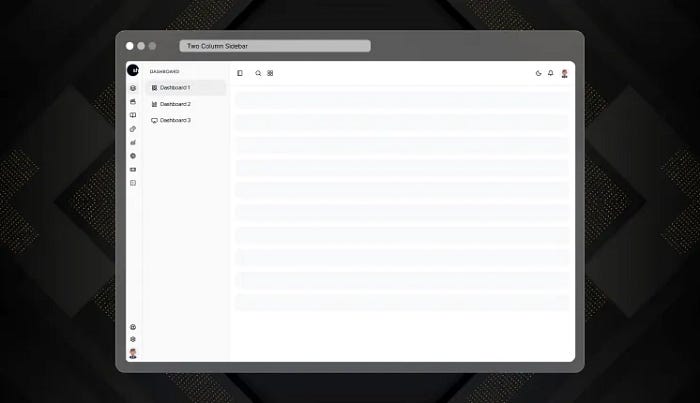
A dual layer navigation system. The first column handles top level sections. The second column updates dynamically based on selection. This avoids deep nesting and improves structure clarity.
Use cases
- Enterprise systems
- Project management tools
- Large internal platforms
- Feature rich applications
Explore Two Column Sidebar
4. Compact Dashboard Navigation
Press enter or click to view image in full size
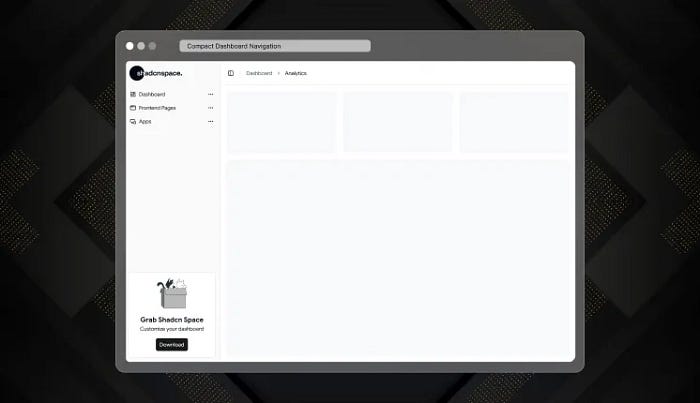
A tighter version of a traditional sidebar. It keeps labels visible but reduces padding and spacing for better information density.
Use cases
- Internal admin tools
- Moderate complexity dashboards
- Operations panels
- Back office systems
Explore Compact Dashboard Navigation
Press enter or click to view image in full size
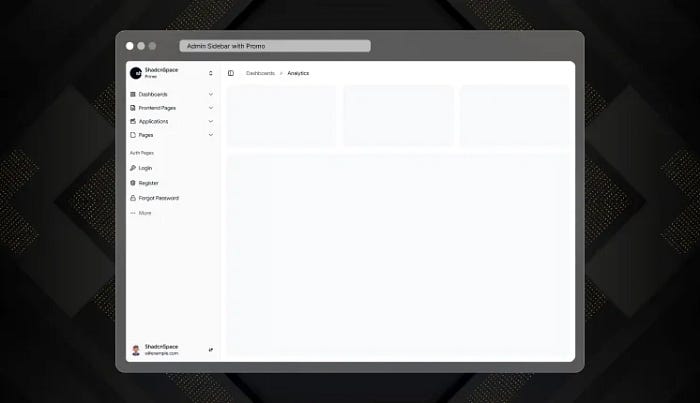
A navigation layout that includes a promotional or announcement block inside the sidebar. It integrates product messaging without interrupting workflow.
Use cases
- SaaS products with upgrade tiers
- Feature launch announcements
- Product led growth flows
- Subscription based platforms
Explore Admin Sidebar with Promo
Press enter or click to view image in full size
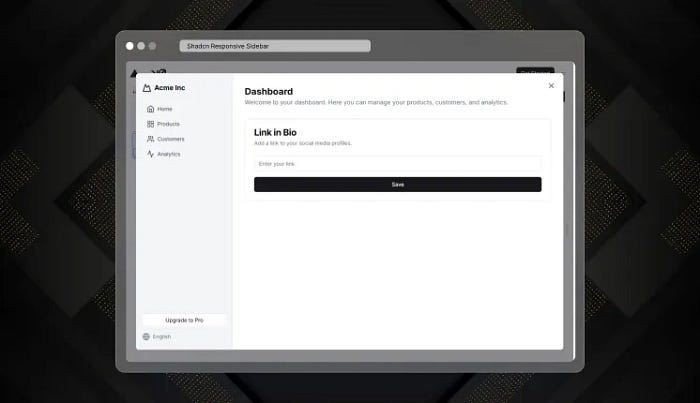
A layout that switches between fixed desktop sidebar and mobile drawer. It uses the same navigation config for both views to avoid logic duplication.
Use cases
- Cross device SaaS apps
- Mobile friendly dashboards
- Field service platforms
- Multi device enterprise tools
Explore Shadcn Responsive Sidebar
Press enter or click to view image in full size
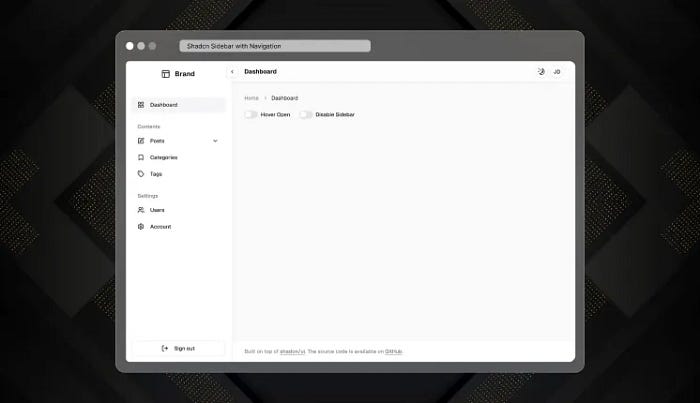
A fully config driven and modular sidebar system. Navigation data is separated from UI components. It supports dynamic routes, permissions, and feature flags.
Use cases
- Custom dashboard frameworks
- Multi product SaaS platforms
- Design systems
- Long term scalable projects
Explore Shadcn Sidebar with Navigation
Final Thoughts
In modern SaaS applications, the sidebar affects more than navigation. It controls layout persistence, routing behavior, permission logic, and long term maintainability.
If you build with Shadcn and Next.js, use a configuration driven structure from day one. It will make your codebase easier to scale and easier to maintain.
A clean sidebar architecture reduces technical debt and improves developer speed over time. That is why the sidebar is not just design. It is infrastructure.